Disable a Webhook
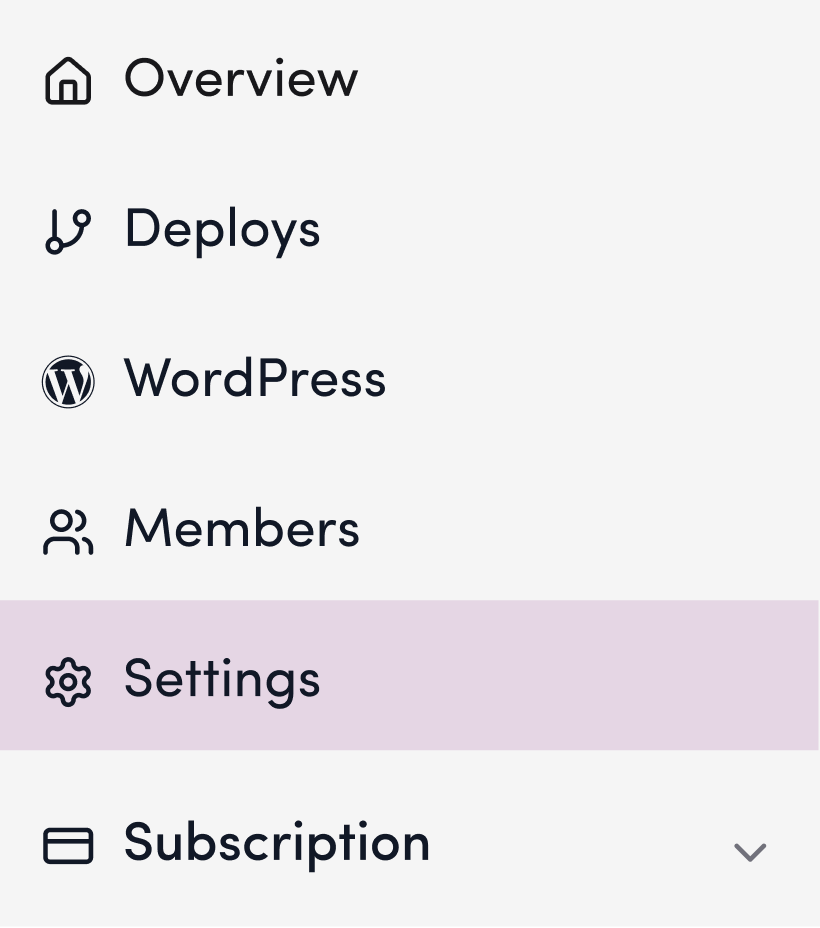
1. Click “Settings”
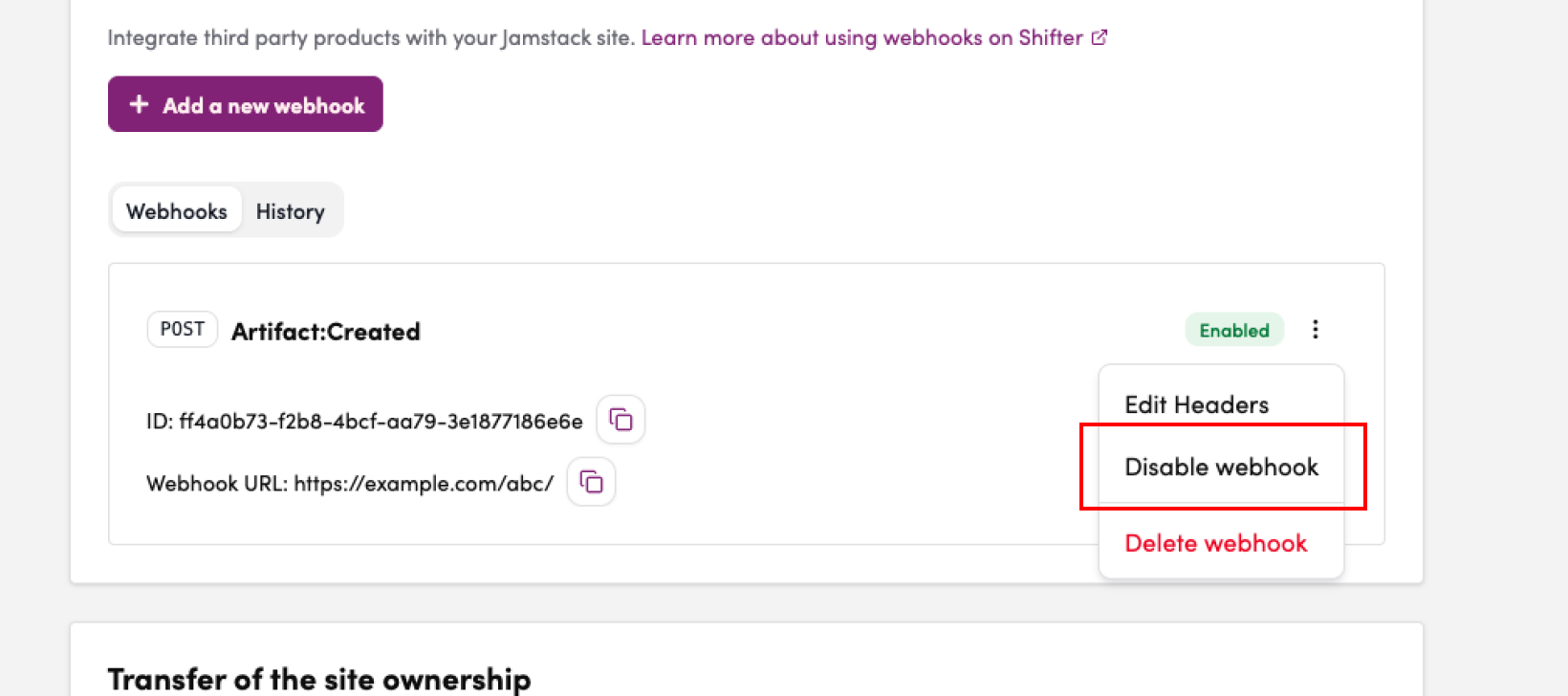
12. Click “Disable” from the menu for each webhook
12. Click the “Artifact Details” that were created
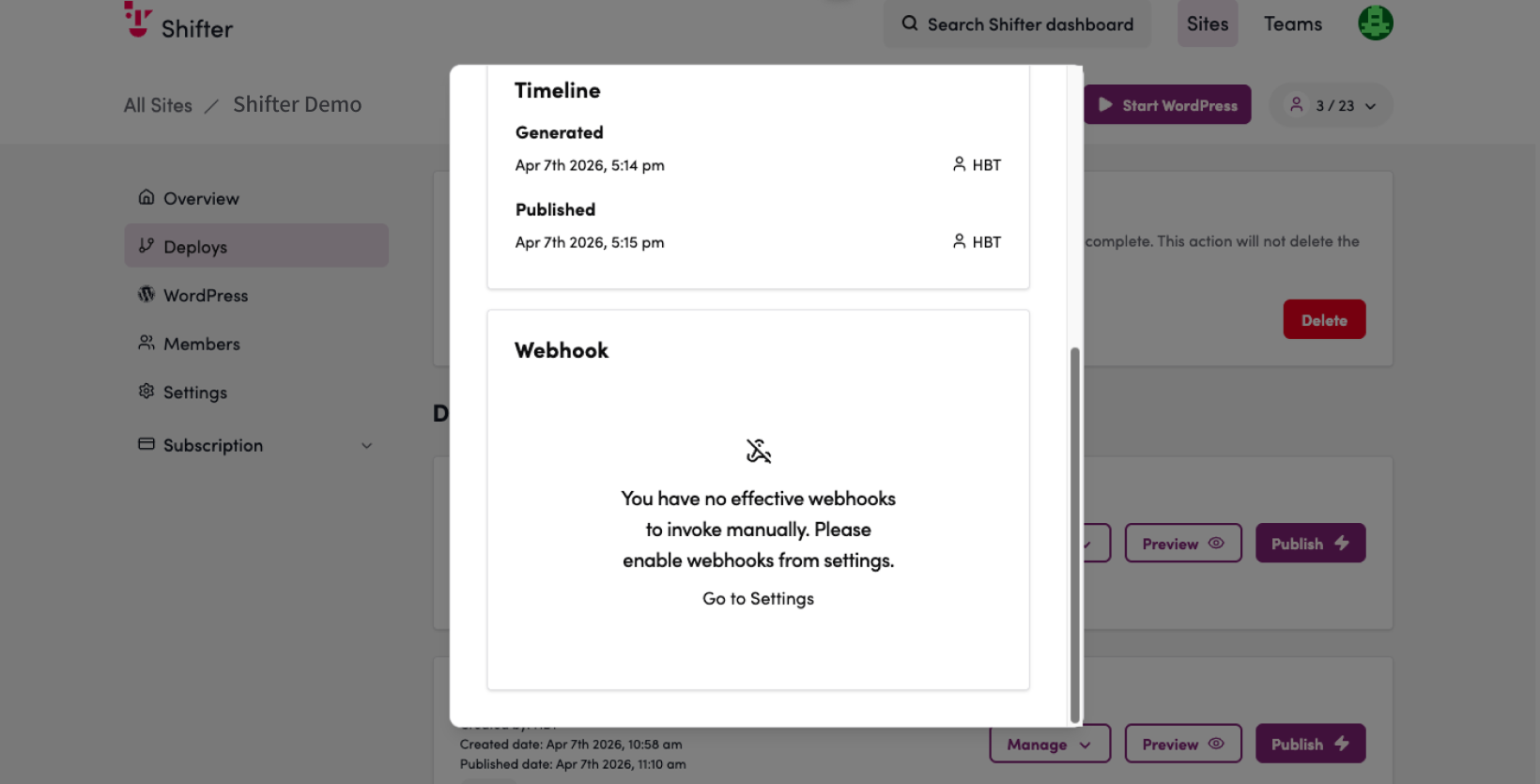
13. Verify that the message “There are no active webhooks that can be run manually. Please enable webhooks in Settings.” is displayed