
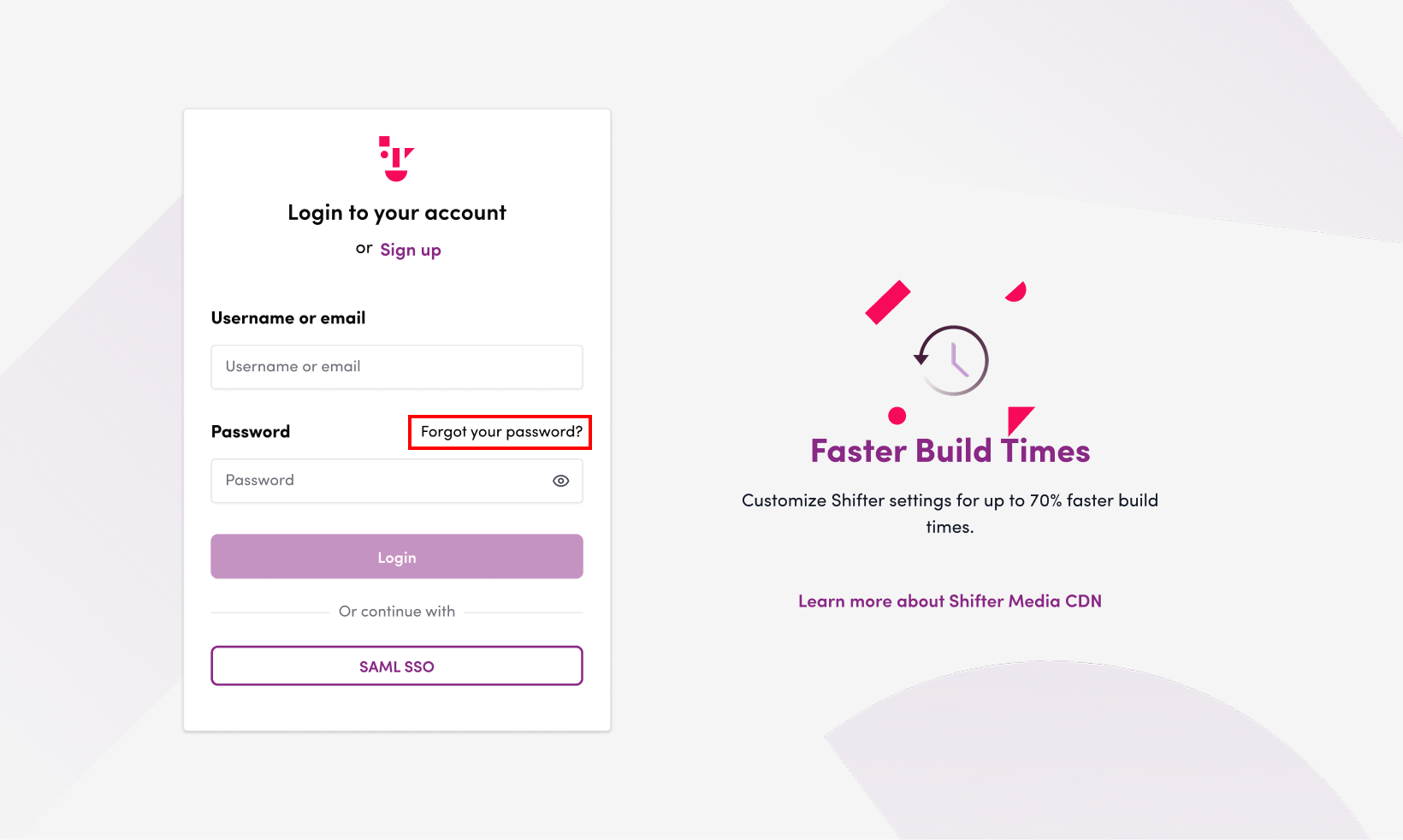
1. Go to the “Forgot Your Password?” page.
https://go.getshifter.io/forget_password
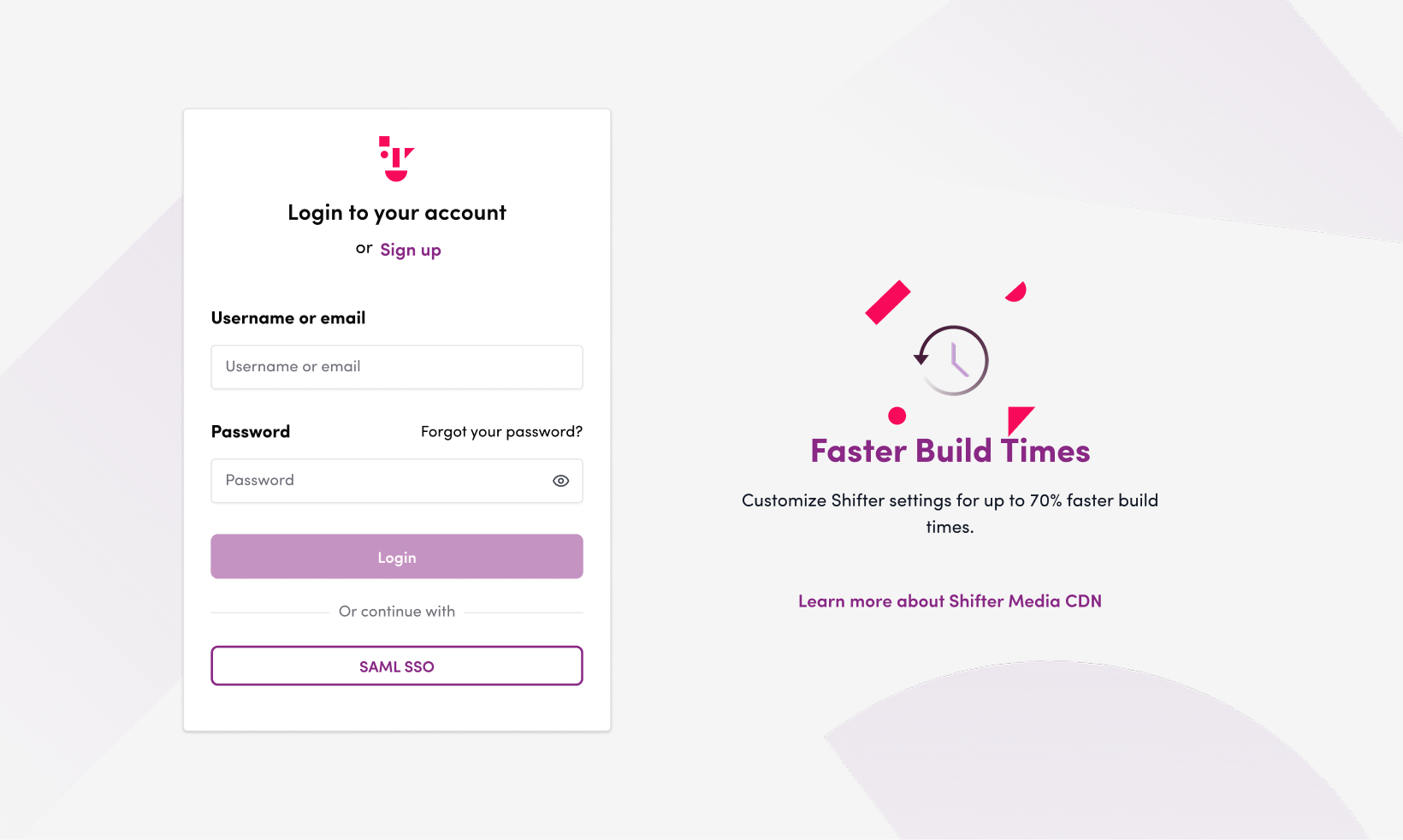
You can also access this page by clicking “Forgot Your Password?” on the Shifter login screen.
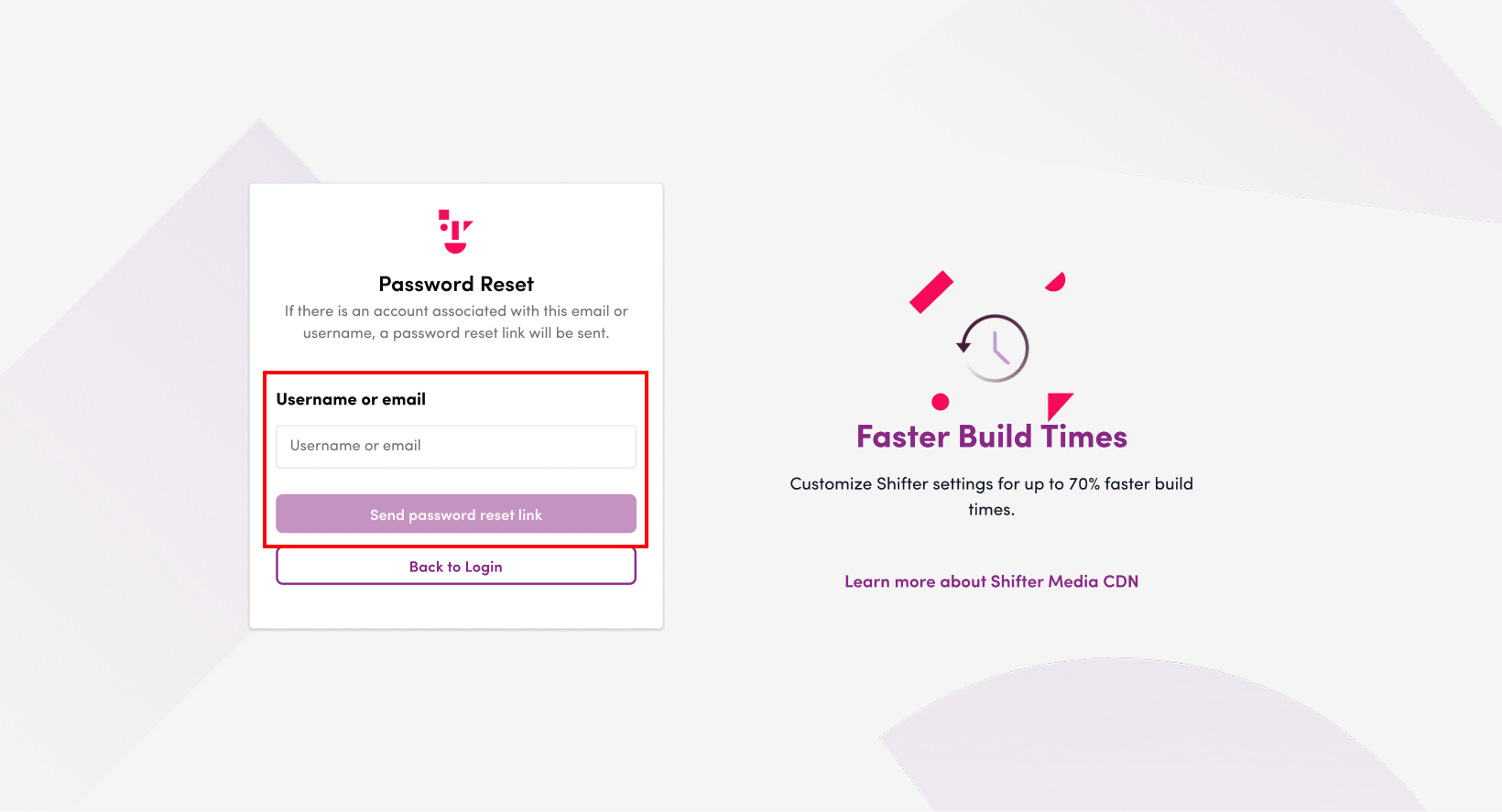
2. Enter your username or email address, then click the “Send Password Reset Link” button.
An email containing a password reset link will be sent to the email address associated with the username or email address you entered.
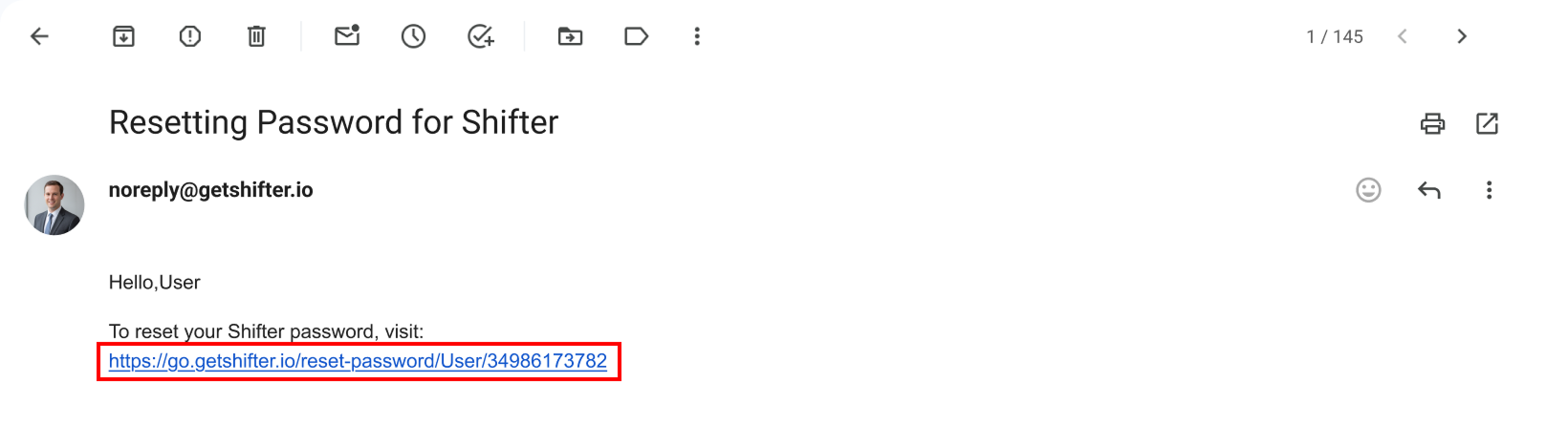
3. Click the link in the email you received.
Example email:
4. Enter your new password and click the “Reset Password” button to apply the new password.
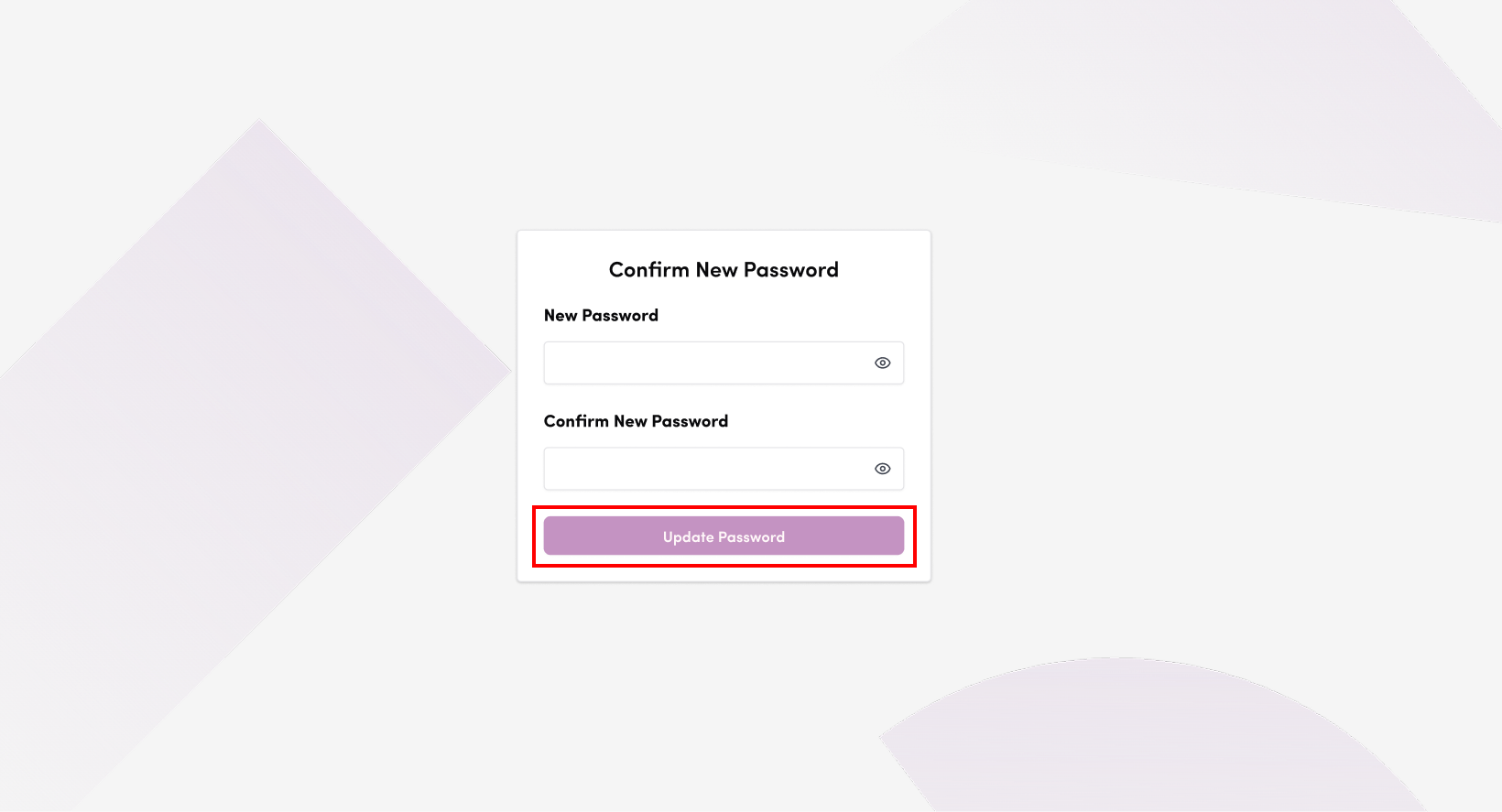
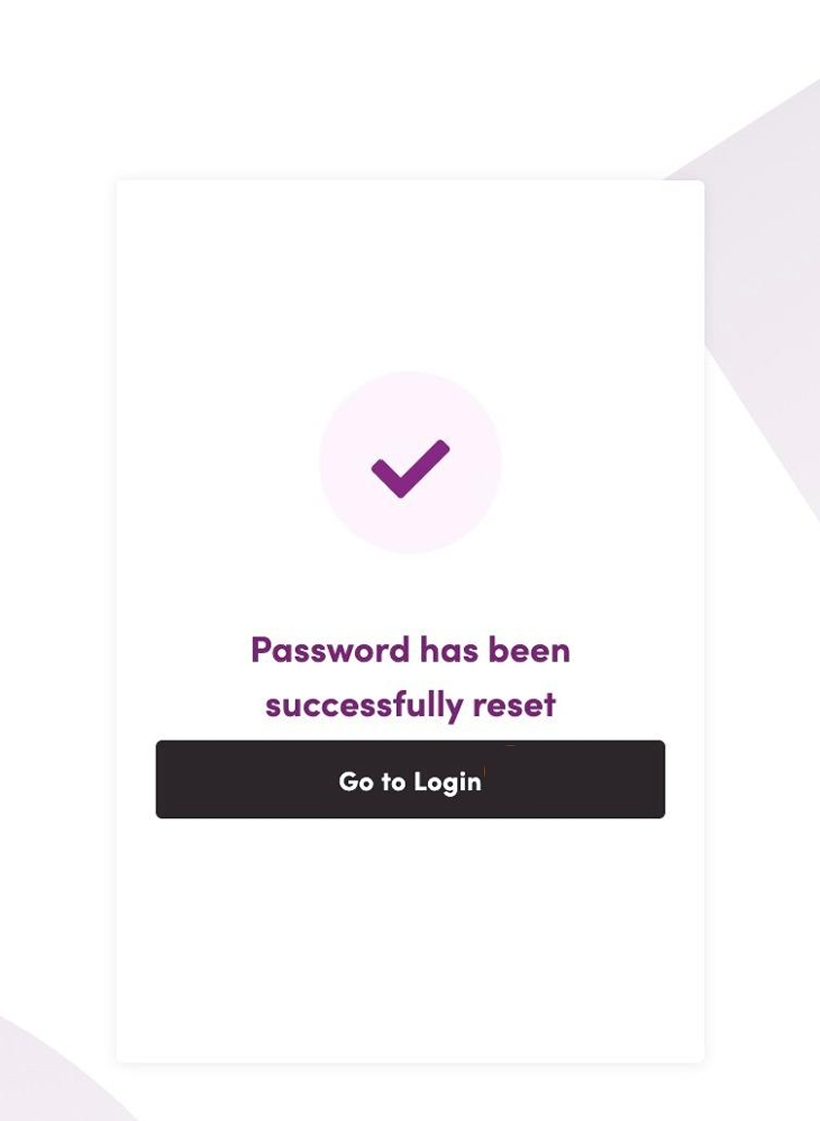
5. Click the “Go to Login” button to display the login form.
6. Enter your username or email address and your new password to log in.
For support regarding your WordPress account password, please refer to the documentation for { Shifter Magic Links }.