
Backup files do not include media that has been offloaded to Shifter Media CDN. If you want to export media from the CDN, you’ll need to do so manually in the WordPress dashboard.
How to Export Media from Shifter Media CDN
Launch WordPress, install the Export Media Library plugin, and download your media.
- Install the Export Media Library plugin
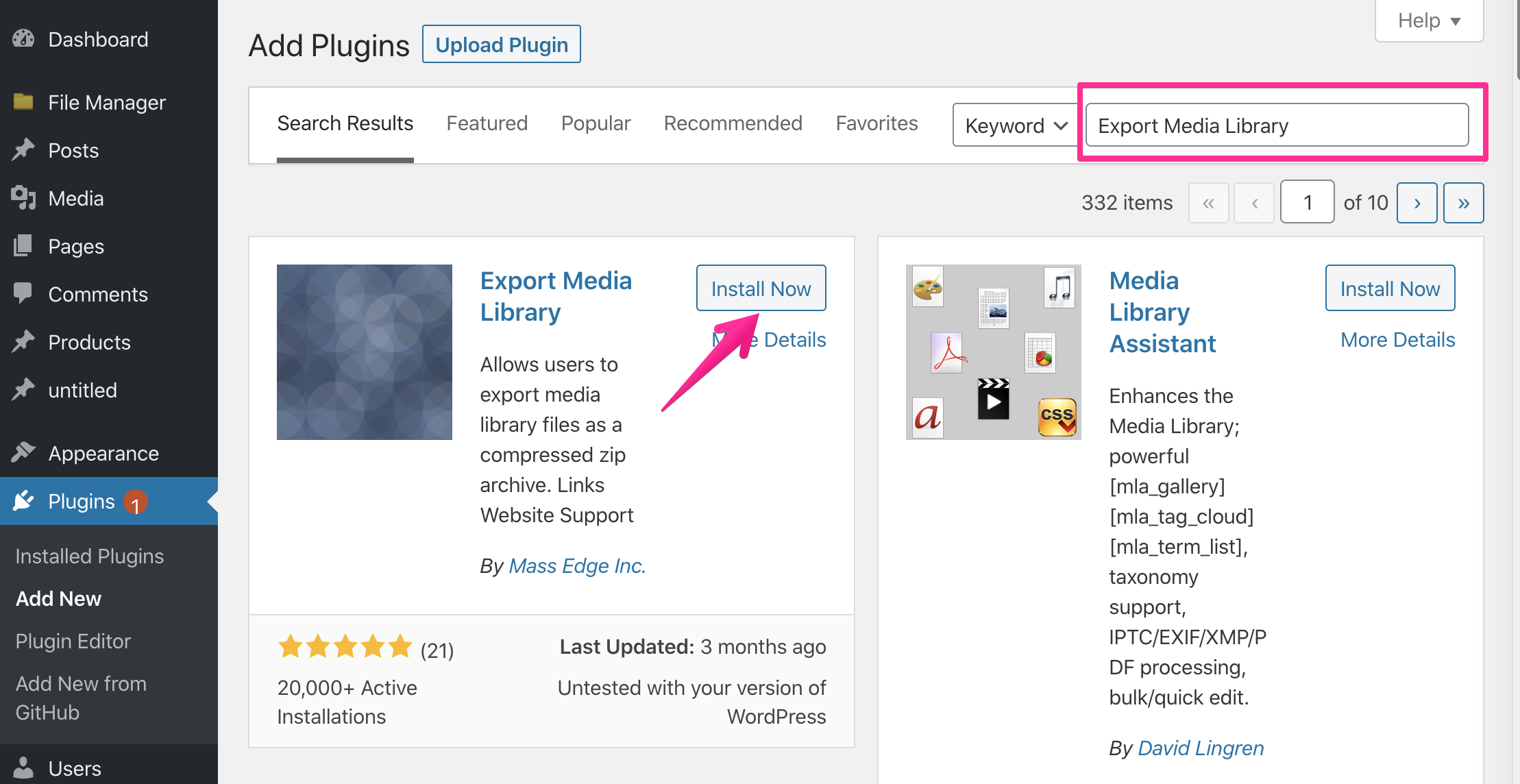
- Then activate it
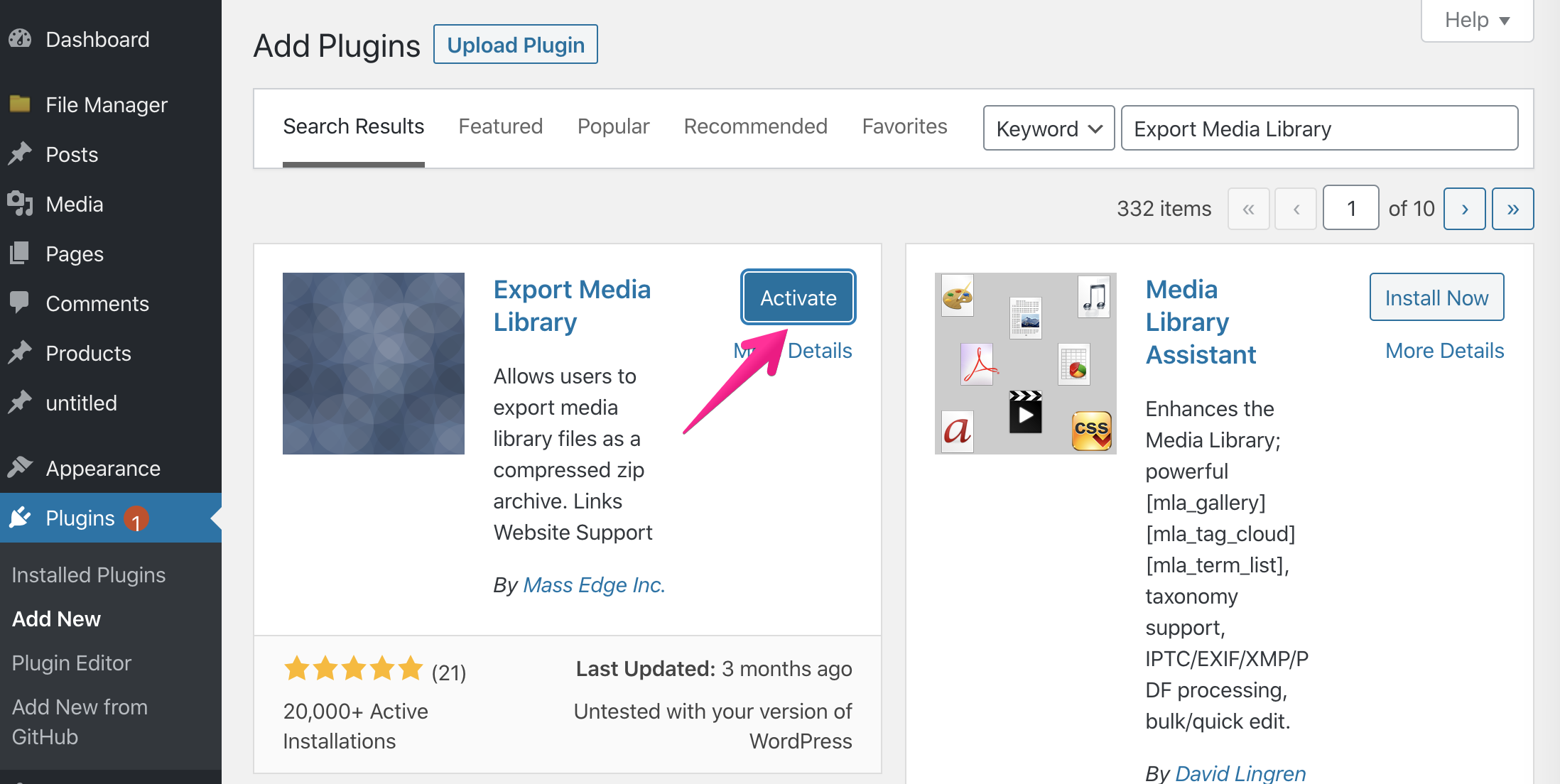
- Install the Export Media Library plugin
Export your media.
- Click [Media] -> [Export]
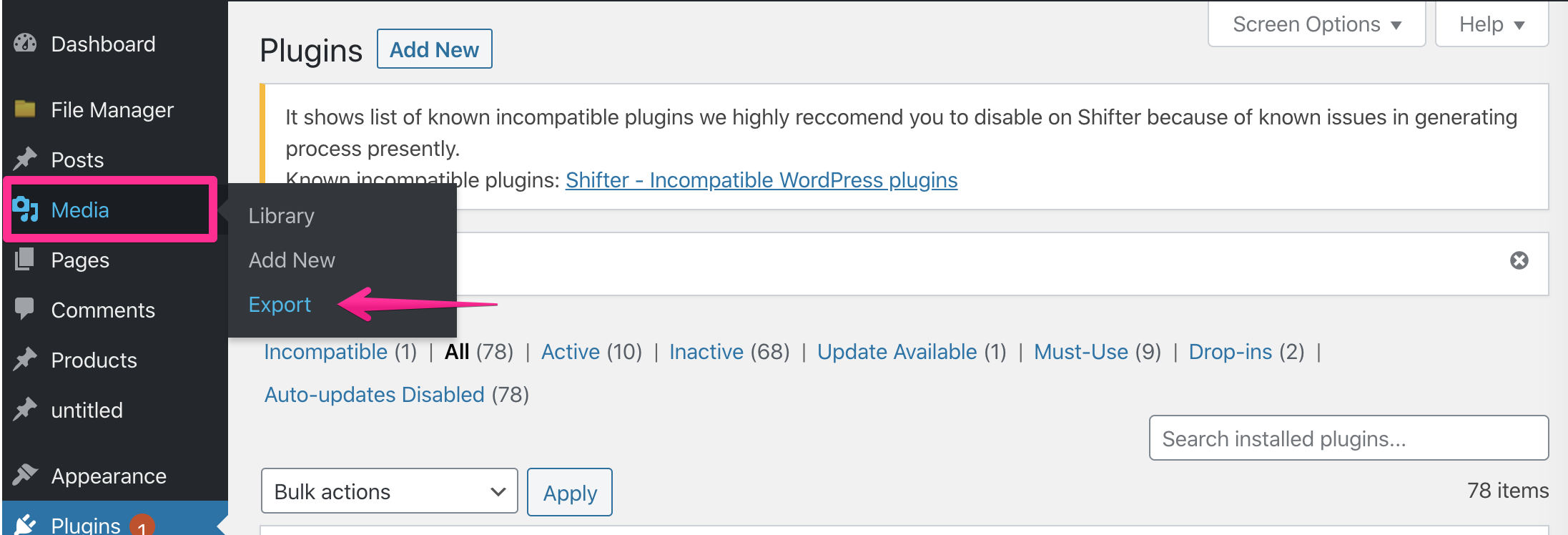
- Click [Media] -> [Export]
Download the media files.
- Click the [Download Zip] button and verify that all media has been exported
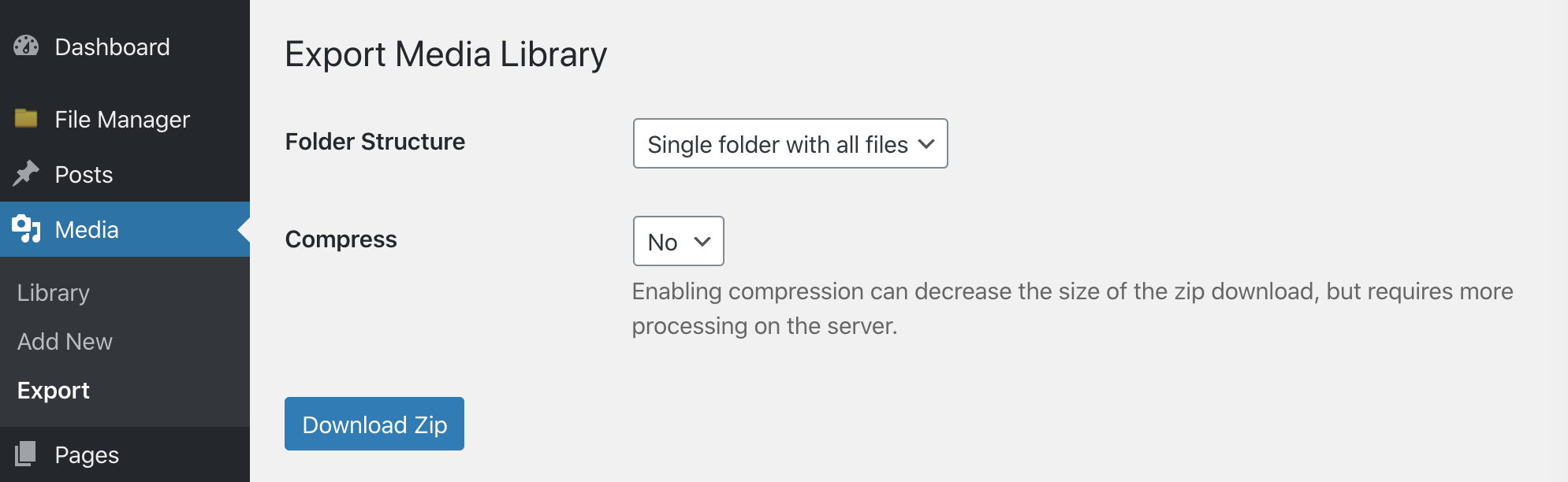
- Click the [Download Zip] button and verify that all media has been exported
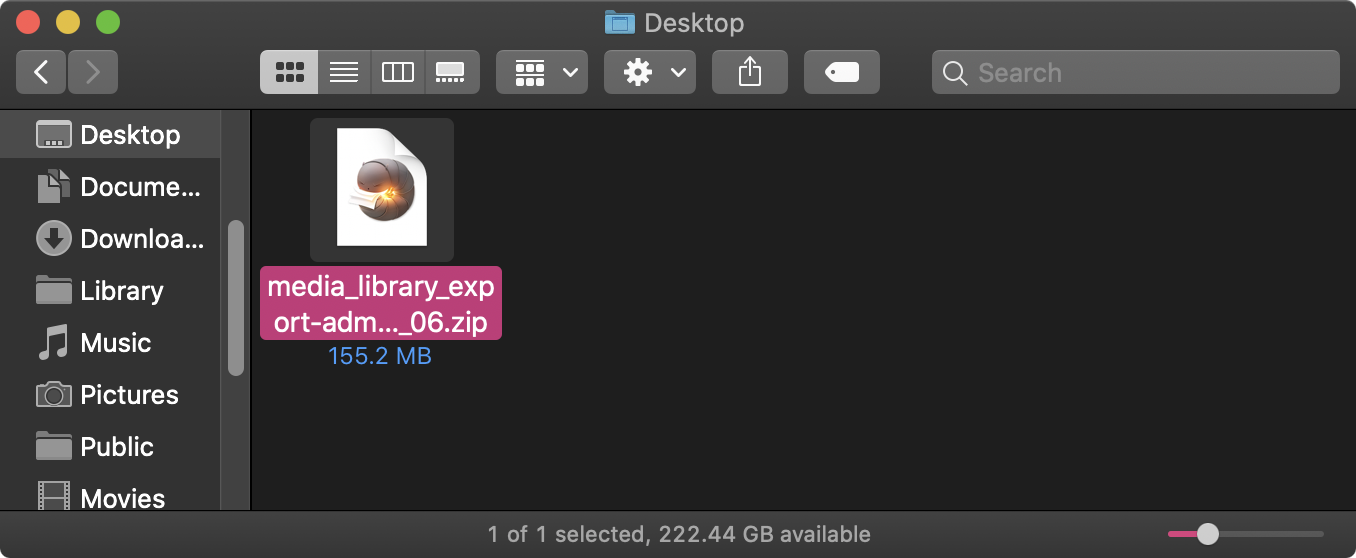
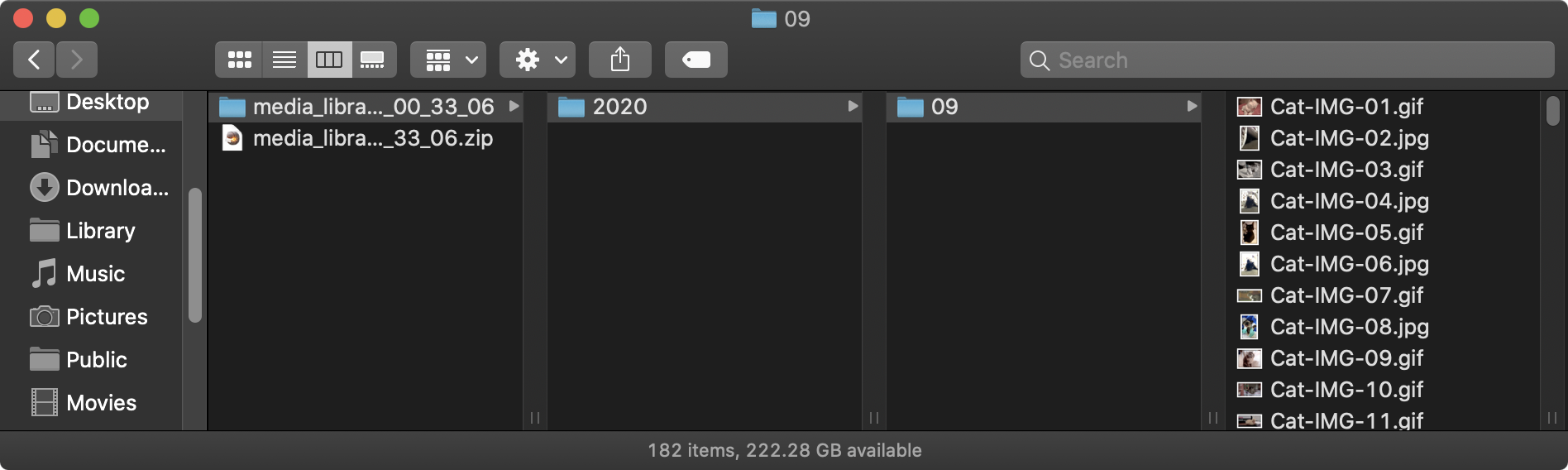
Download complete
That’s it!