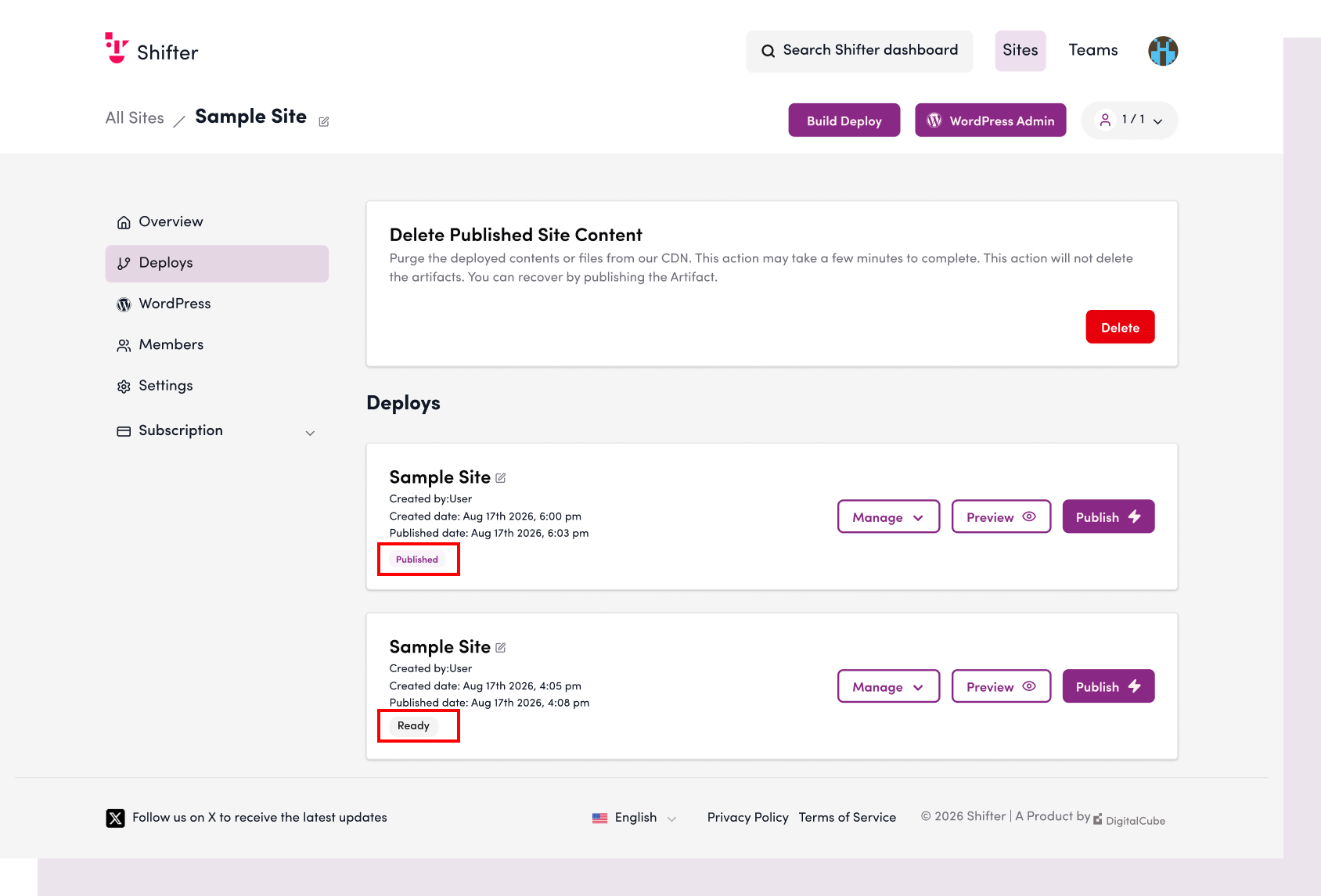
By default, Shifter is configured to automatically deploy the site once artifact generation is complete. If you do not want to deploy automatically after artifact generation is complete, but instead want to review the site and deploy it manually, please follow the steps below.
Disabling the Automatic Deployment Feature
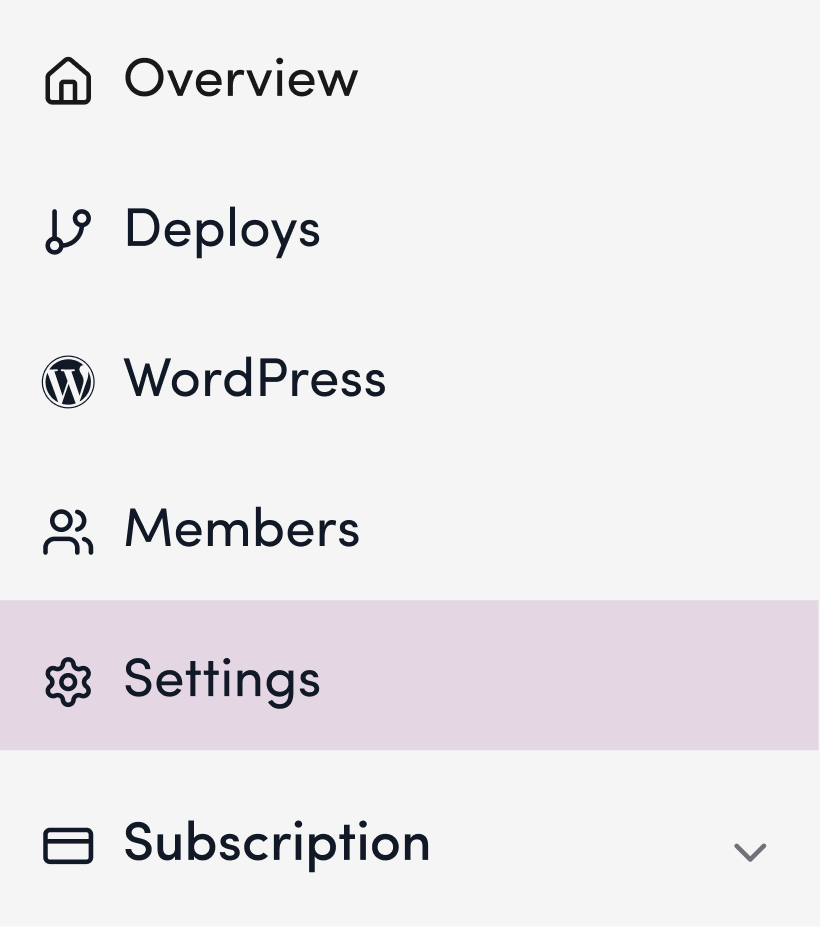
1. Click “Settings.”
2. Scroll down to “Automatic Deployment.”
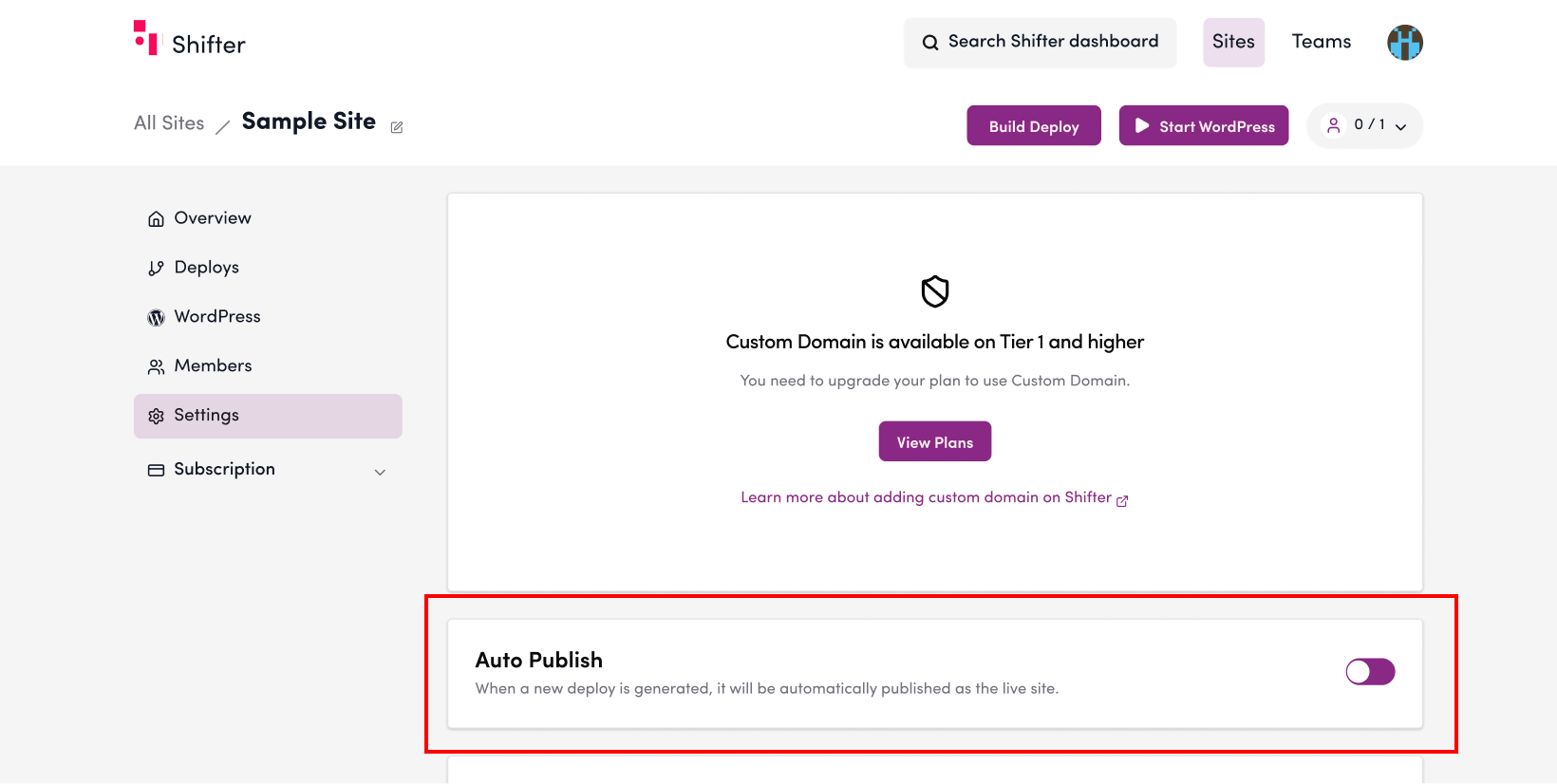
3. Set the toggle switch to OFF.

4. A message stating “Automatic deployment has been disabled” will appear.

Test Deployment
5. Click “Generate”

6. Verify that the status of the latest deployment remains “Pending”… and has not been published