
If your site needs to support multiple languages, the Polylang plugin is an excellent solution. Polylang is currently one of the most popular WordPress plugins for easily creating content in multiple languages on a single site. Since Shifter is a static site generator, there are a few things to keep in mind when using Polylang with Shifter. This article explains the steps to set up Polylang to work with Shifter.
Steps
1. Install Polylang
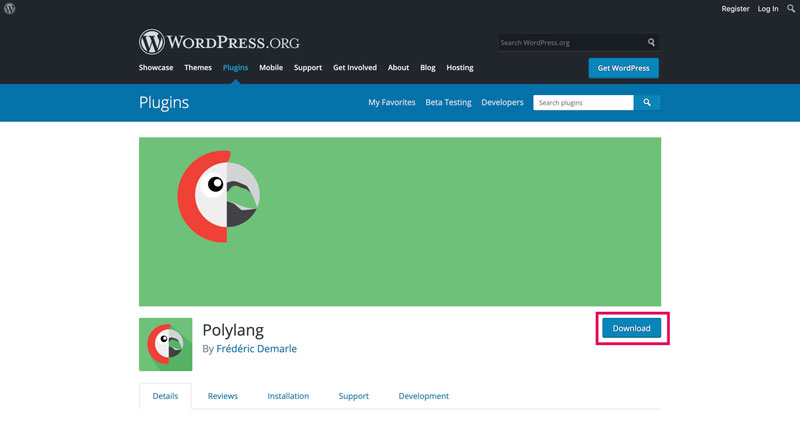
You can download Polylang here, or search for and install the plugin directly from your WordPress dashboard. Once you’ve installed Polylang, be sure to activate it.
2. Check Polylang Settings
Currently, Shifter only supports Polylang’s default URL settings. Go to Language > Settings > Change URL to review Polylang’s URL settings and ensure these options are selected during setup.
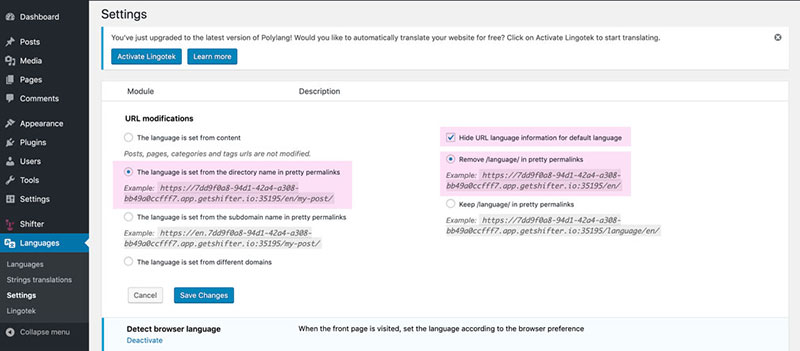
Note: Changing these settings is known to interrupt Shifter’s staticization process. If your site fails to generate artifacts, please check these settings and ensure they are set to their defaults.
Summary
That’s it! If you wish to change any other settings, be sure to consult the Polylang documentation.