
Typeform is a service that lets you easily create surveys and forms. It also offers a WordPress plugin, so you can integrate it with your site! Let’s set it up.
Setup Instructions
Step 1: Set up a Typeform account and create a form or survey.

Typeform
Step 2: Get the form’s URL.
- Click the [Share] menu.
- Click the [Copy] button.
Step 3: Install the plugin
Search for “Typeform,” then install and activate it.
Step 4: Create a new post or page for Typeform.
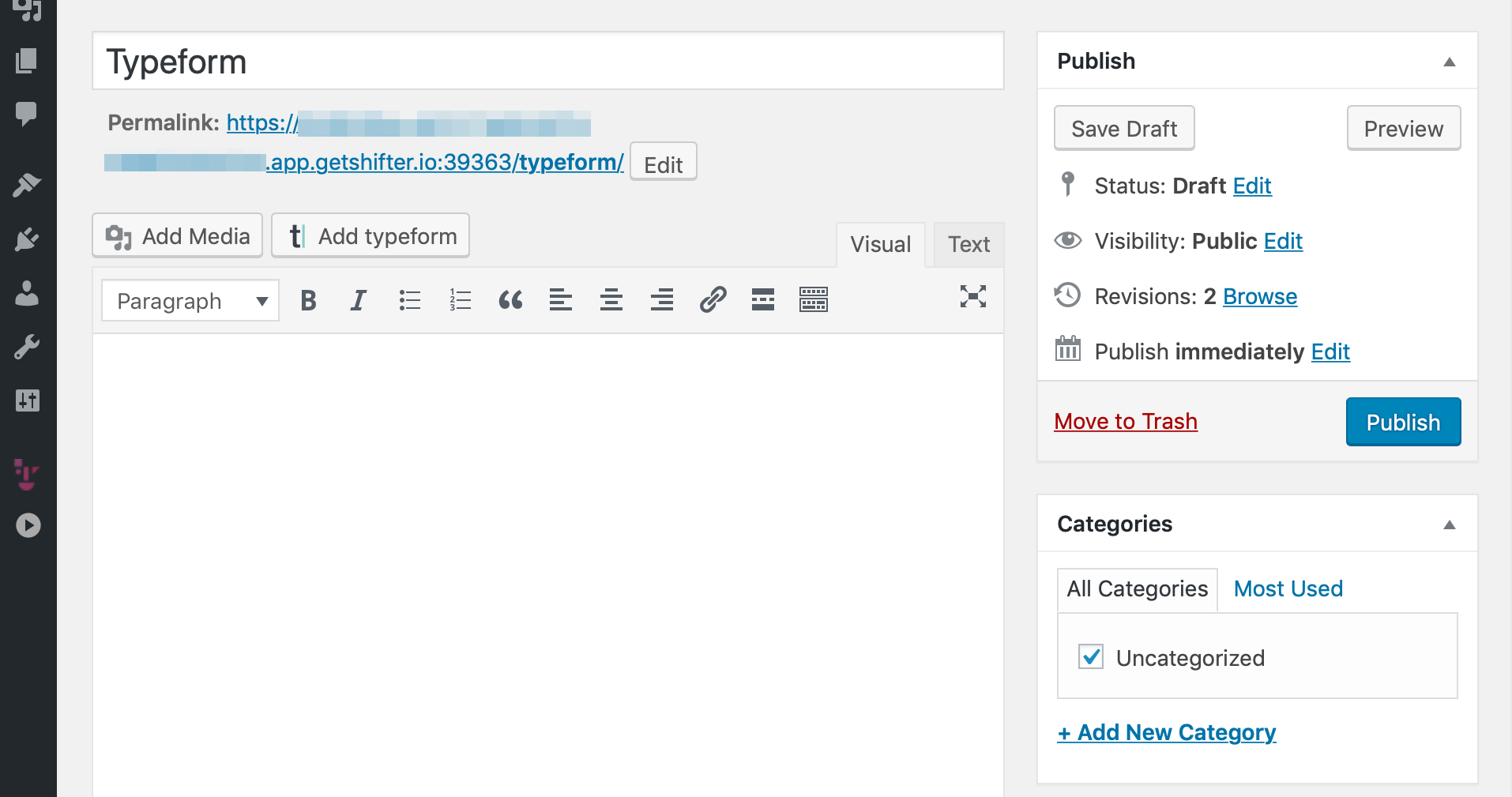
Step 5: Click the [Add Typeform] button to add the form.
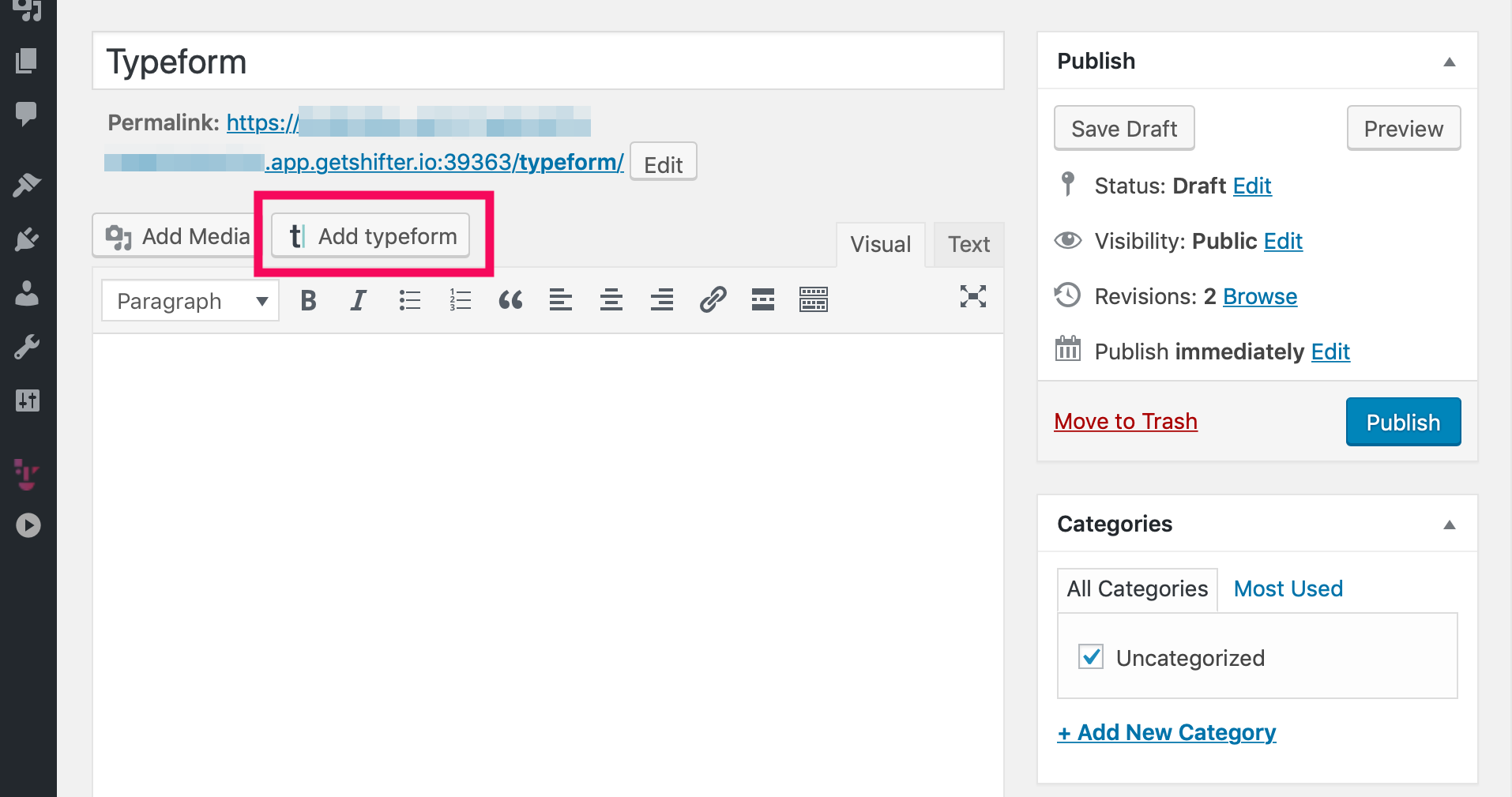
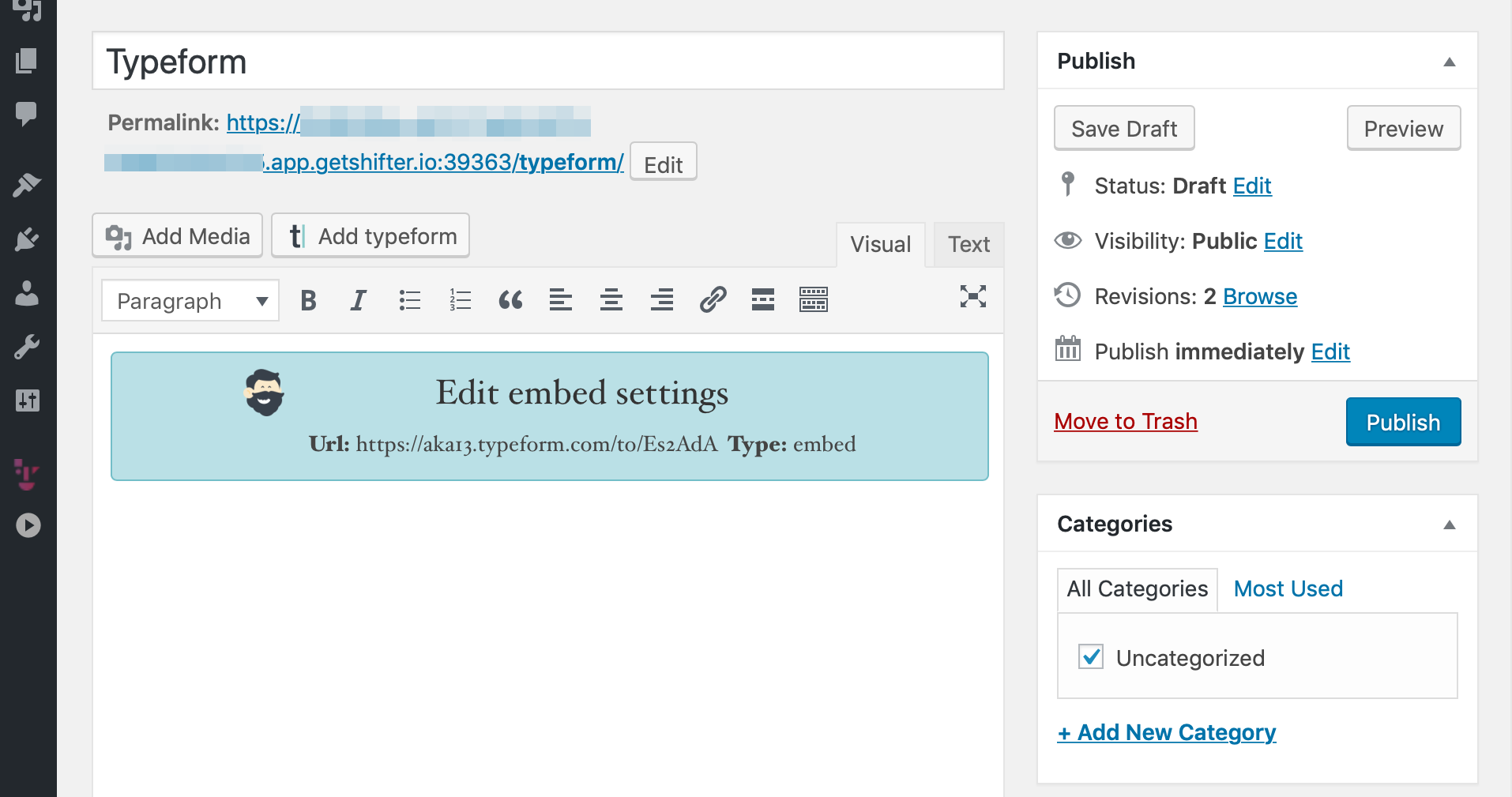
Step 6: Paste the Typeform URL.
Enter the URL of your existing Typeform and click [OK].
Step 7: The form is now set up. Publish it and give it a test run.
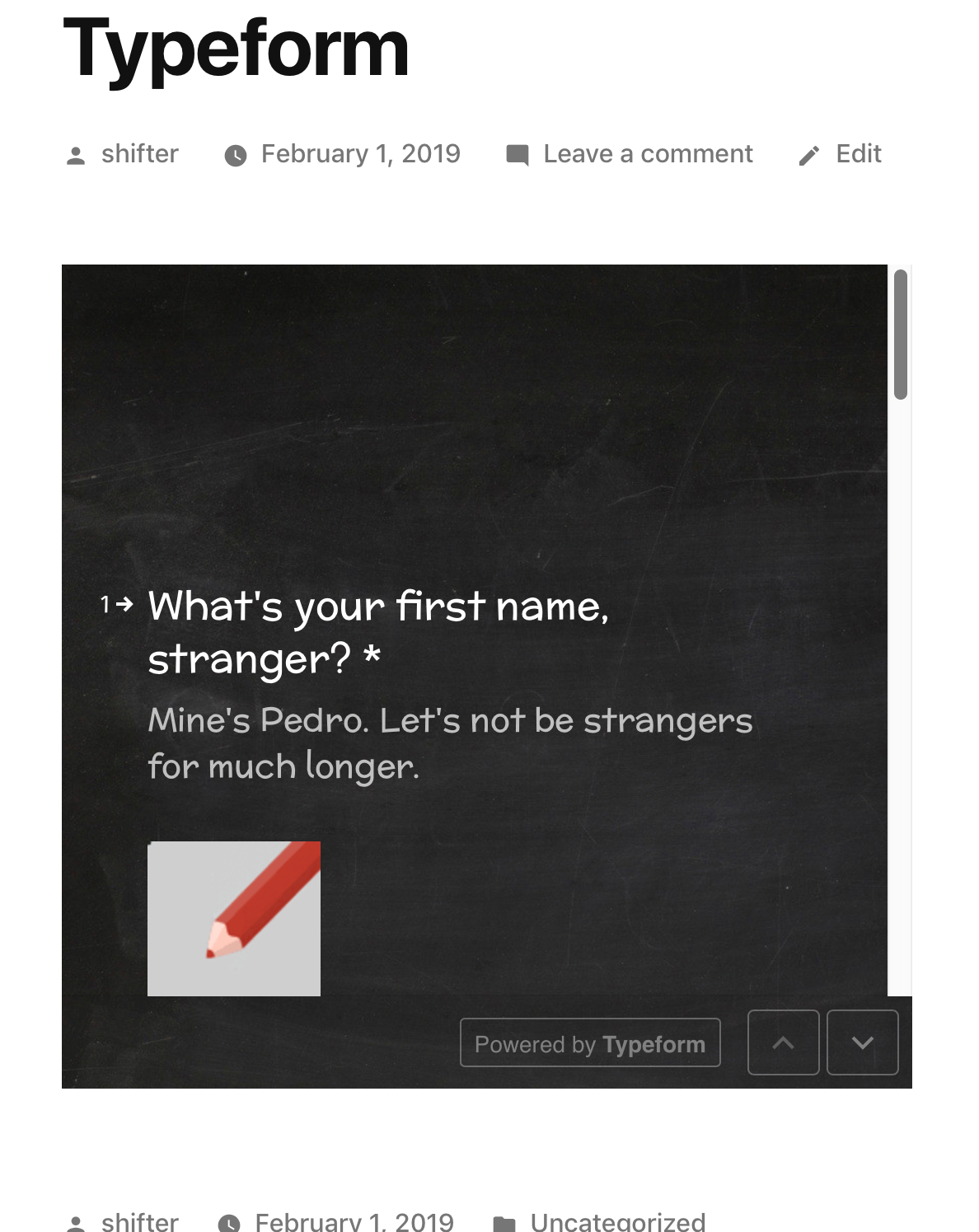
Step 8: If everything looks good, generate and publish it.

That’s it!