
What is Algolia?
Algolia is a high-performance search system that includes keyword suggestion and search result sorting features. After installing the plugin, you can connect your WordPress site to Algolia and run Shifter via the Algolia API.
Configuring Algolia
Configuring Algolia in Shifter
Follow the steps below to configure Algolia in Shifter.
- Create an Algolia account
- Log in to the WordPress dashboard on Shifter
- Install the “WP Search with Algolia” plugin
- Configure your Algolia credentials
- Import post data into Algolia
- Configure the search form
- Generate your site from the Shifter dashboard
Create an Algolia Account
Algolia offers a free trial and a free plan.

Select [API Keys] from the left-hand menu.
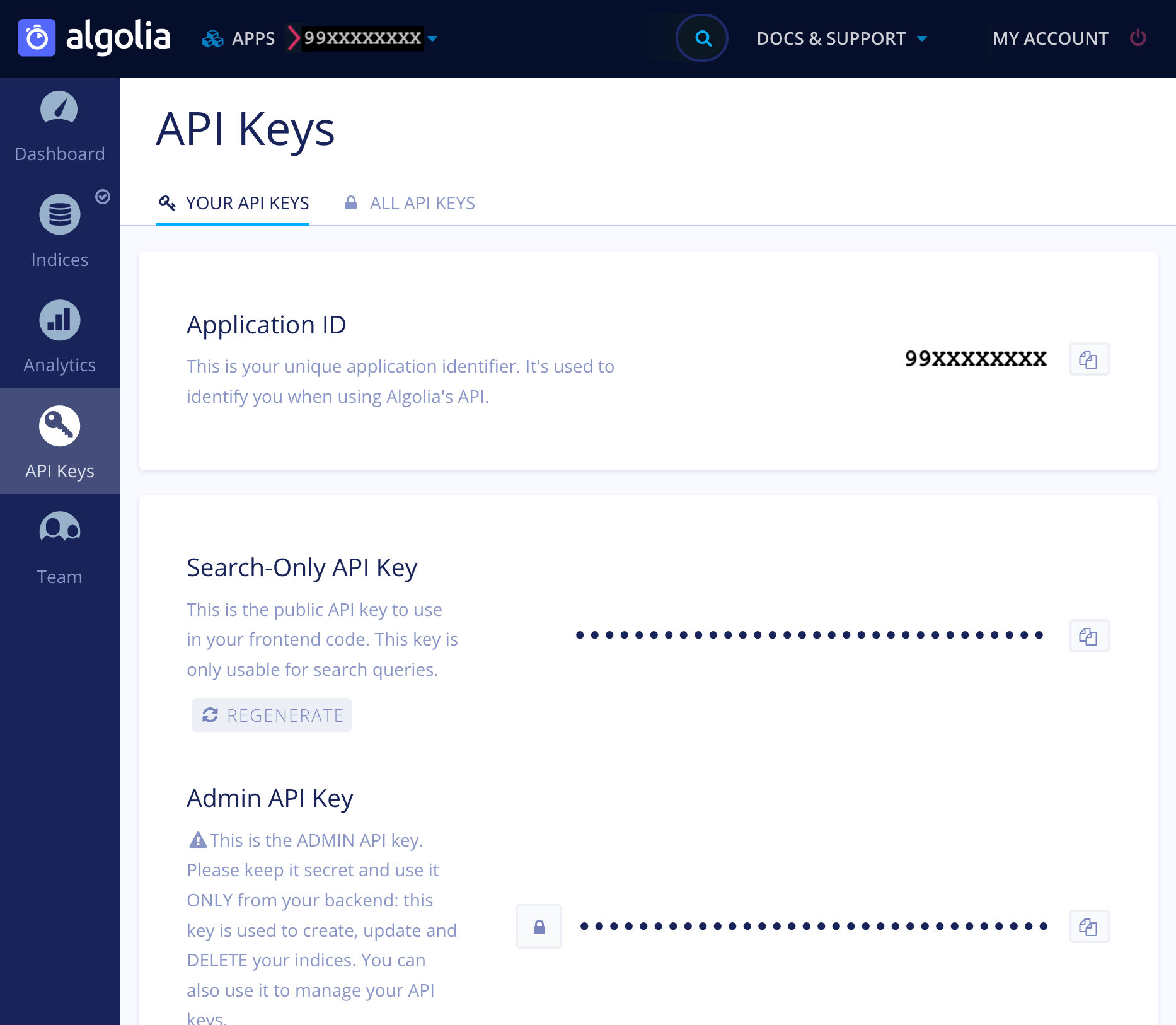
Copy the following three keys required for the plugin configuration:
- Application ID
- Search-Only API Key
- Admin API Key
Log in to the WordPress dashboard on Shifter
Let’s install the Algolia plugin on Shifter. Open the WordPress dashboard in your browser and log in.
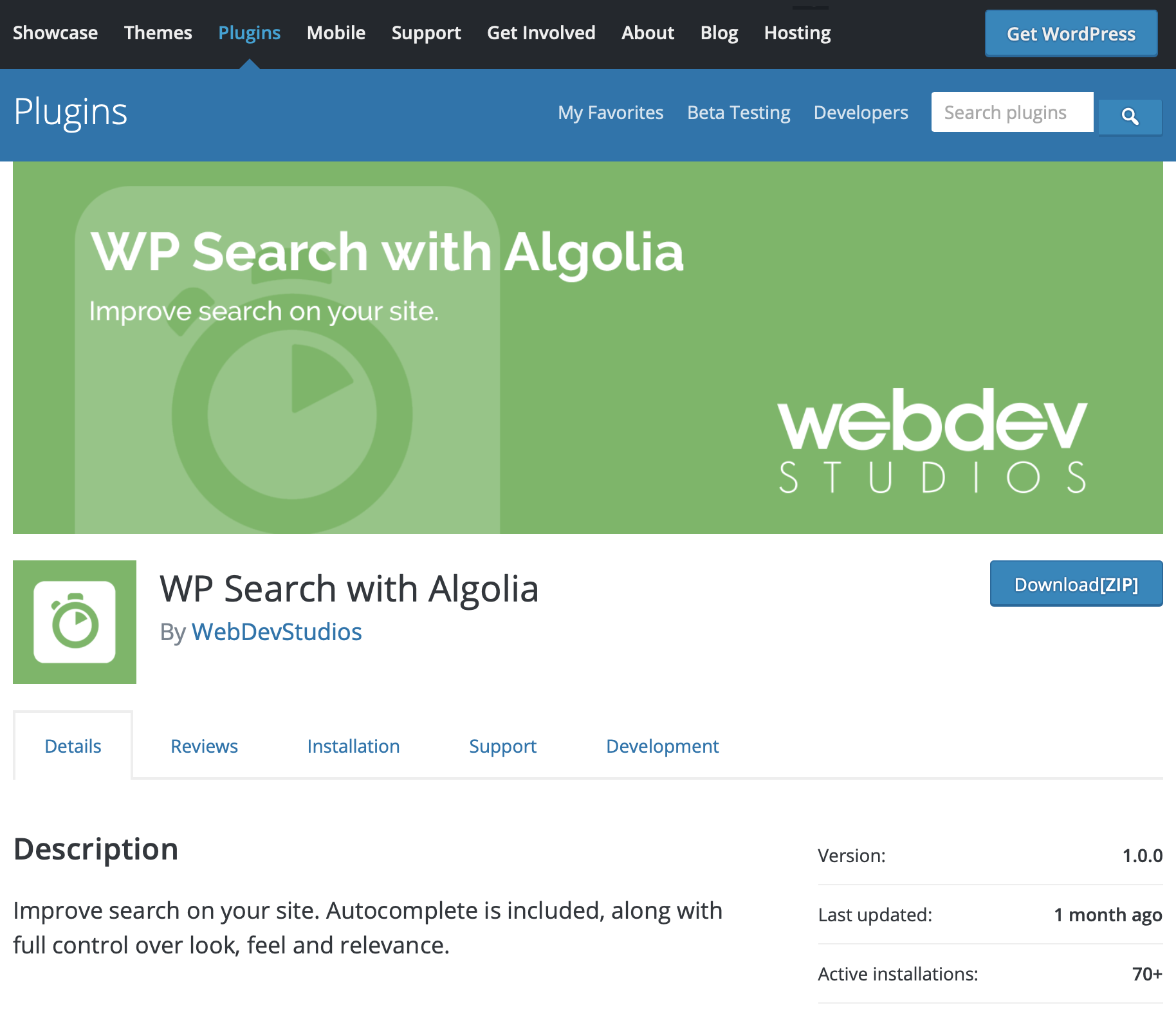
Install the “WP Search with Algolia” plugin
Install the Algolia plugin to replace WordPress’s default search functionality with Algolia.
Configure Algolia credentials
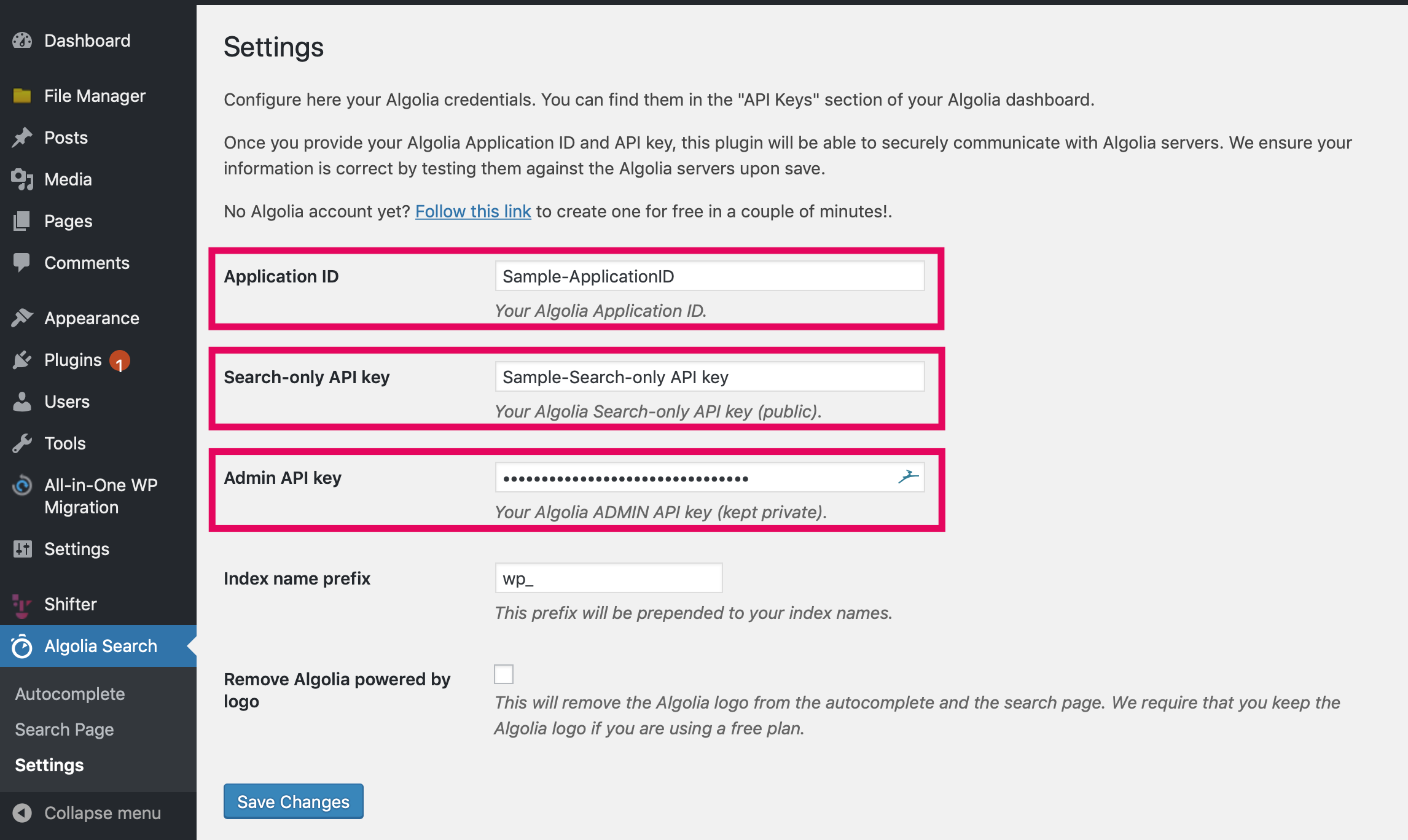
Click [Algolia search] to complete the initial setup. Enter the “Application ID,” “Search-Only API Key,” and “Admin API Key” you copied from the Algolia Management page.
Configuring the Search Form
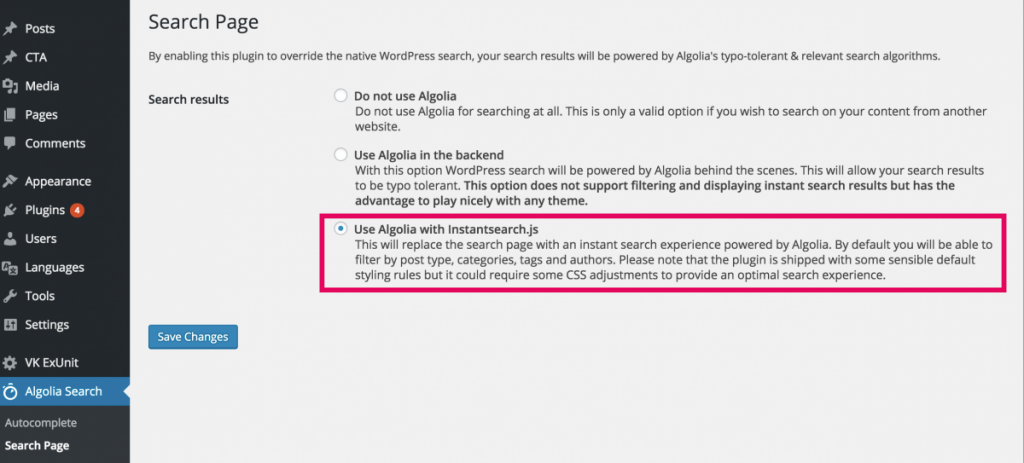
On the [Search Page], select [Use Algolia with Instantsearch.js].
Configuring Autocomplete
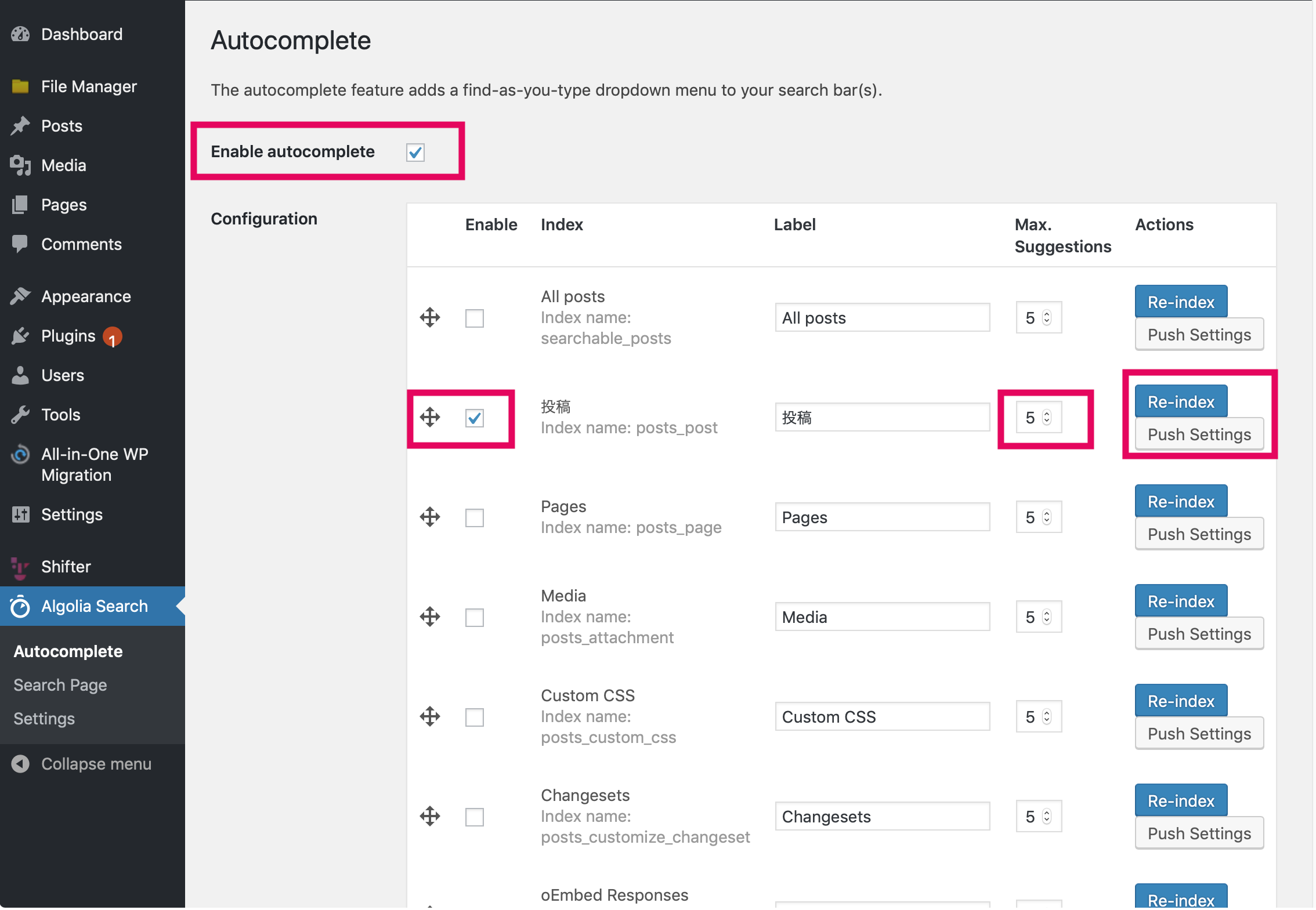
On the [Search Page], you can change the search engine to either native WordPress or Algolia. Next, enable [Autocomplete] and configure [Index], [Max. Suggestions], and [Positions]. If you are a Shifter customer using Algolia on Shifter, be sure to enable this autocomplete feature.
Generating a Site from the Shifter Dashboard
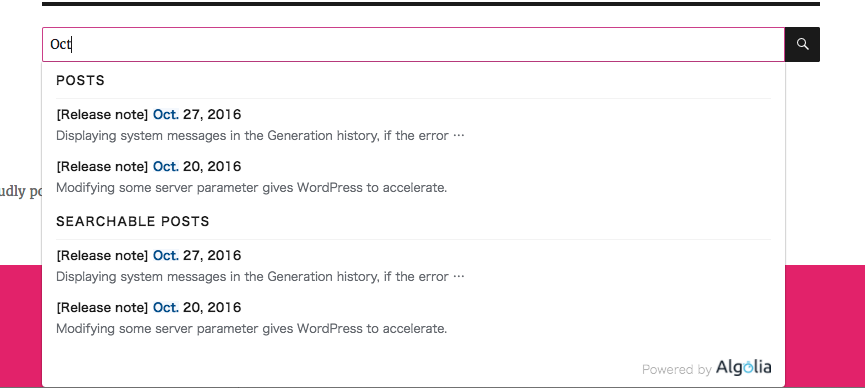
As a final step, generate a new site from Shifter. Click the [Generate] button and visit the newly created site. When you enter characters or words into the search form, Algolia’s autocomplete feature will display search results without you having to click the search button or press the Enter key.
Interested in the cloud search service Algolia? Sign up for Algolia!