
1. Go to your site’s admin panel
2. Click the “Settings” menu [[]]
![Screenshot: Click the “Settings” menu [[]]](/wp-content/uploads/2026/10/en_1-register-a-domain-name-on-the-shifter-dashboard_1.png)
3. Scroll down to the “Custom Domain” section
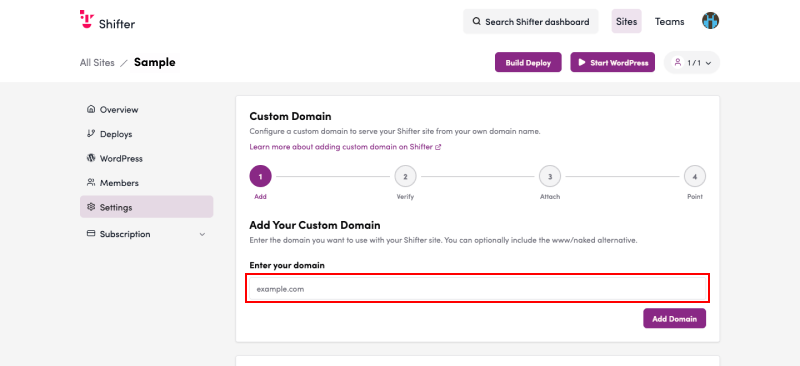
4. Enter the domain you want to set up
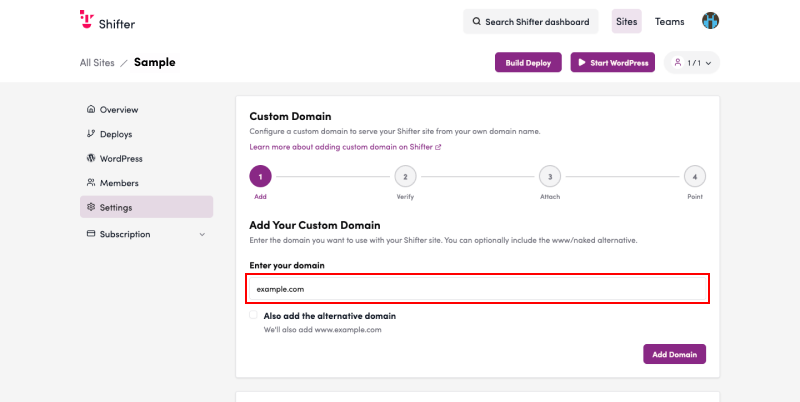
5. If you also want to register the “www” subdomain, check the box next to “Add the ‘www’ subdomain as well”
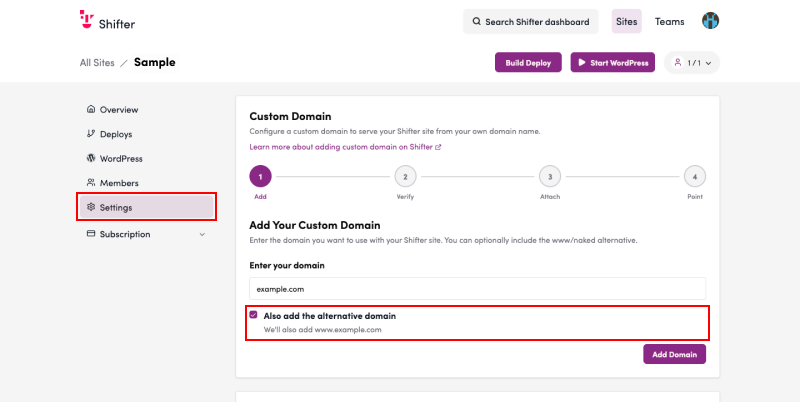
You can only add an alternative domain if you enter a naked domain or the “www” subdomain.
6. Click “Register Domain”
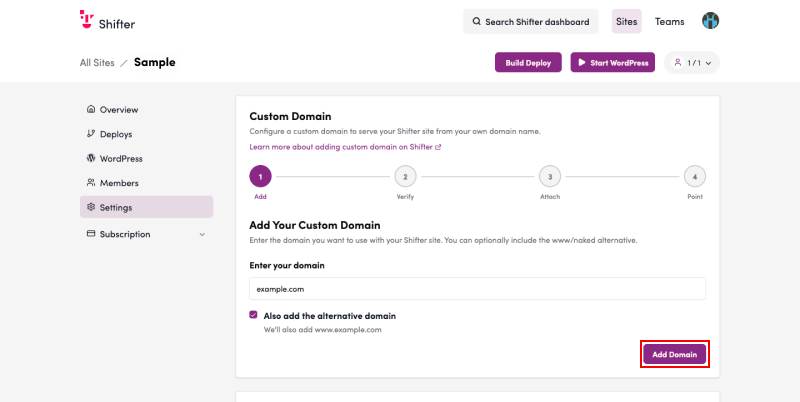
7. If “Domain added successfully” appears, registration was successful
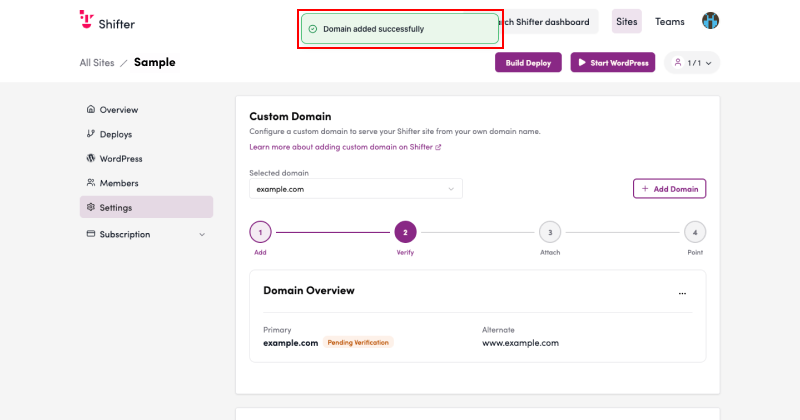
8. Check the “Domain Overview” to confirm that the domain name you entered has been registered correctly
Since the status is “Pending Verification,” example.com and its alternative domain, www.example.com have both been registered and are awaiting ownership verification.
There are four domain statuses: Pending Verification, Verification Complete, Ready, and Failed
9. Copy all the names and values in the “Verify Domain Ownership” section
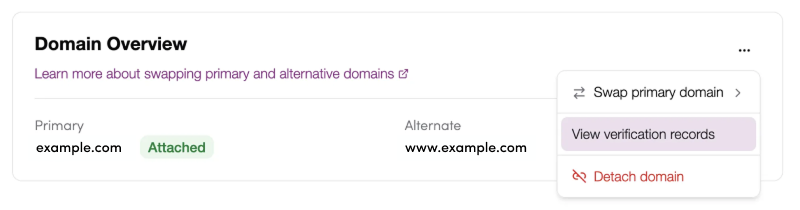
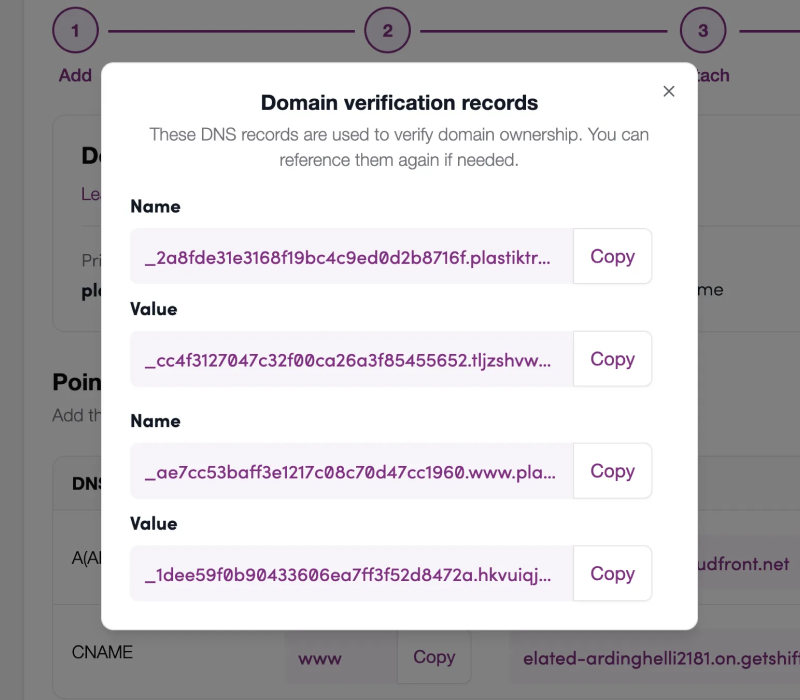
Next Step
Register the verification DNS records with your DNS server Proceed