
This simple Basic authentication feature is useful when you want to share a website under development only with specific external parties.
Terms and Limitations
- This feature is available on all paid plans!
- Simple Basic authentication applies to the entire published static site. It cannot be used to authenticate access to specific pages only.
- Please note that this authentication does not grant access to the Shifter dashboard.
- Only one password is automatically generated. This password cannot be changed.
- Authentication is controlled by the Shifter CDN. There may be a delay of a few minutes before this setting takes effect.
Enabling/Usage
1. Open the Shifter dashboard for the site where you want to set up Basic Authentication
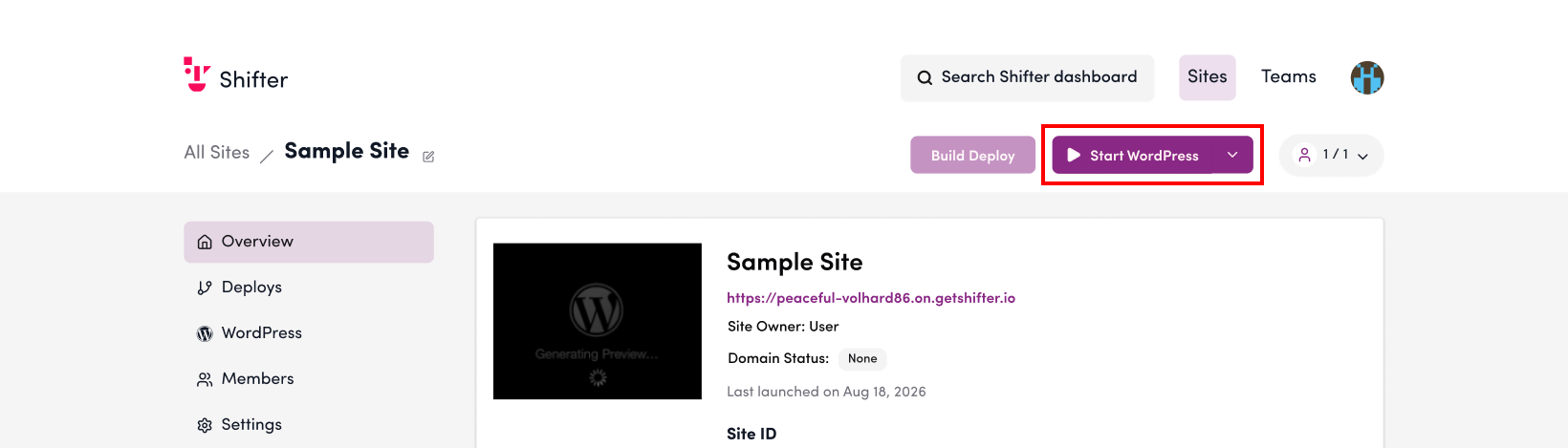
2. Click “Settings”
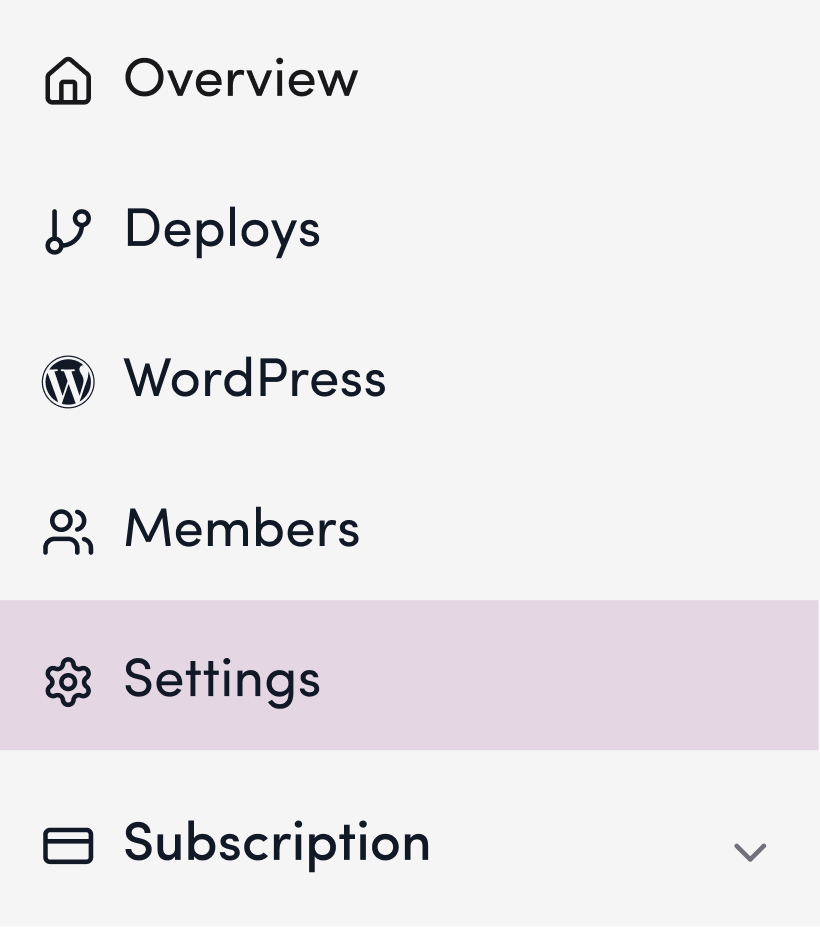
3. Scroll down to “Basic Authentication”
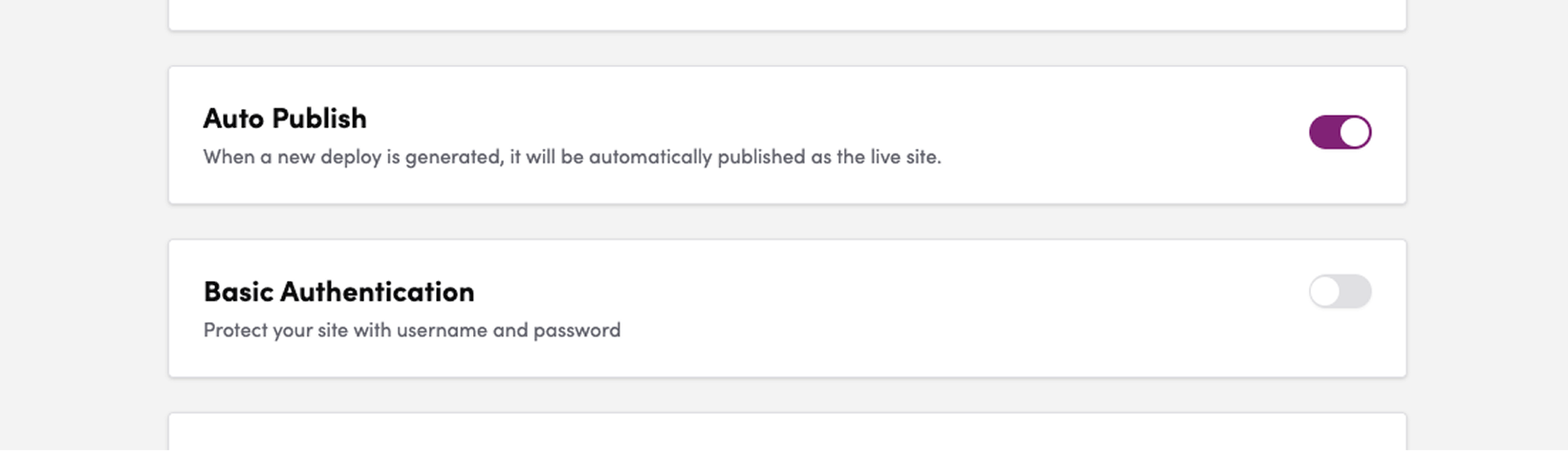
4. Toggle the switch to ON
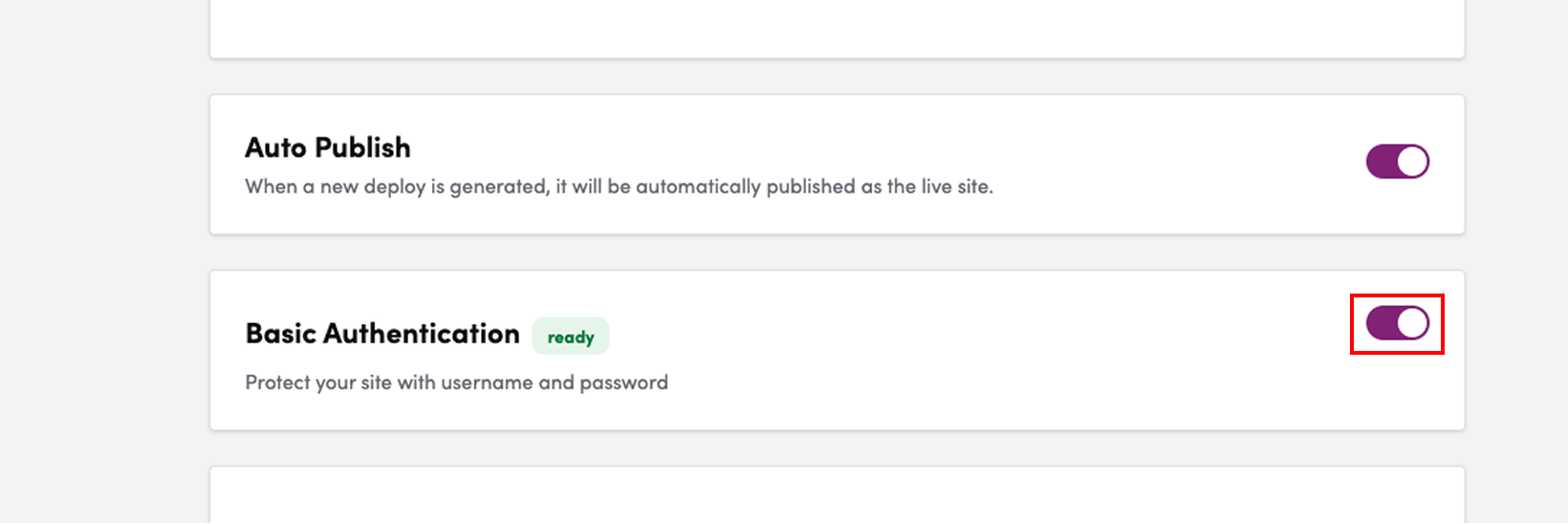
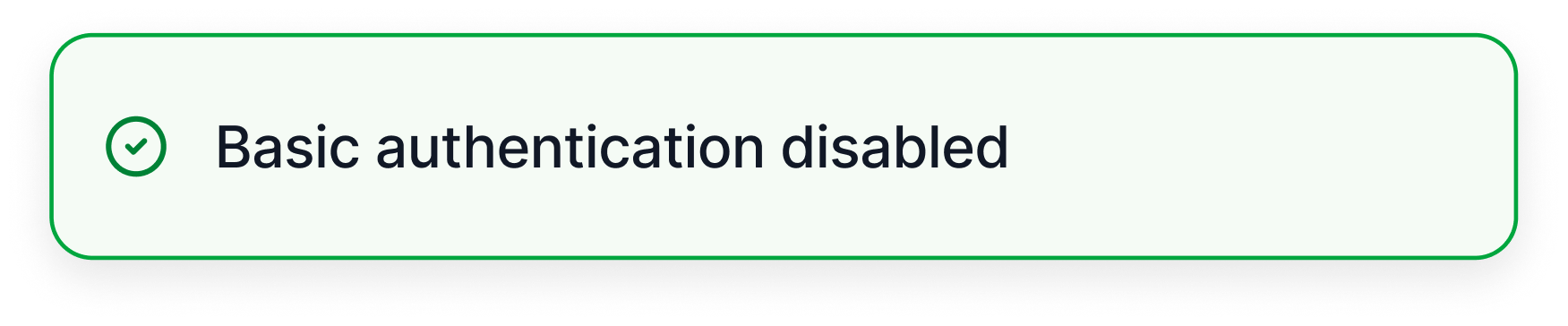
5. A message stating “Basic Authentication has been enabled” will appear
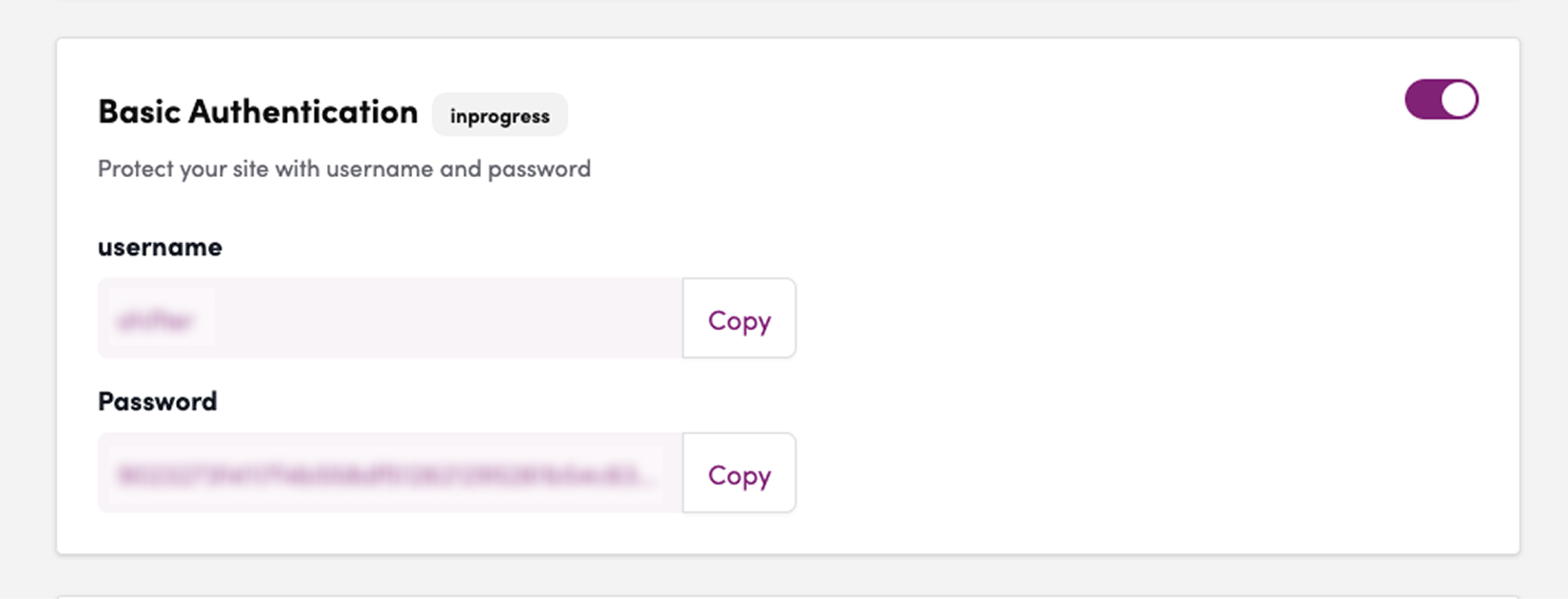
6. The username and password will be displayed
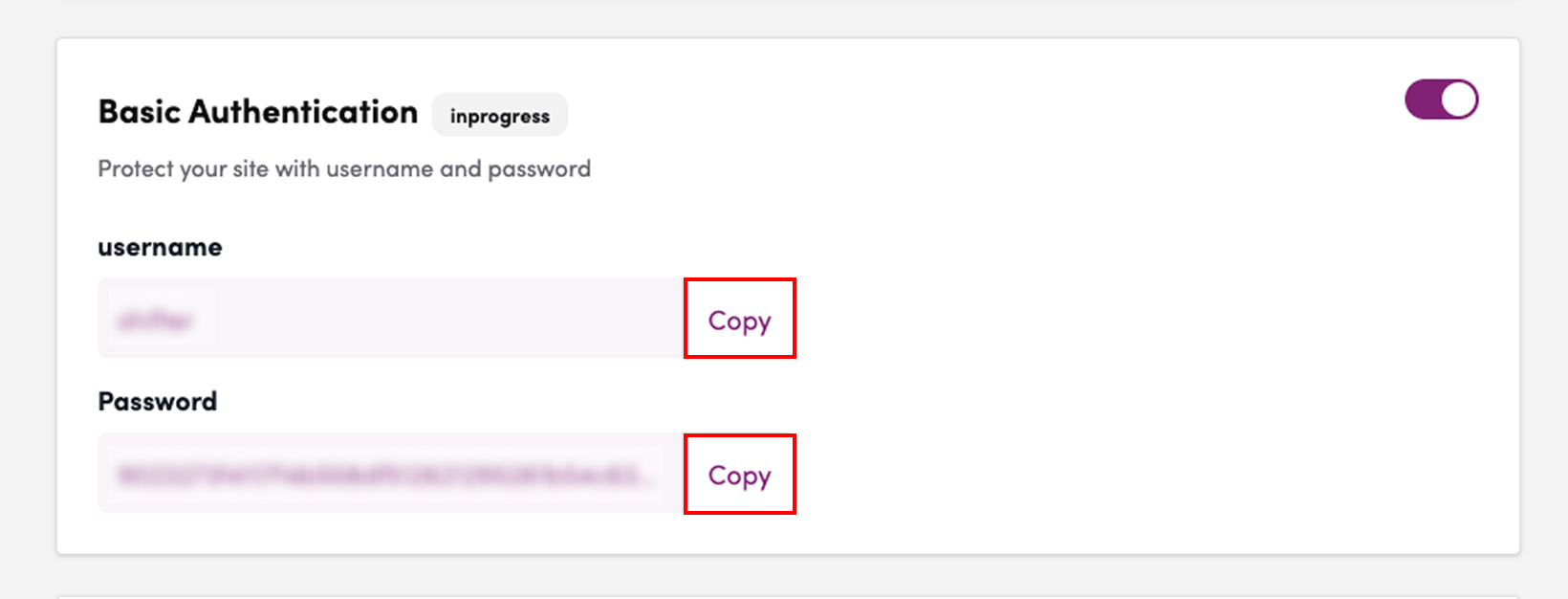
7. Copy the username and password
Testing Basic Authentication
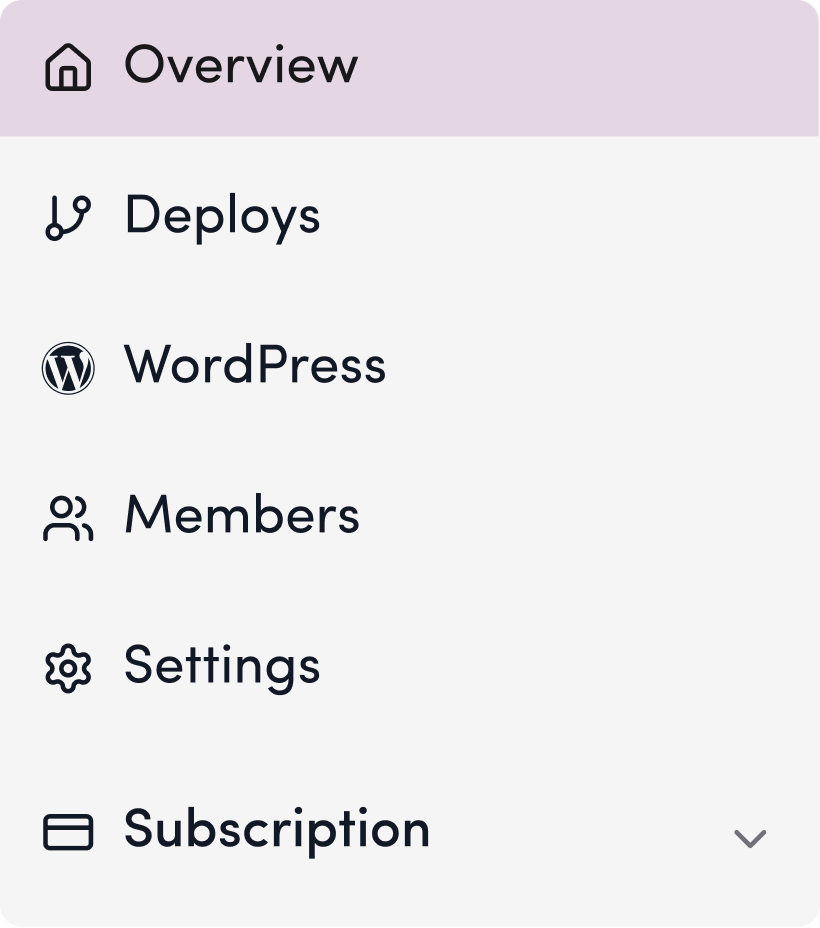
8. Click “Overview”
9. Click the URL
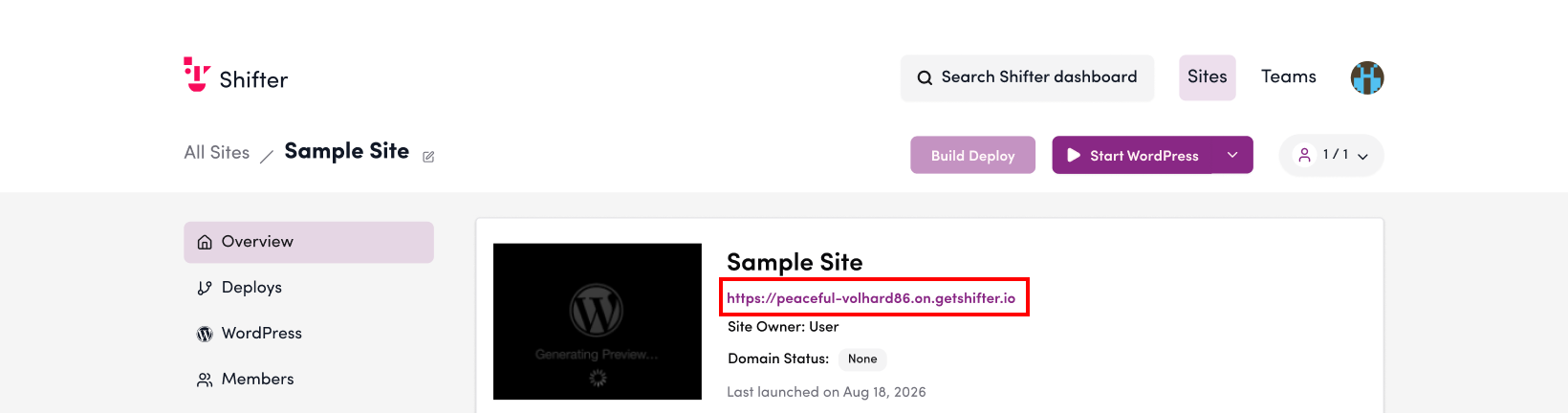
10. You will be prompted for the Basic Authentication username and password
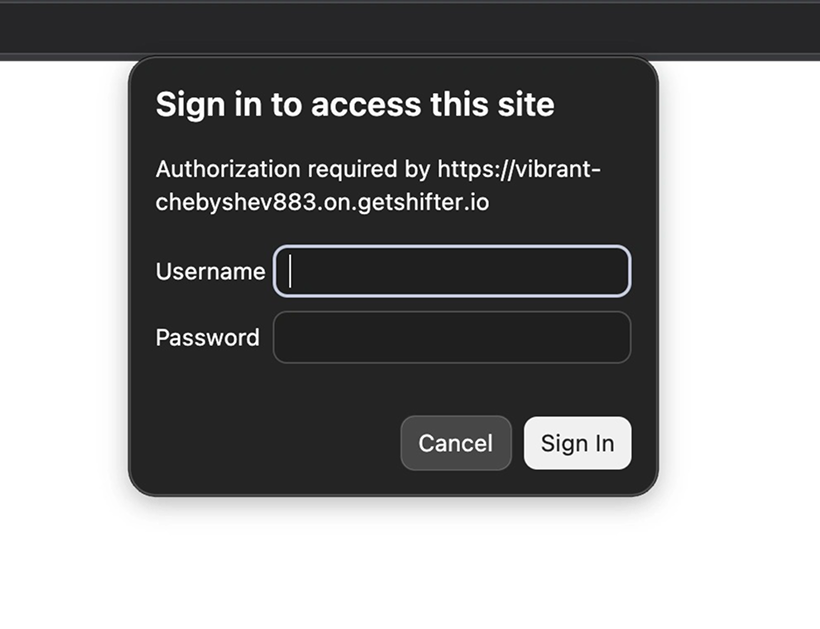
11. Enter the copied username and password, then click [Sign In]
![Screenshot: Enter the copied username and password, then click [Sign In]](/wp-content/uploads/2026/10/en_Basic-auth_11.png)
12. If the content displays correctly, the test was successful