
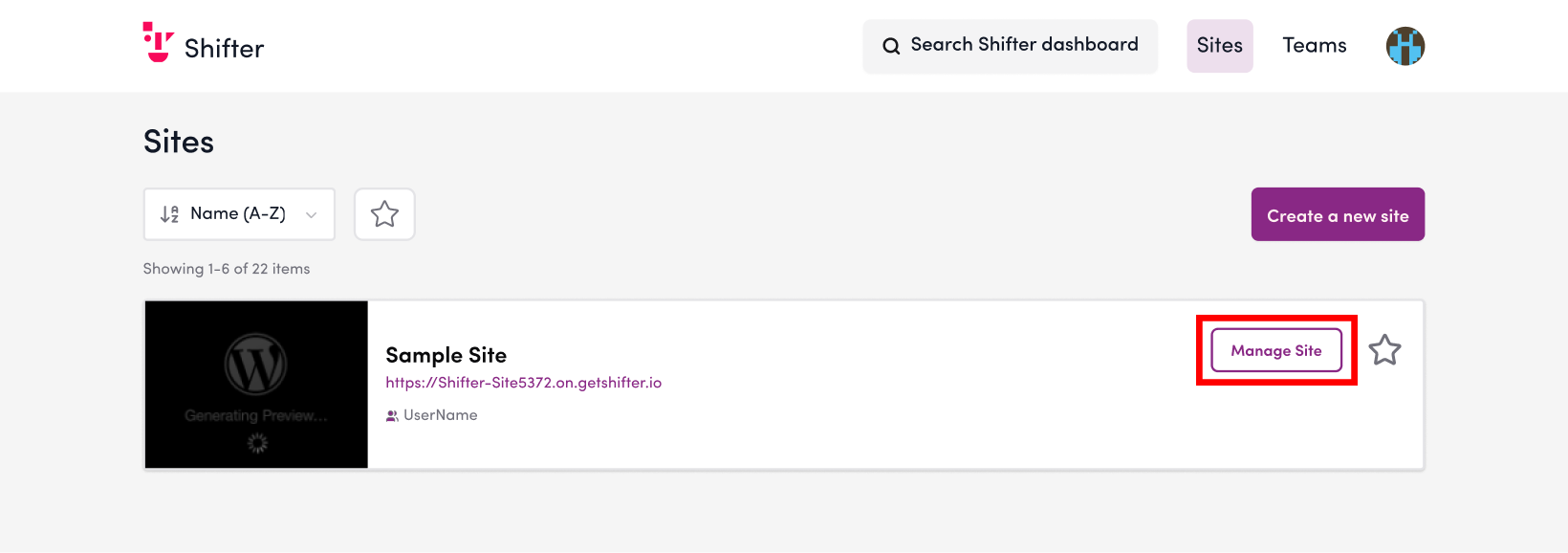
1. Log in to the Shifter dashboard, and from the list of sites, click “Open Admin Panel” for the relevant site.
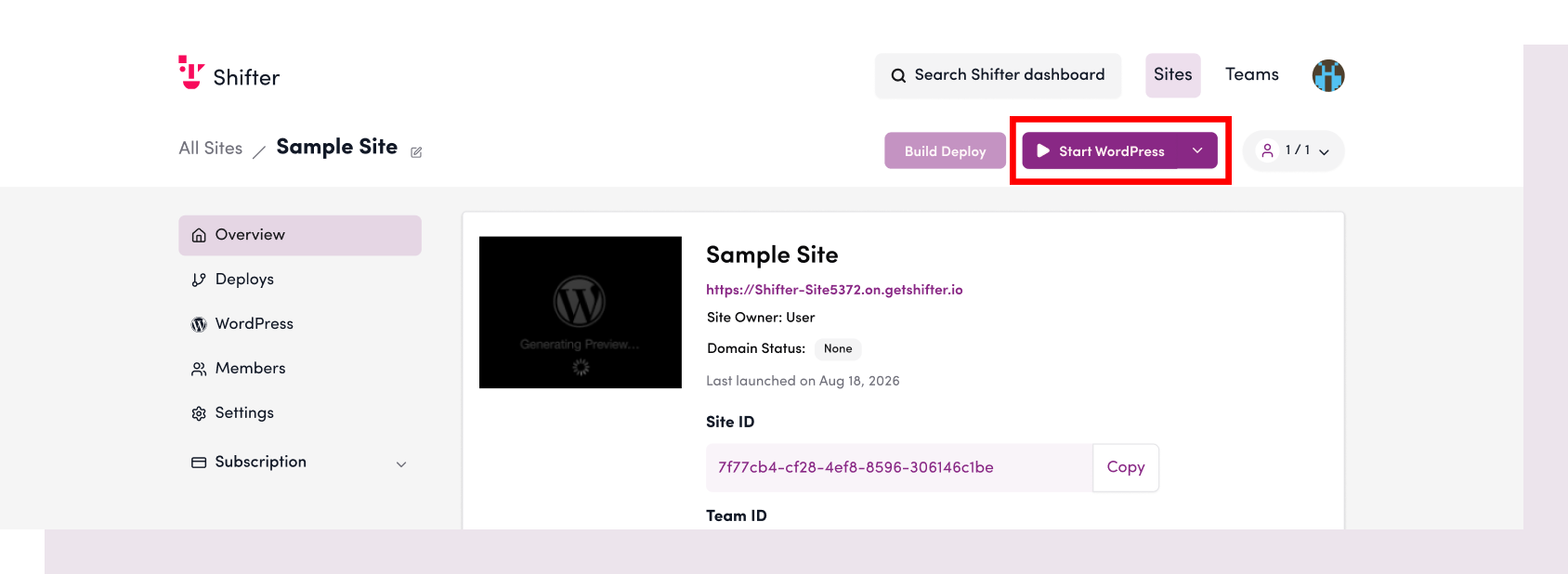
2. Click “Start WordPress.”
At this point, the message “Starting WordPress…” will appear, and the process may take some time.
3. Click “WordPress Admin Panel” to access the WordPress admin panel.
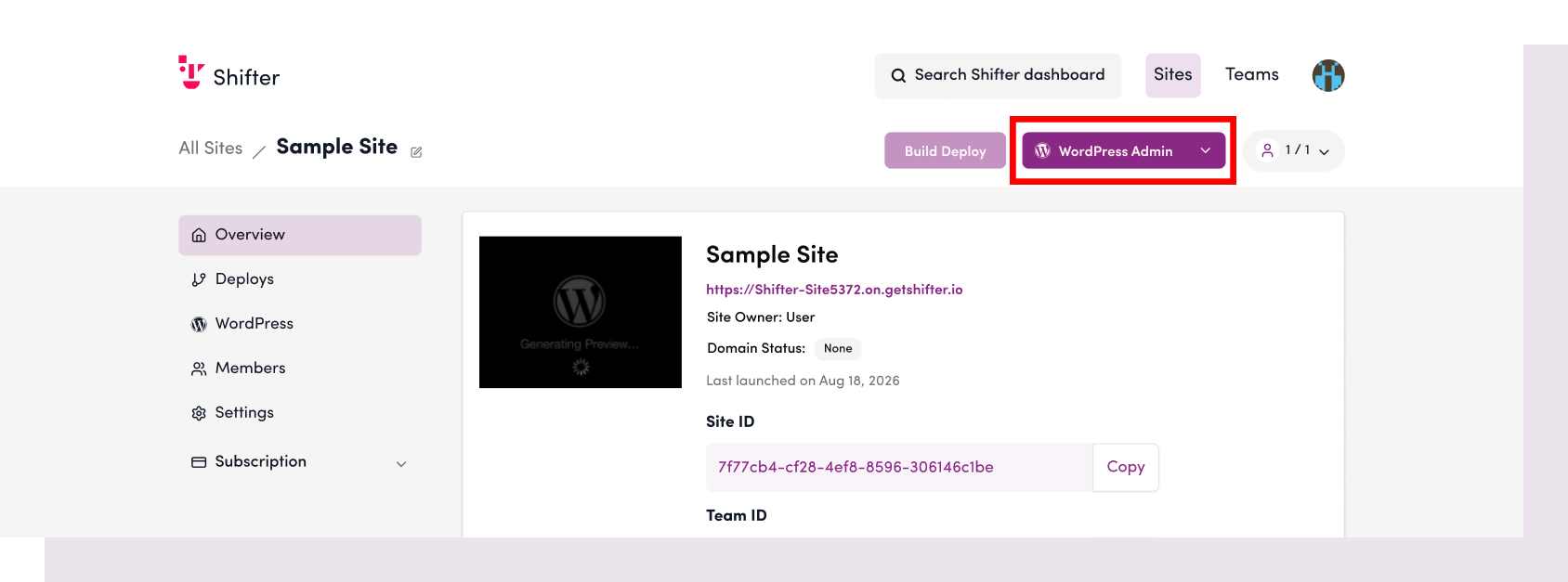
Once WordPress has started, the button will change to read “WordPress Admin Panel.”
4. The WordPress admin panel will open in a new tab or window.
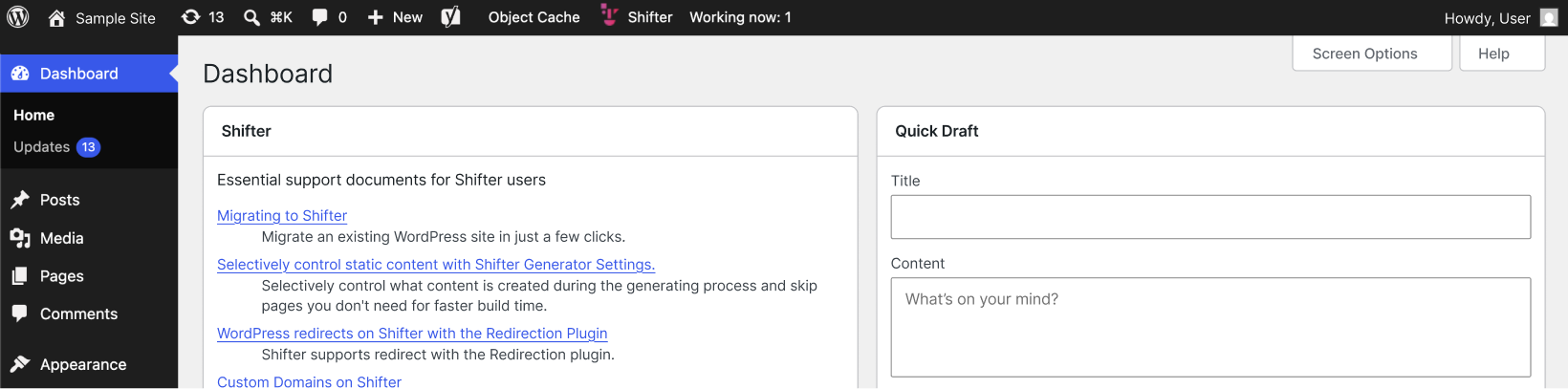
You can now create and edit new posts, as well as install and update plugins and themes.
Once you’re done, create a new artifact and publish it.
For detailed instructions, please refer to the following support documents.