
Here’s how to create a new Shifter account.
Registering Your Account Information
1. Go to https://go.getshifter.io/signup
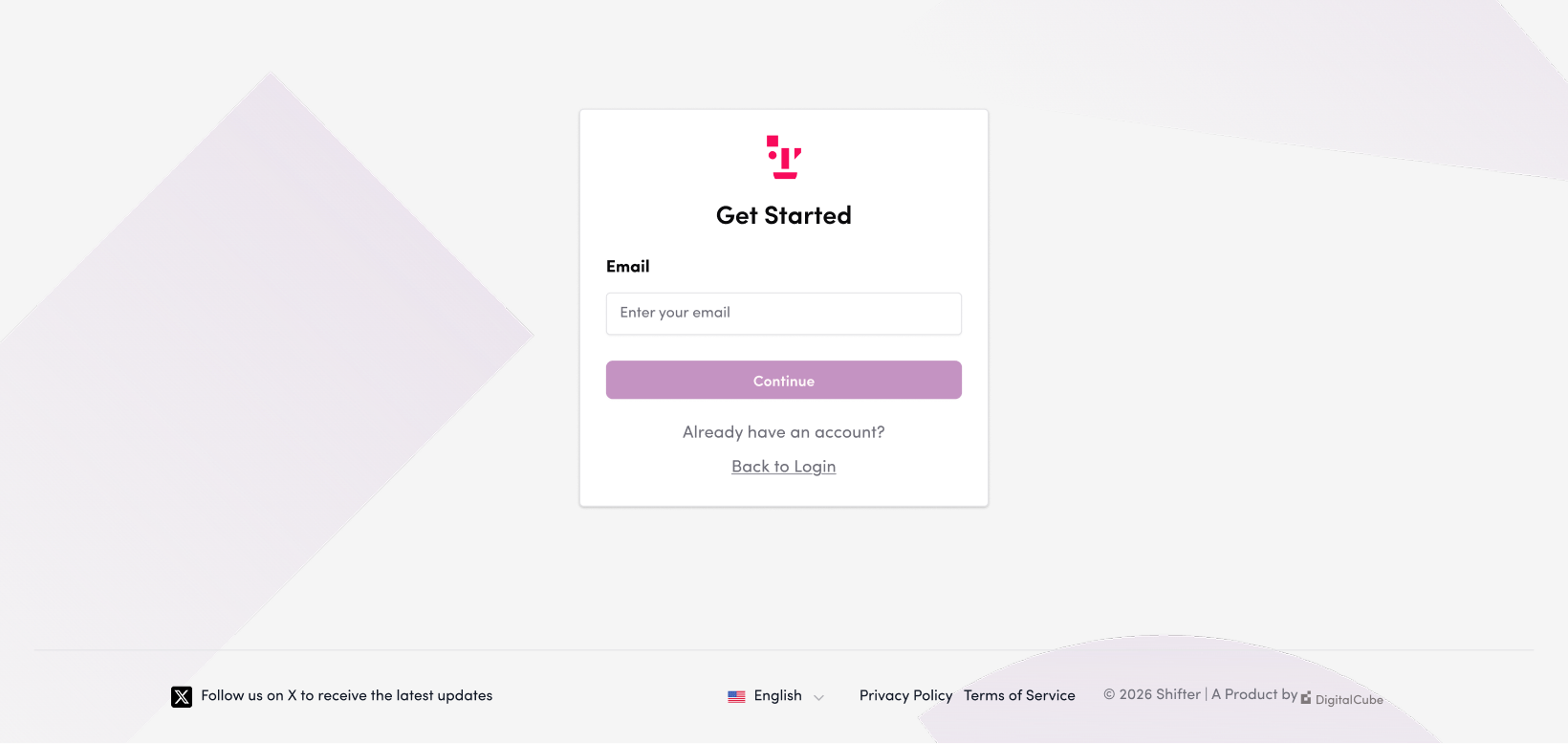
2. Enter a valid email address in the “Email Address” field
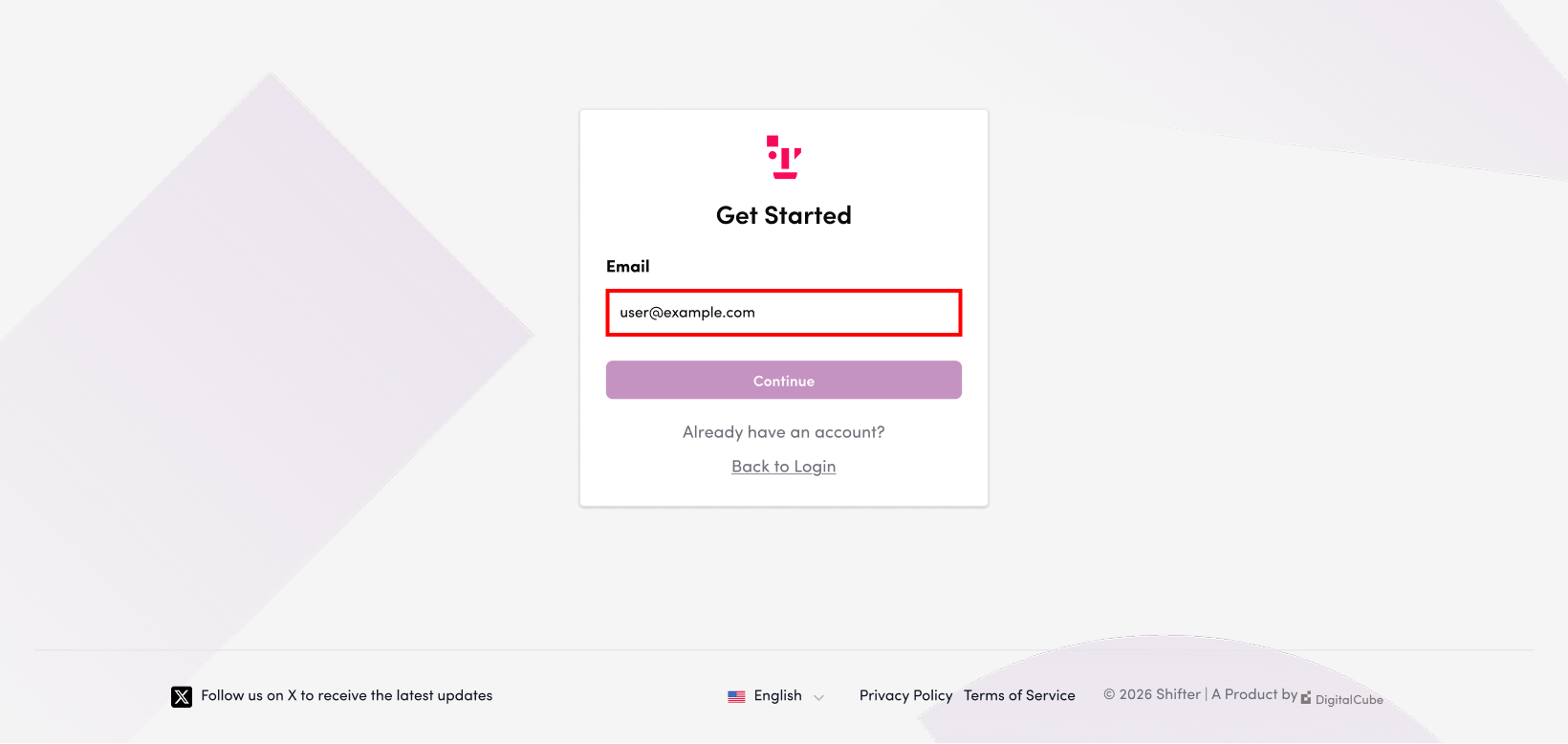
- Email Address: The email address you will use for your Shifter account
- Username: The username you will use for your Shifter account
- Password: The password you will use to log in to Shifter
If you see the message “Sign-up failed. That email address already exists.”
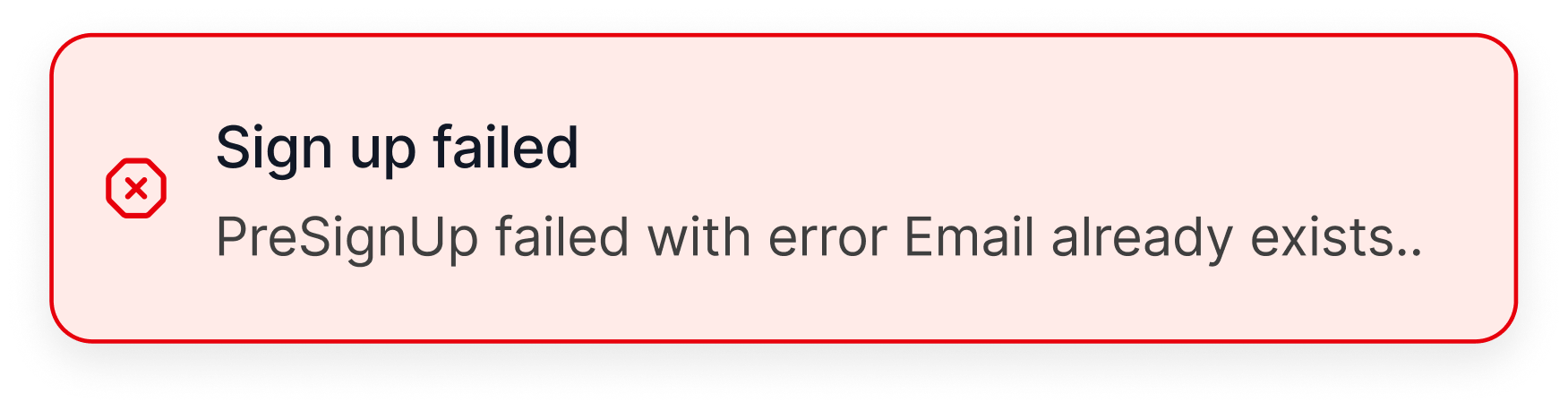
Both the username and email address have already been registered.
Please use a different username and email address. If you’ve already registered an account but have forgotten your password, please follow the steps below to reset it.
3. Click “Next”
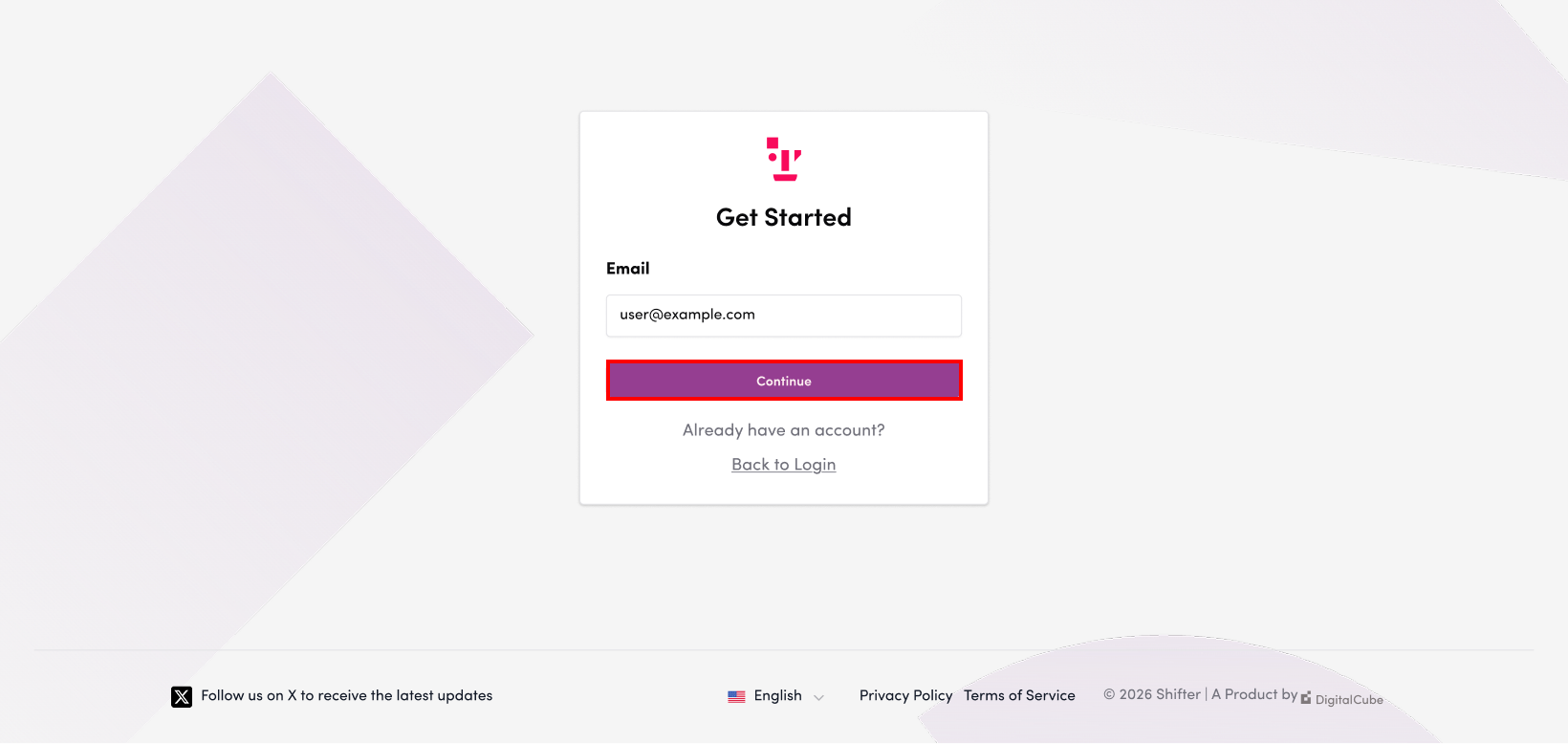
4. Enter the username you want to use in the “Username” field
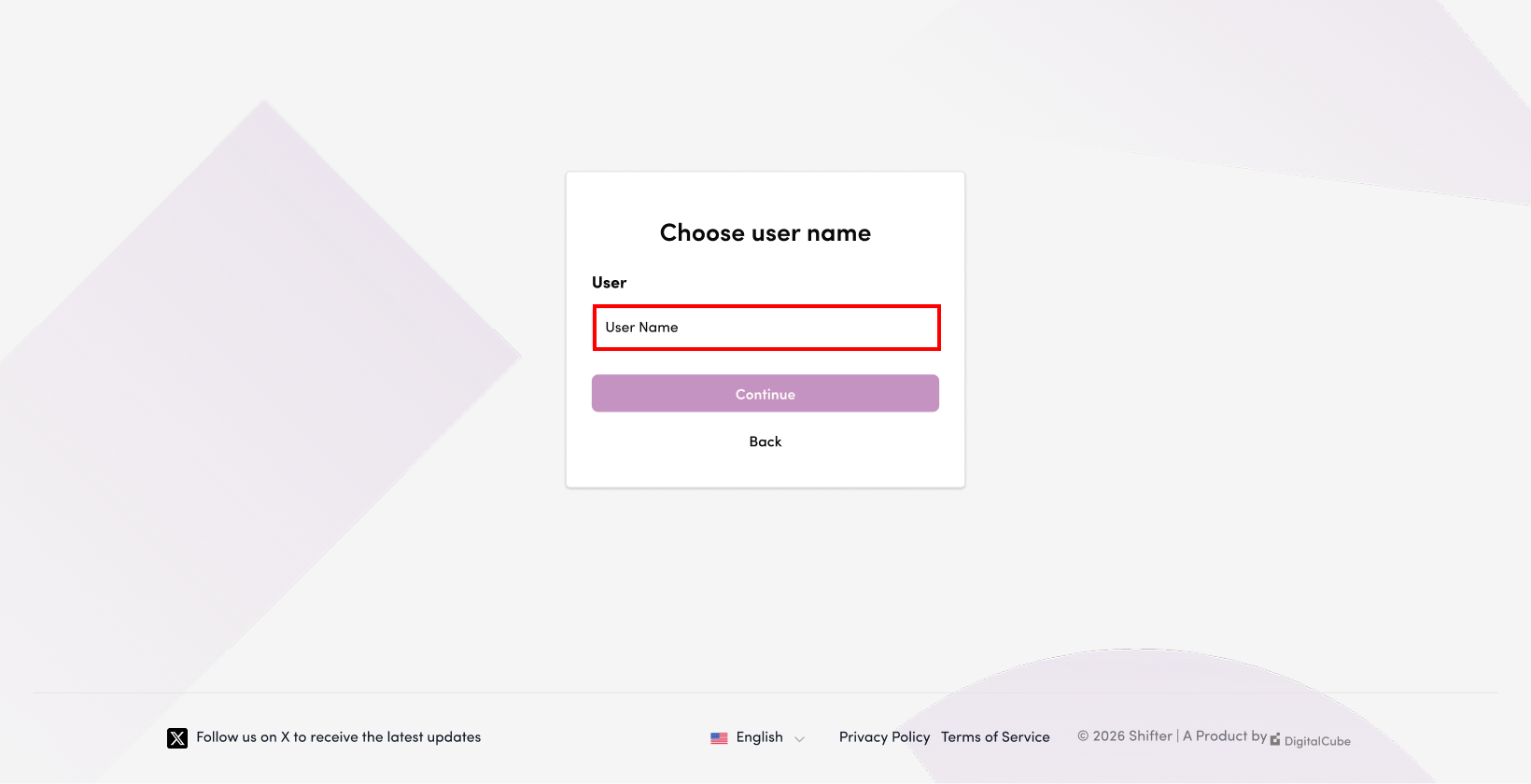
5. Click “Next”
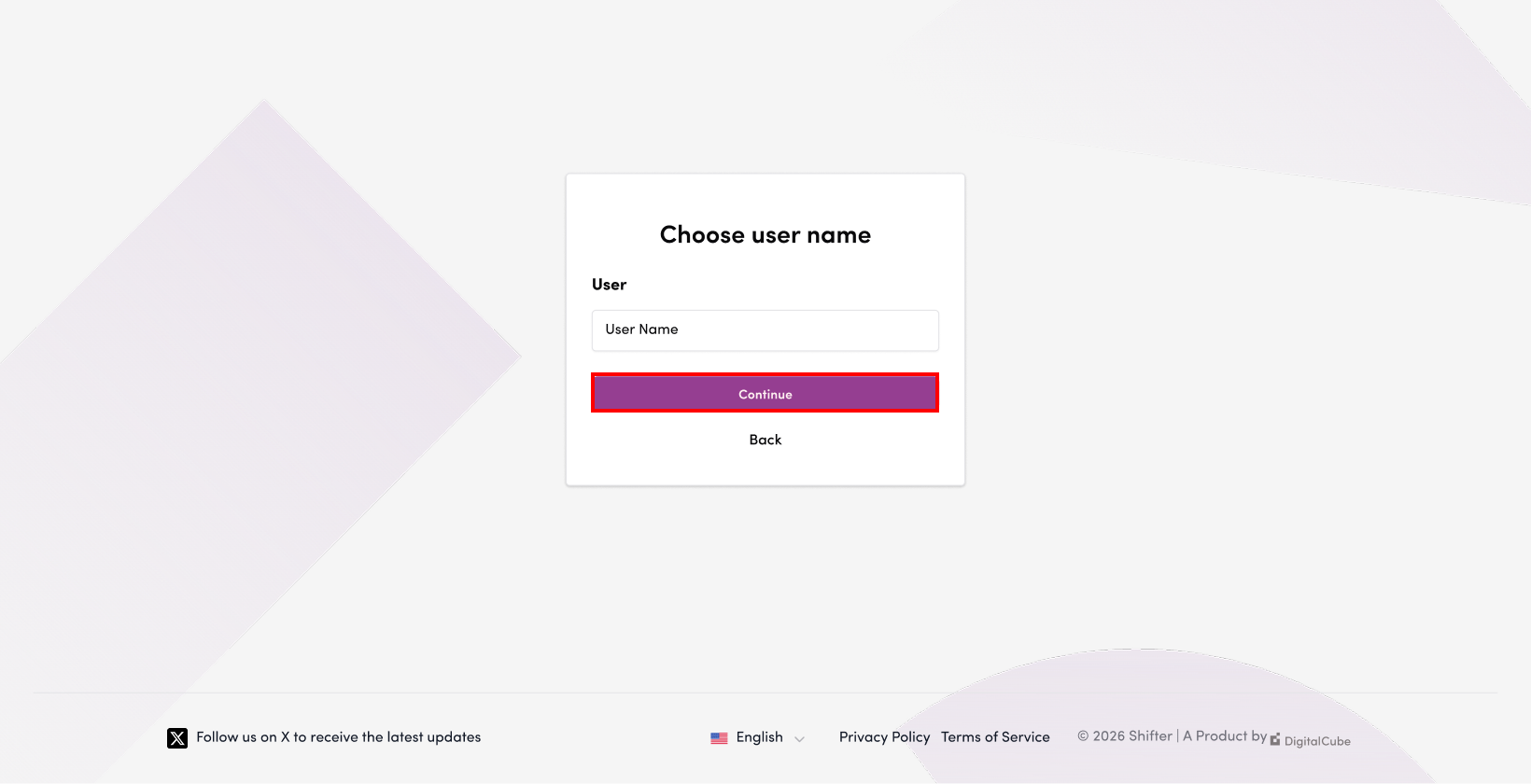
6. Set a password
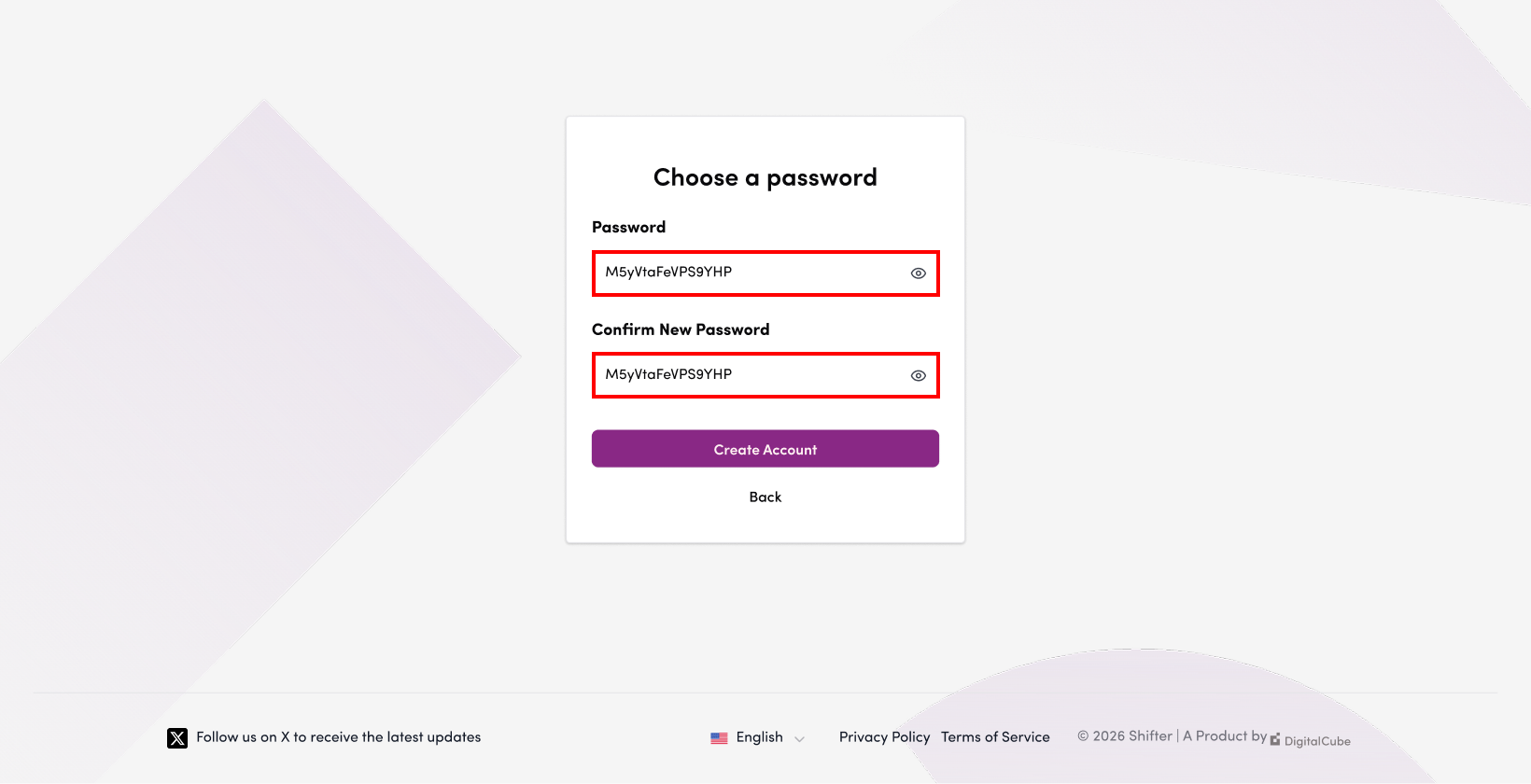
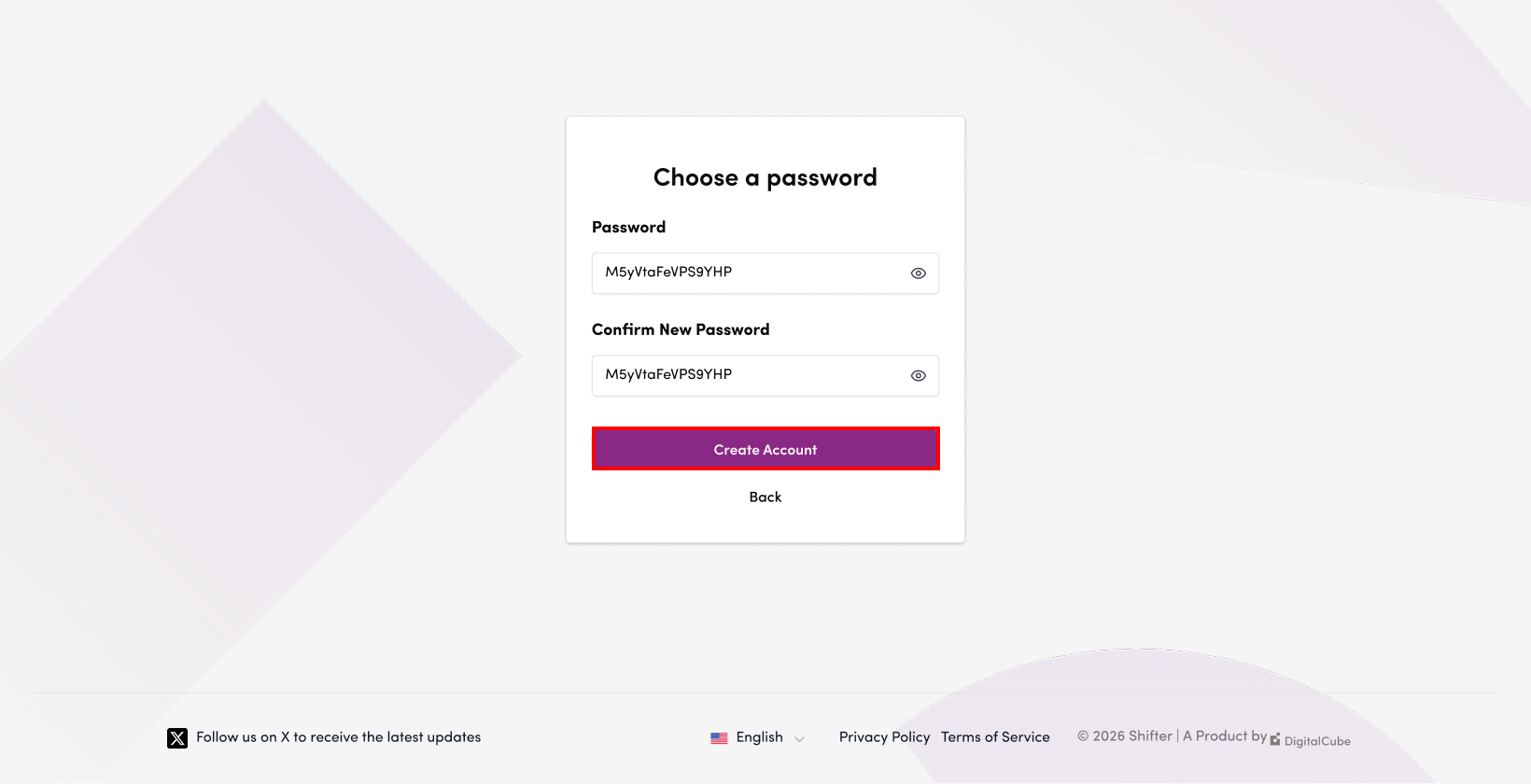
7. Click “Create Account”
Account Verification
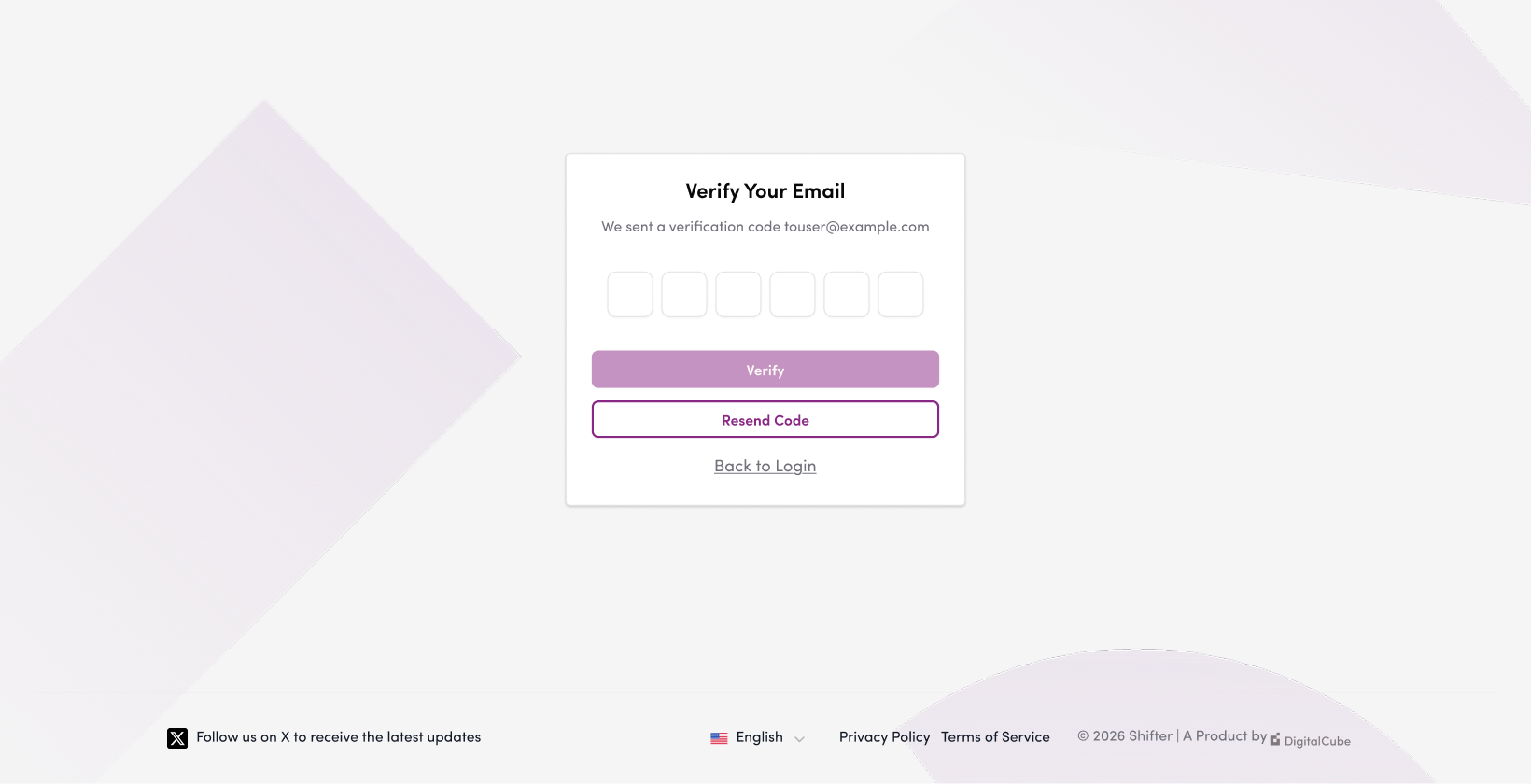
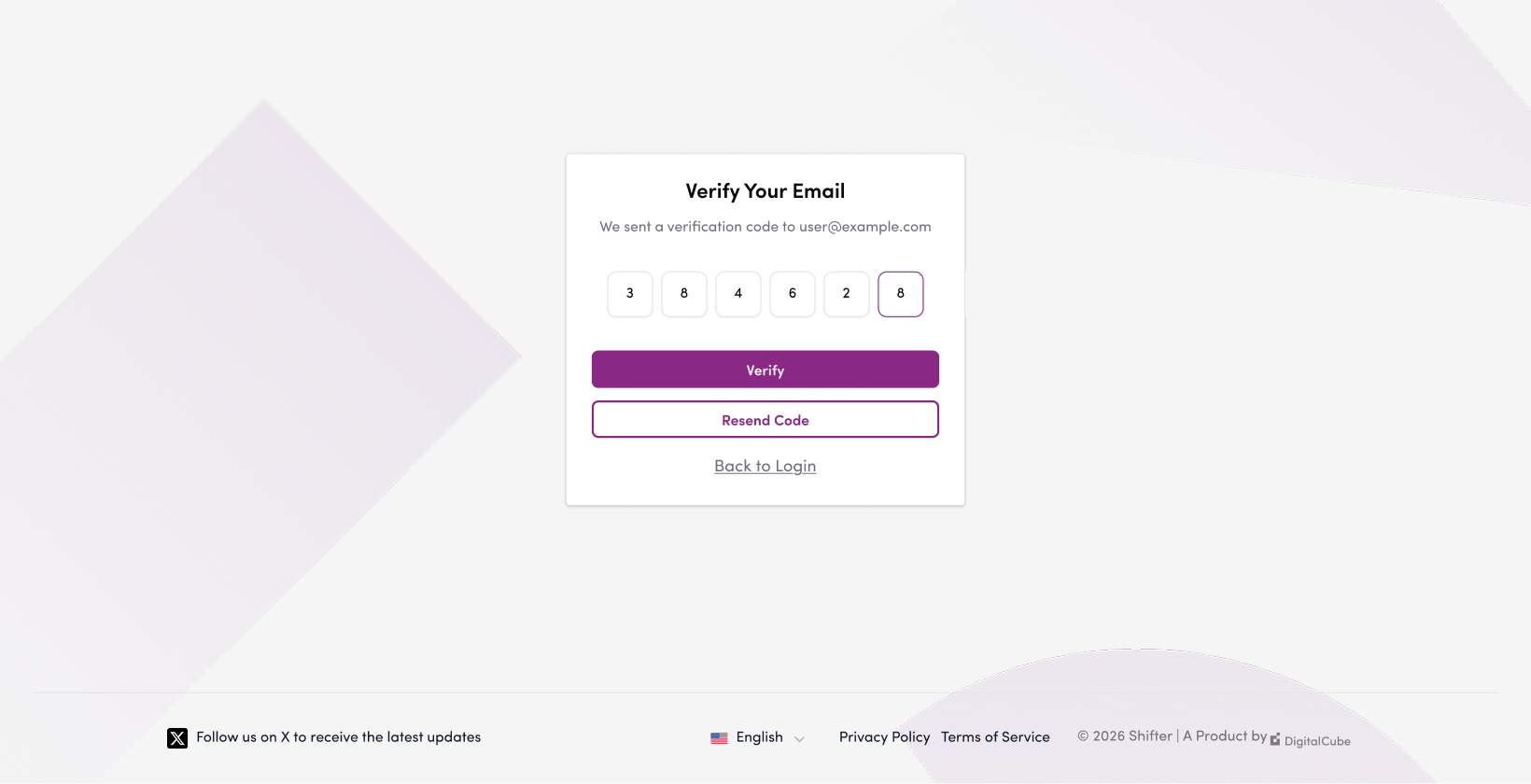
8. Enter the verification code sent to you
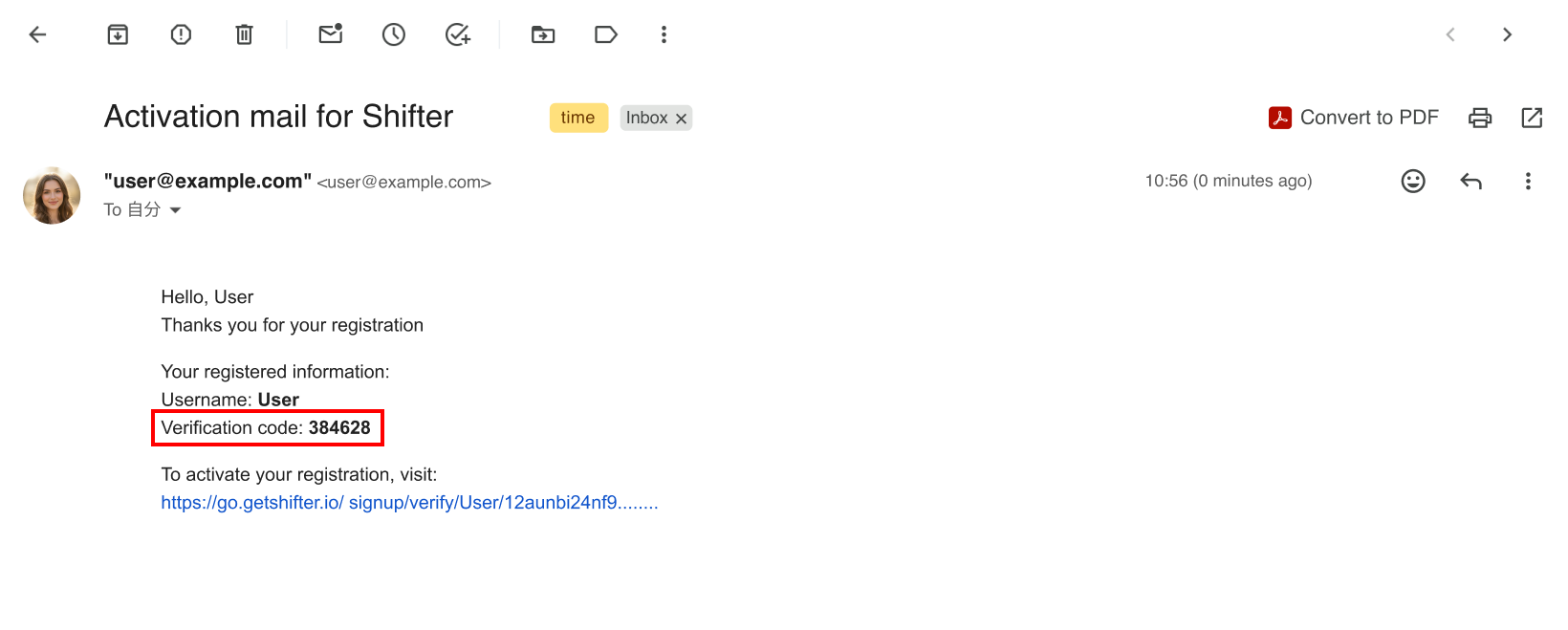
Once you have entered your account information, Shifter will send a confirmation email to your registered email address. Enter the verification code from the email and click the “Confirm” button.
Verification Email from Shifter
9. Click “Verify”
10. Log in to the dashboard, and a message stating “Account created” will appear
That concludes the instructions for creating a new account.
Next, if you’d like to create a new site, see “How to Create and Publish a New Site on Shifter”.