
About the Scheduled Publishing Feature
In Shifter, a static version of a WordPress site is called an “Artifact.”
Reference: How to Generate and Publish a Static WordPress Site
By configuring scheduled publishing settings for a generated artifact, you can automatically publish your site at a specified date and time.
Additionally, since you can set up scheduled publishing for multiple artifacts simultaneously, this feature is useful when you want to publish specific sites or content for a limited time.
- The scheduled publishing feature publishes the entire site at once; it does not allow for scheduled publishing on a post-by-post basis.
Scheduled Publishing Setup Procedure
Preparation
- Create an artifact for scheduled publishing.
Reference: How to Generate Static Pages and Publish Them in WordPress - Turn off the automatic deployment feature.
Reference: How to Change Shifter Static’s Automatic Deployment Settings
1. On the Shifter dashboard, select the site you want to schedule for publication from the site list, go to its management screen, and navigate to the “Staging” menu
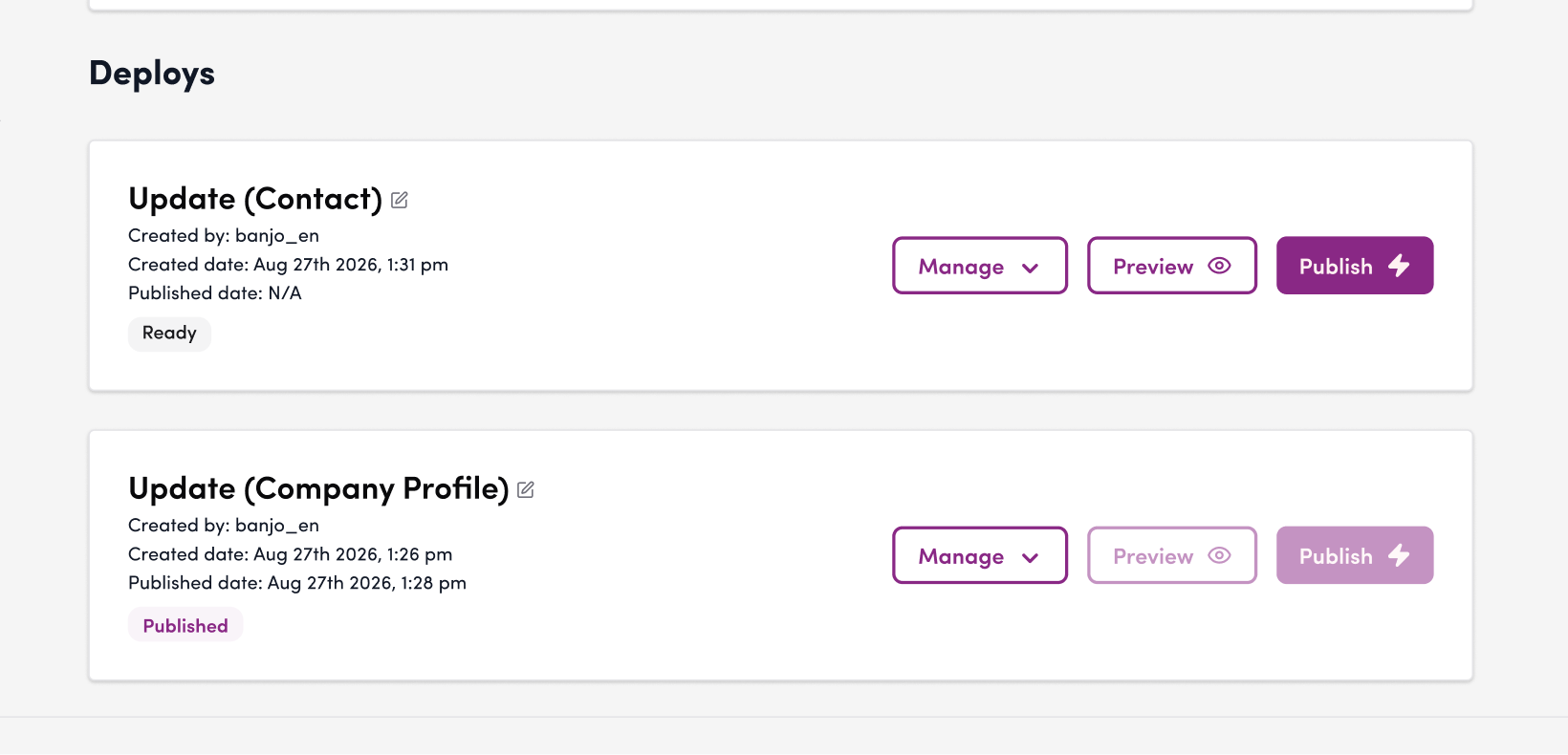
2. Click “Manage” for the artifact you want to schedule for publication.
From the list of artifacts with a status of “In Progress,” select the one you want to schedule for publication, then click “Schedule Publication” from the “Manage” drop-down menu.
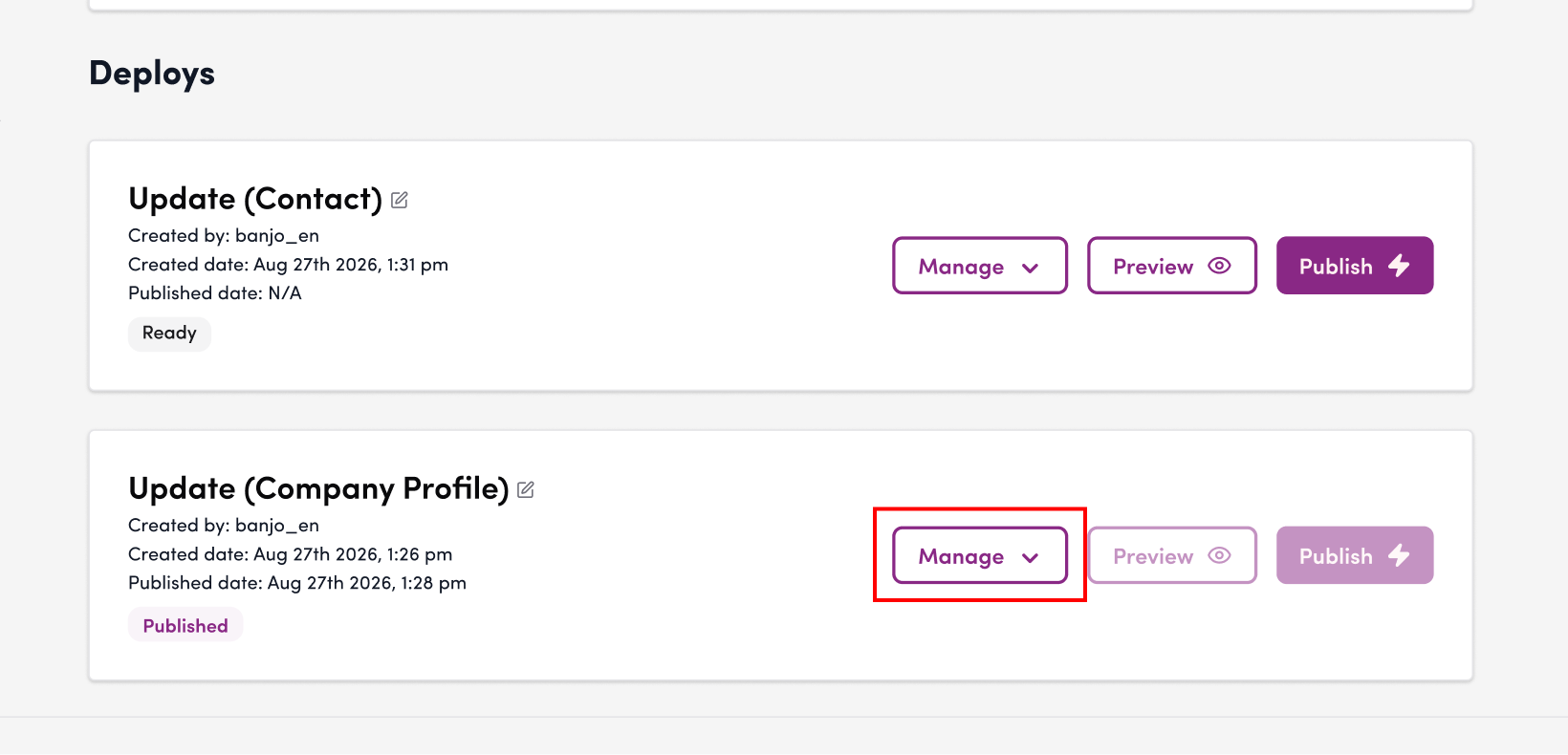
3. Click “Schedule Publication.”
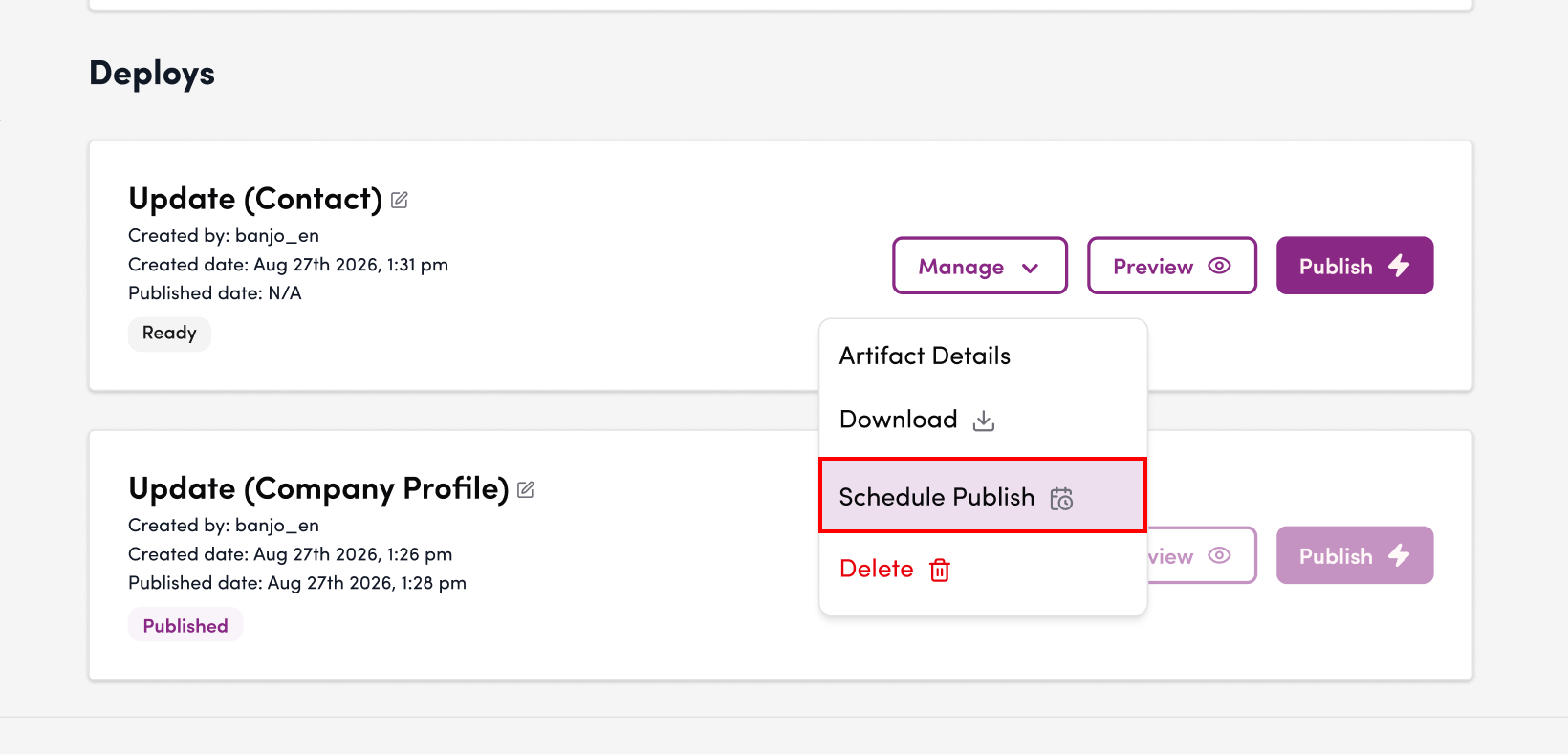
4. Click the calendar icon
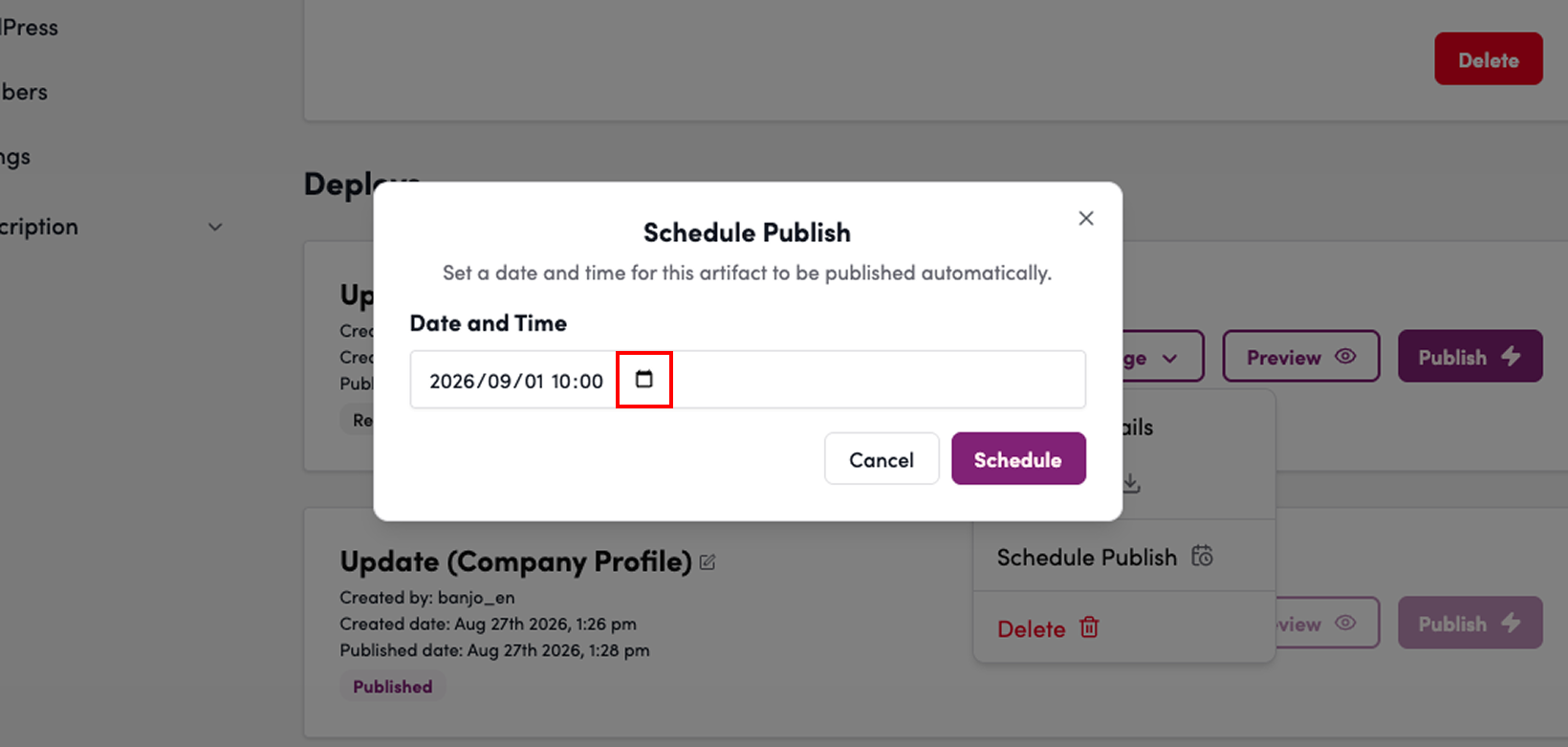
5. Set the date and time
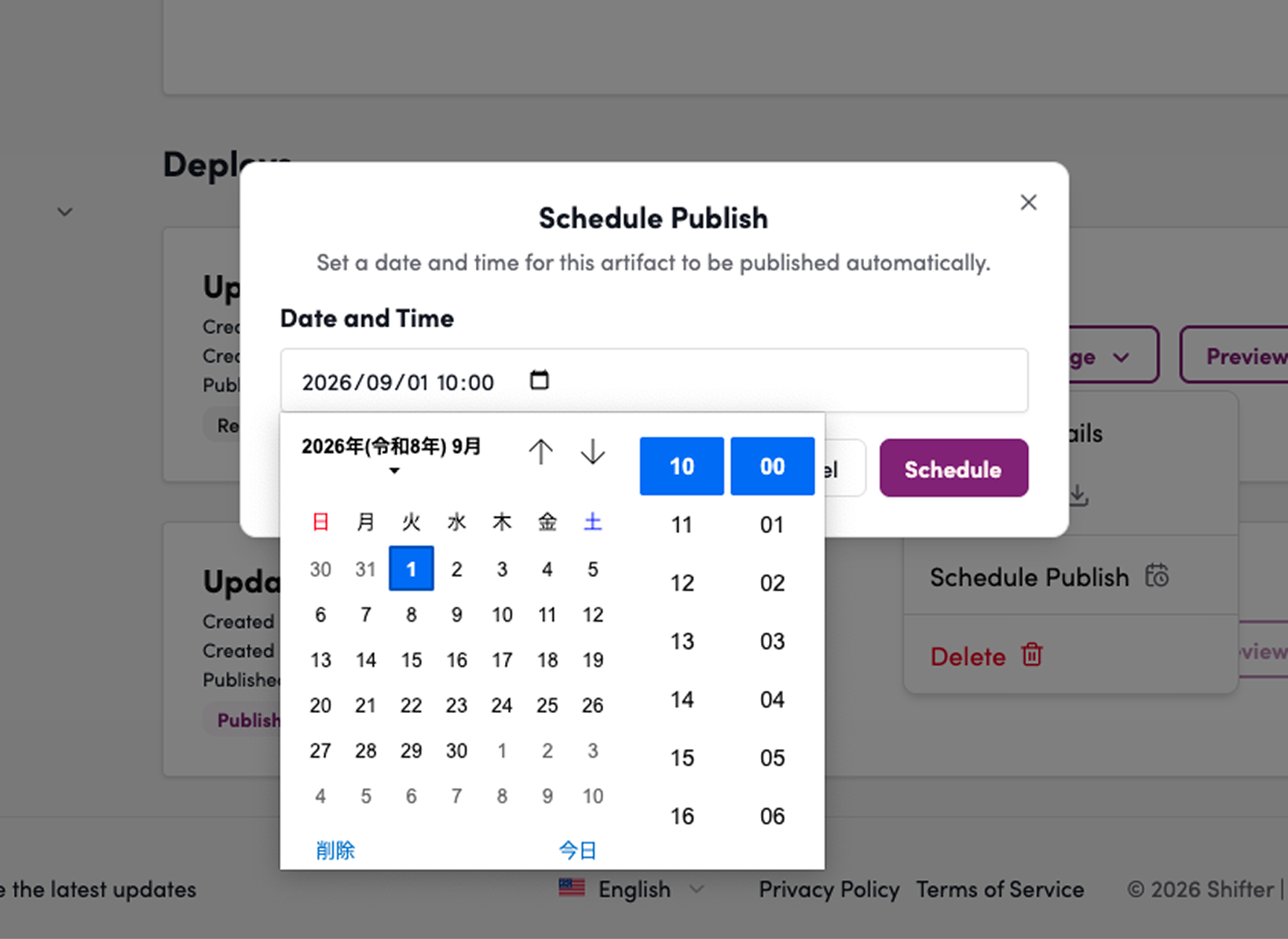
6. Set the date and time
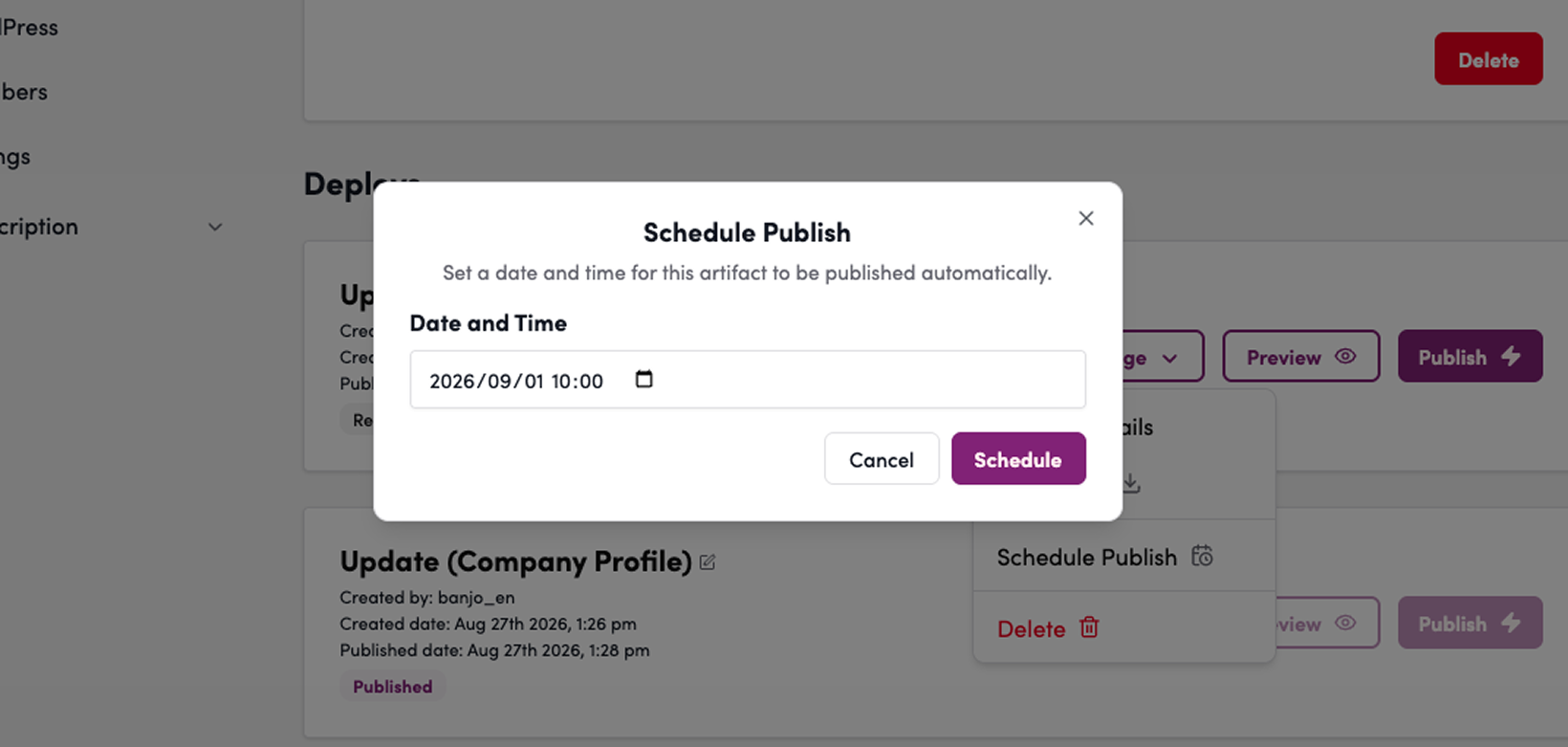
7. Click “Schedule”
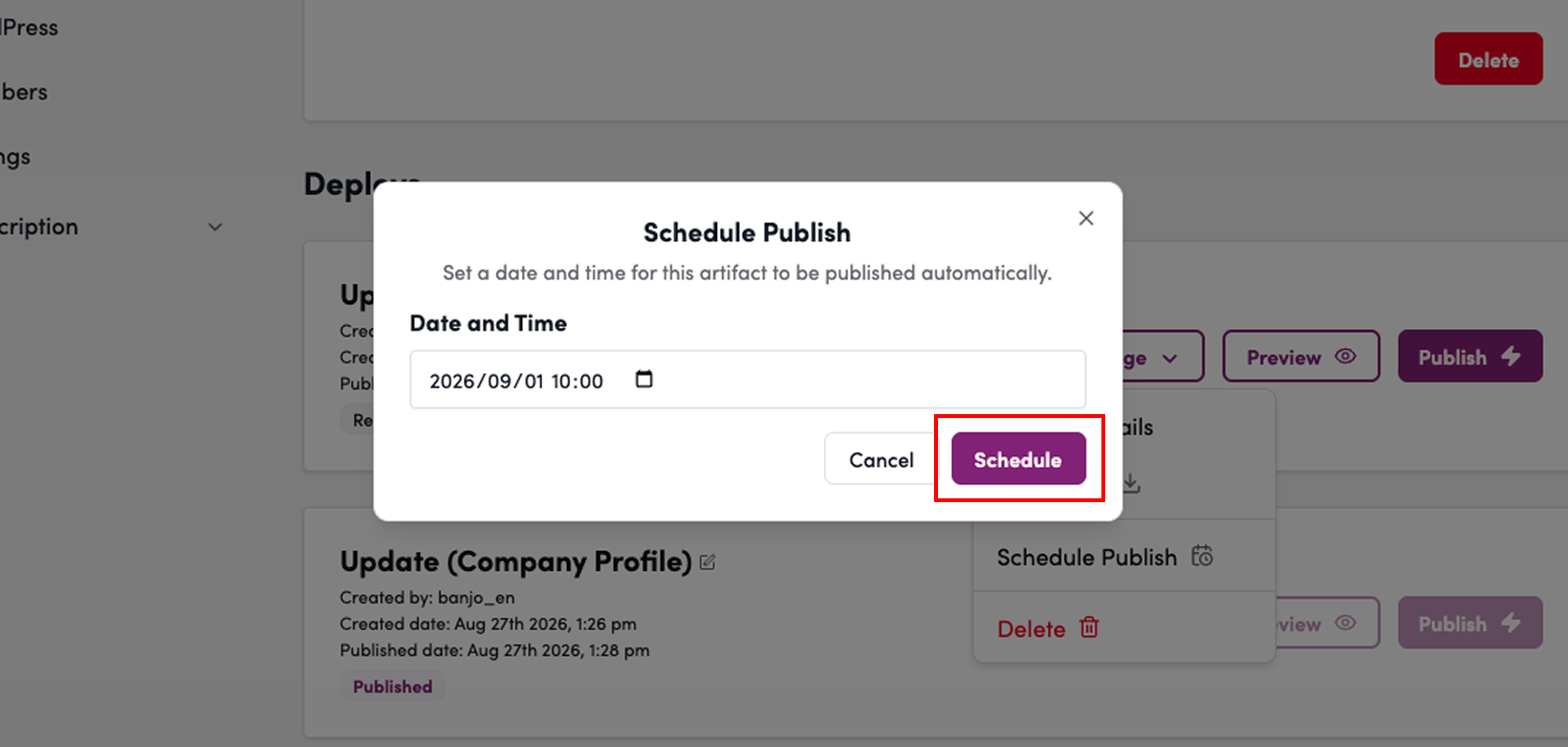
8. Verify that the artifact’s status is “Scheduled for Publication”
9. Please verify that the site is published at the scheduled date and time.
- There may be a slight delay before the changes take effect.
Canceling a Scheduled Publication
If you wish to cancel a scheduled publication, click the [Cancel the Schedule] button on the scheduled publication screen.
1. Click “Cancel Scheduled Publication”
2. Verify that the message “Schedule Publication Canceled” appears
This concludes the instructions on how to publish your site at a specified date and time.