Issue
A 404 Not Found error occurred when accessing the site’s homepage (e.g., https://example.com or https://abc-123-def.on.getshifter.io).
Cause
This occurs because no posts or pages have been published, and none of them have been set as the “Homepage” in the “Display Settings.”
Solution
You can resolve this issue using one of the following methods.
- Publish one or more posts or pages.
- Set a published page or the latest post as the homepage.
Steps
- Make sure that at least one post or static page is published.
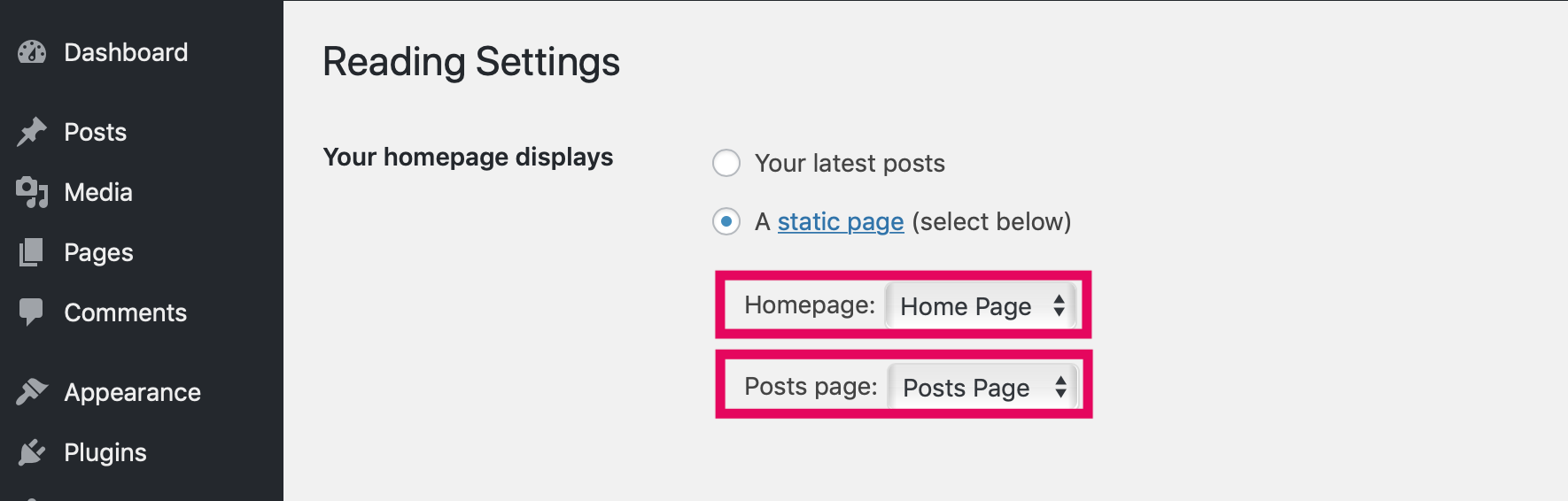
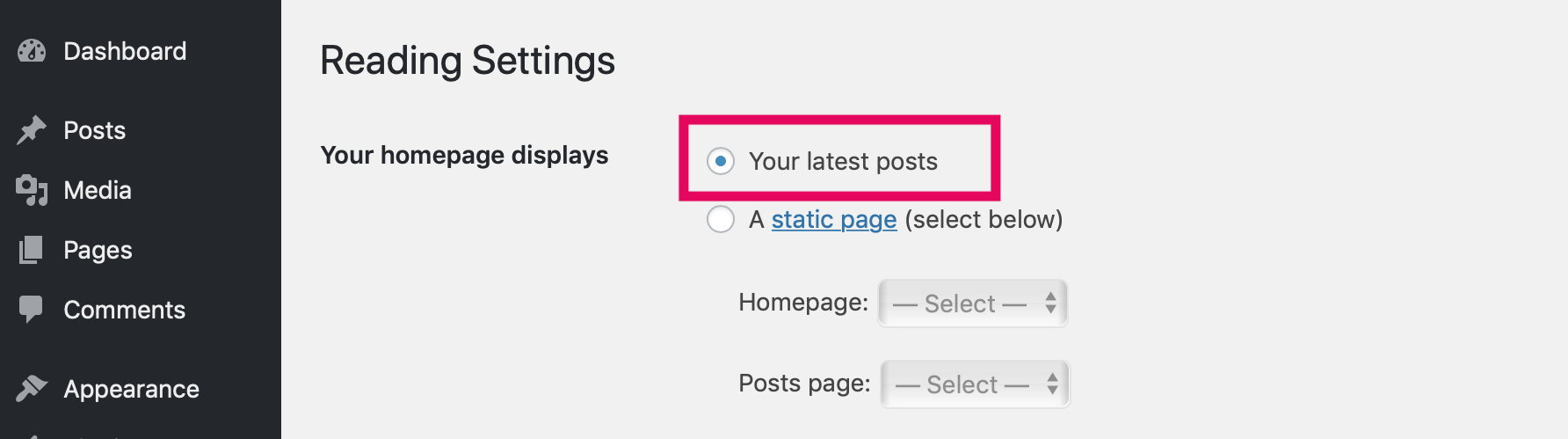
- Make sure that “Homepage Display” is set to “Latest Posts.” Alternatively, if “Static Page” is selected, make sure that both “Homepage” and “Posts Page” are set to different pages.
If “Latest Posts” is selected
If “Static Page” is selected