
Get the LLMs.txt for WP plugin
1. Go to https://github.com/WP-Autoplugin/llms-txt-for-wp
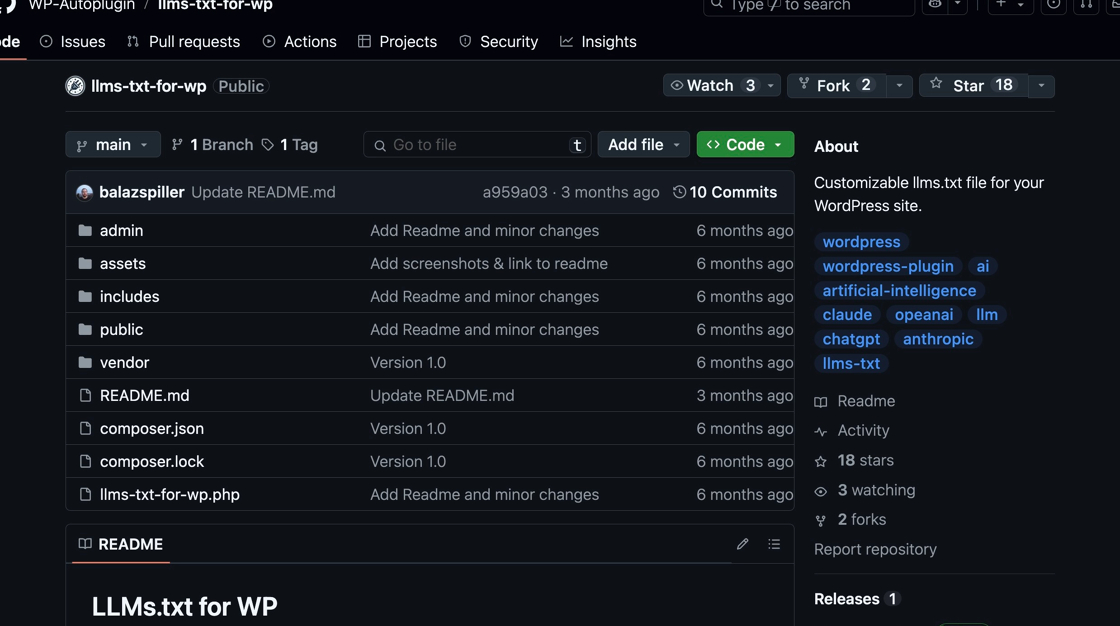
2. Click “Tag”
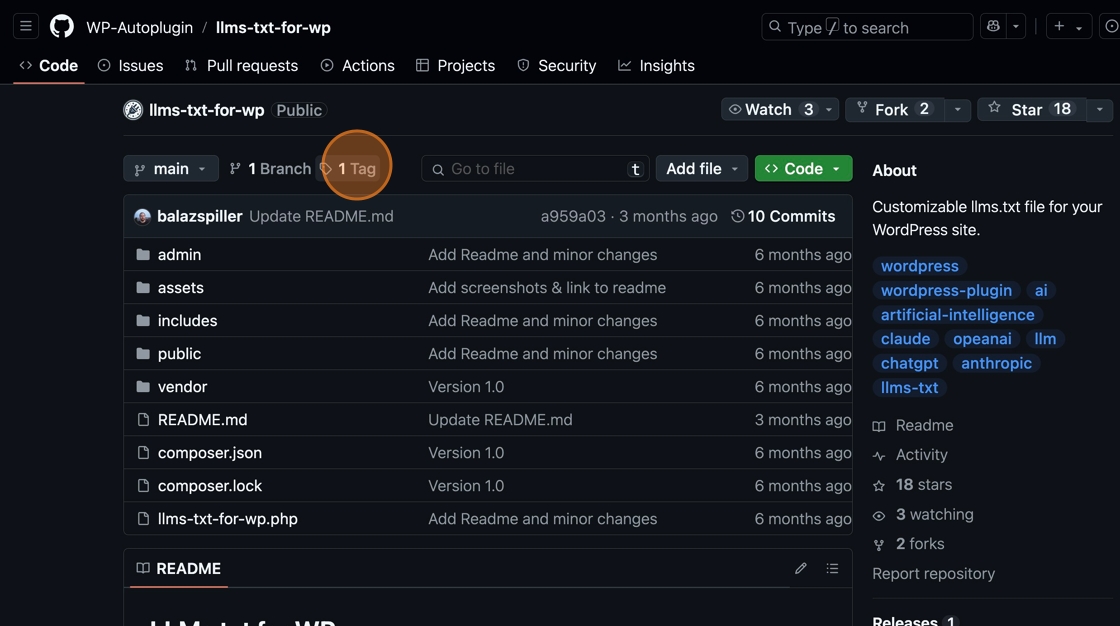
3. Click “zip” to download the plugin file
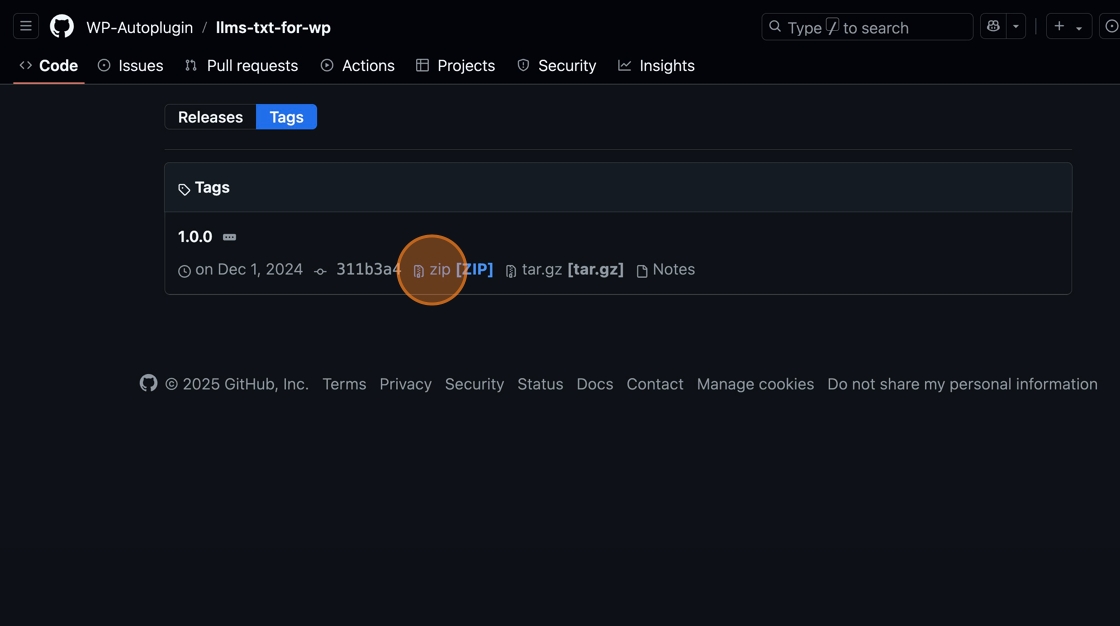
Launch and Log In to WordPress
4. Log in to the Shifter dashboard
5. Click “Start WordPress”
6. Click “WordPress Dashboard”
7. Go to Plugins
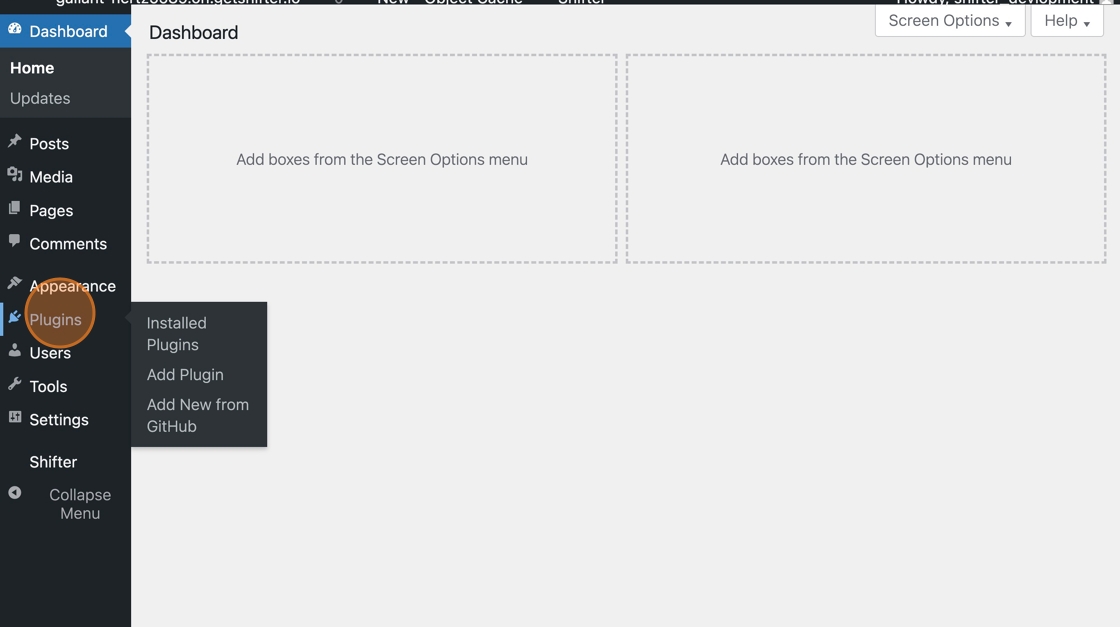
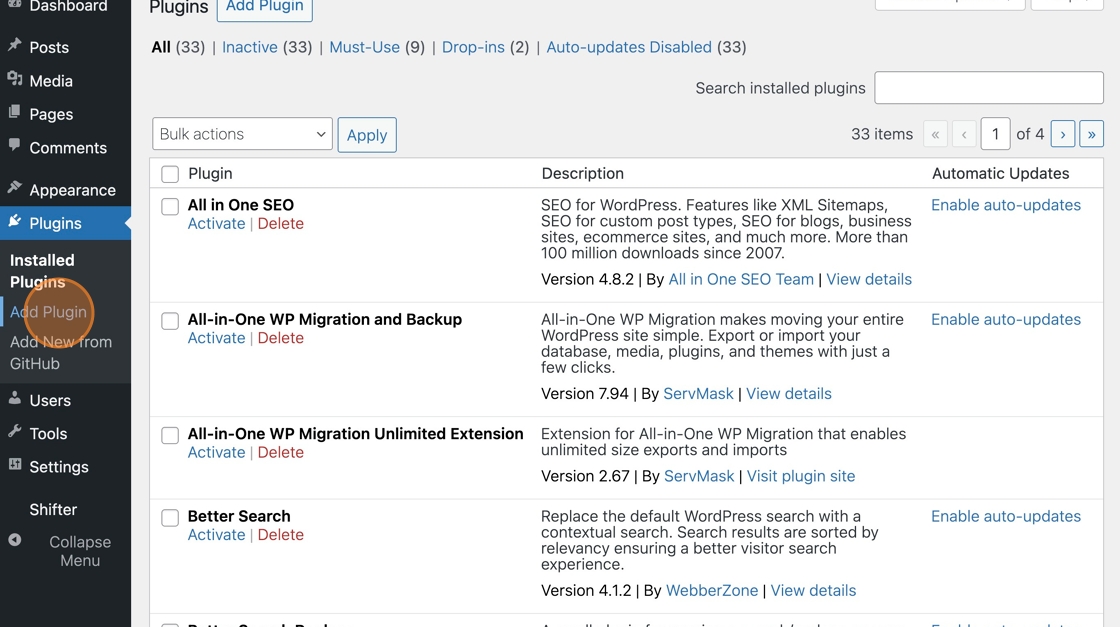
8. Click “Add Plugin”
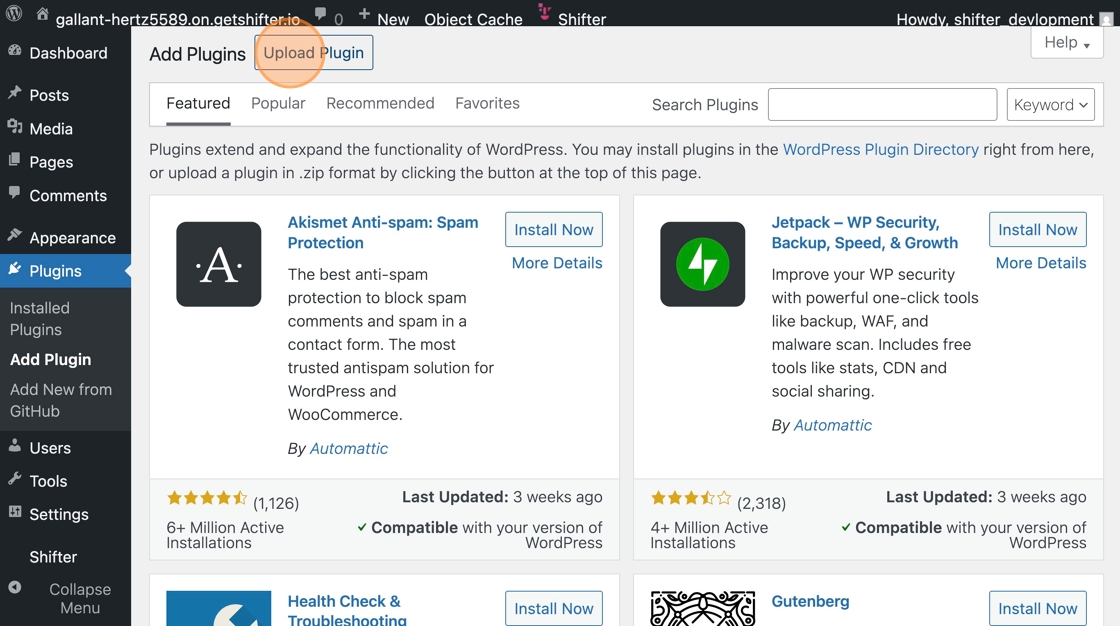
9. Click “Upload Plugin”
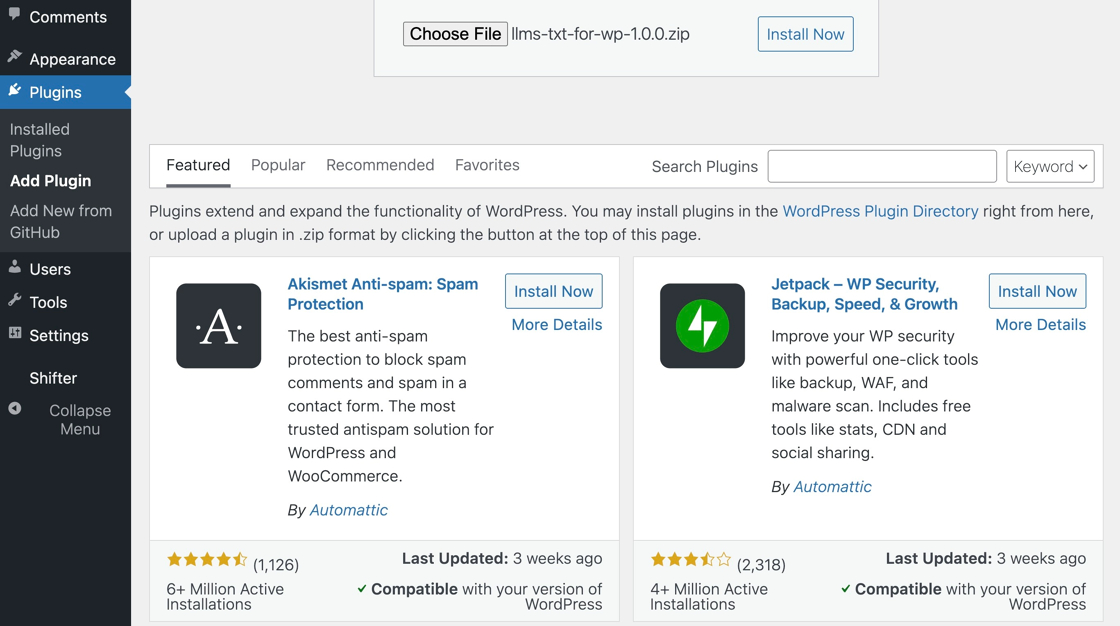
10. The plugin has been uploaded
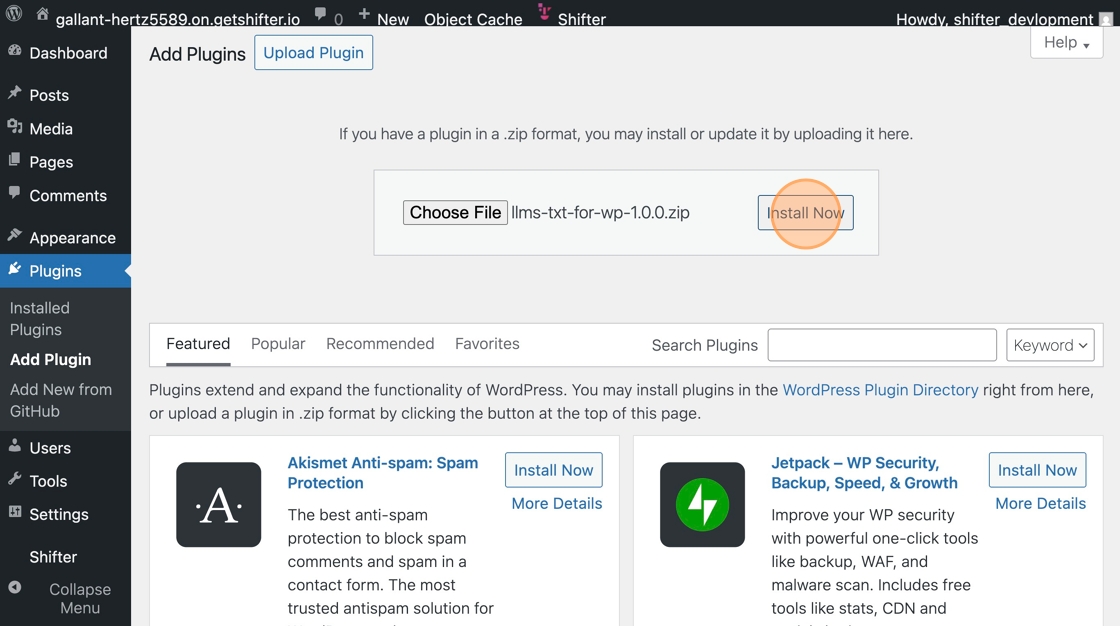
11. Click “Install Now”
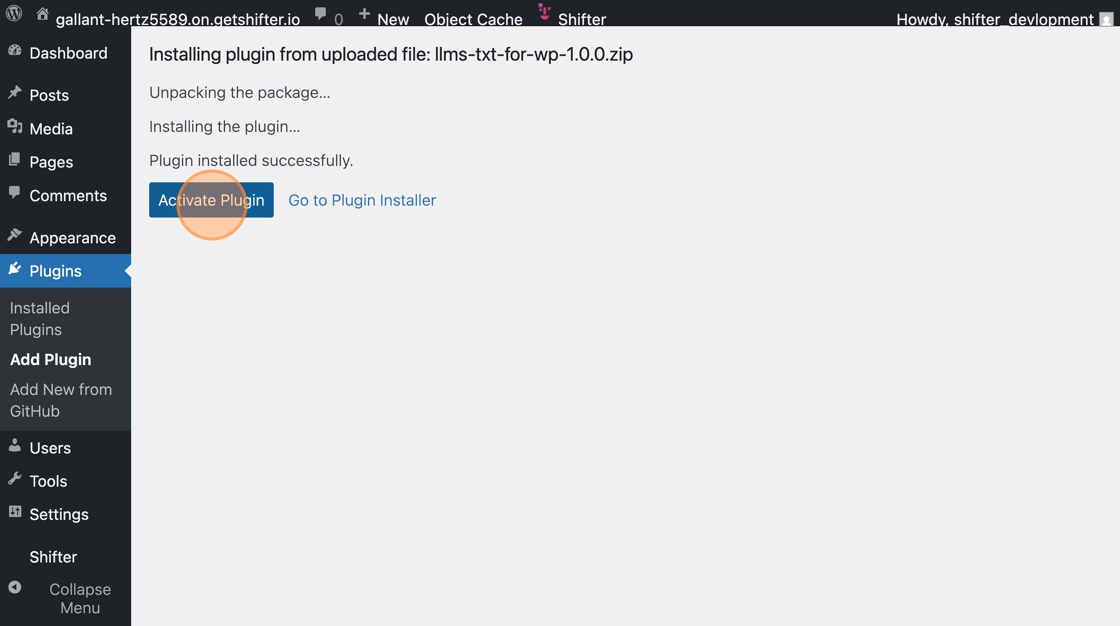
12. The plugin has been installed
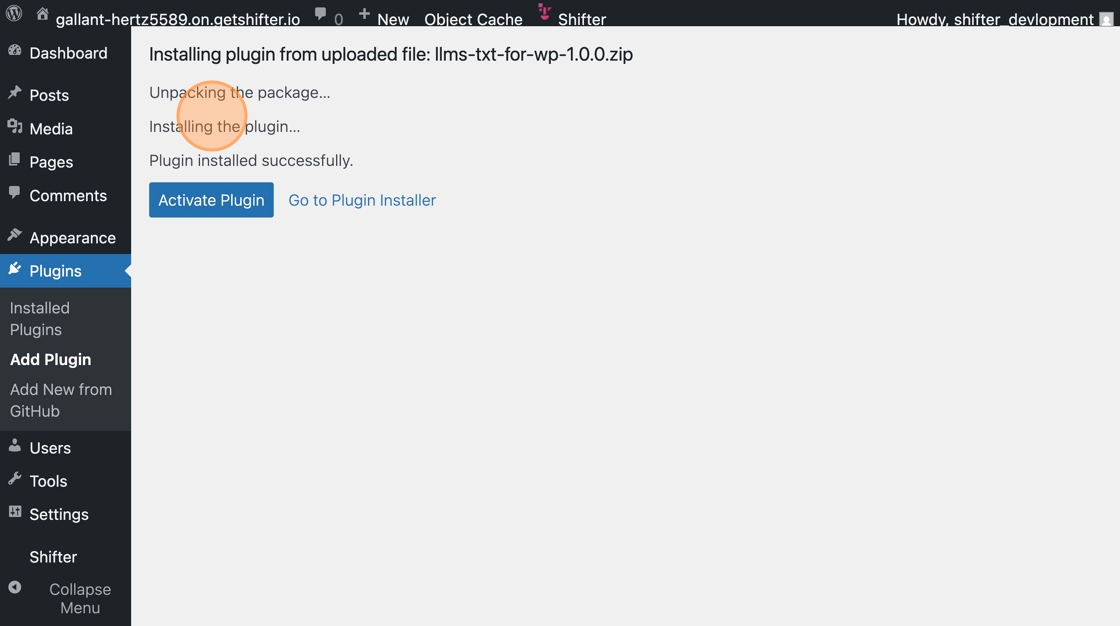
13. Click “Activate”
Configuring LLMs.txt for WordPress
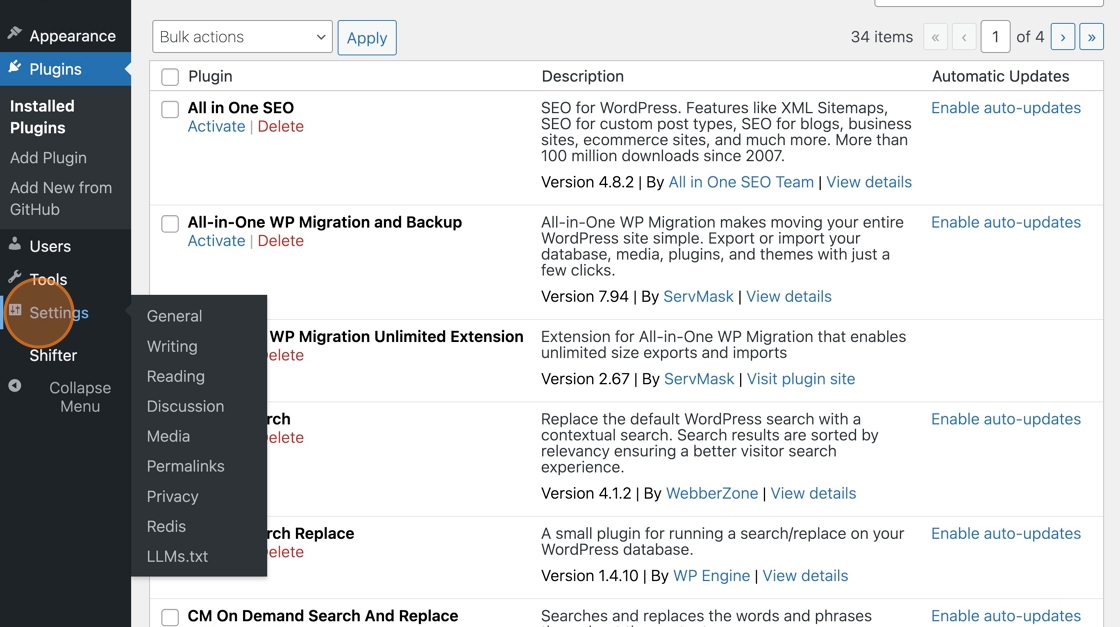
14. Go to “Settings”
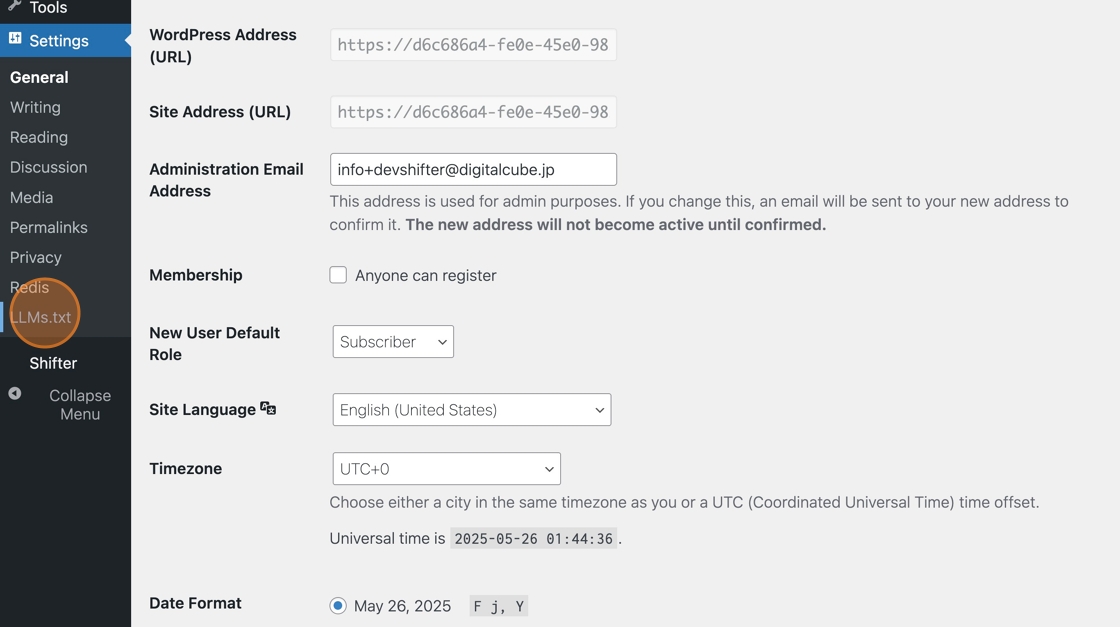
15. Click “LLMs.txt”
16. [Optional] Select a static page for llms.txt
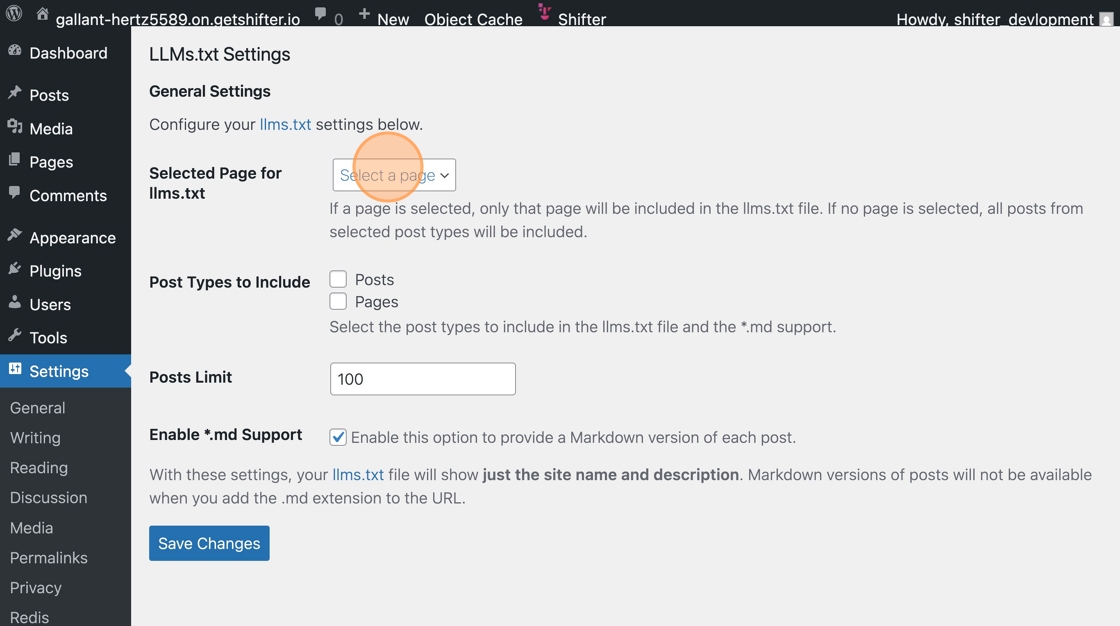
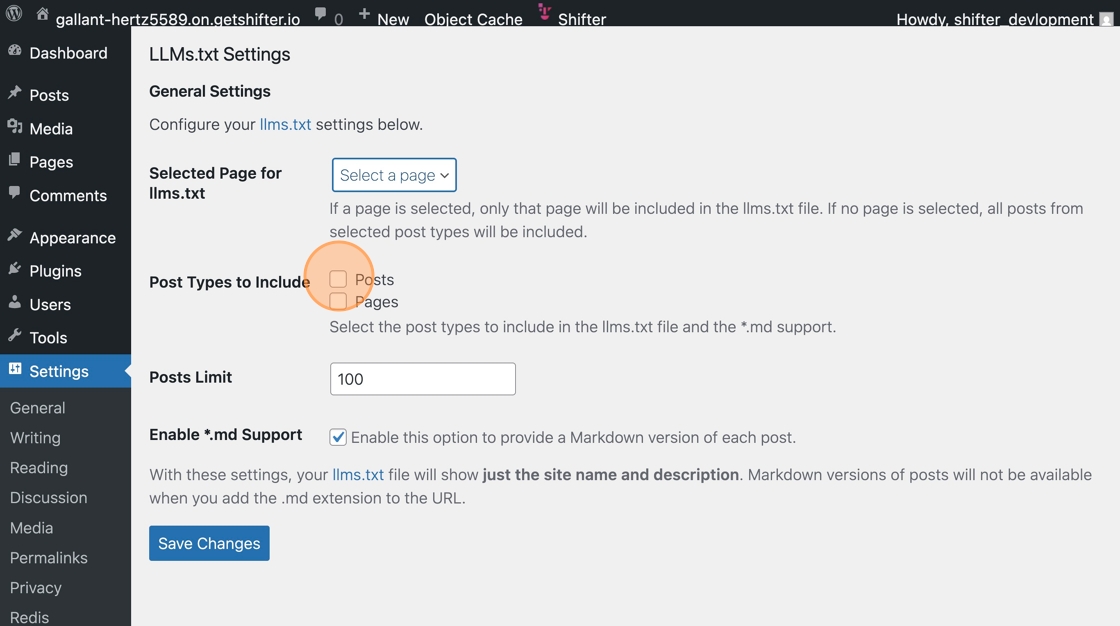
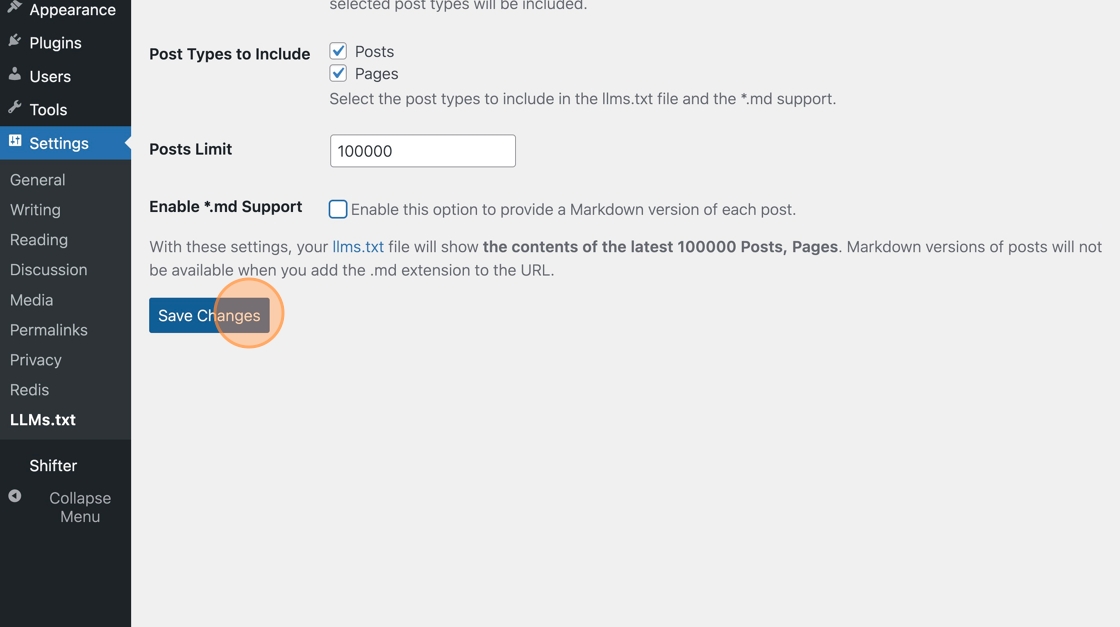
17. Select the post types to include in llms.txt
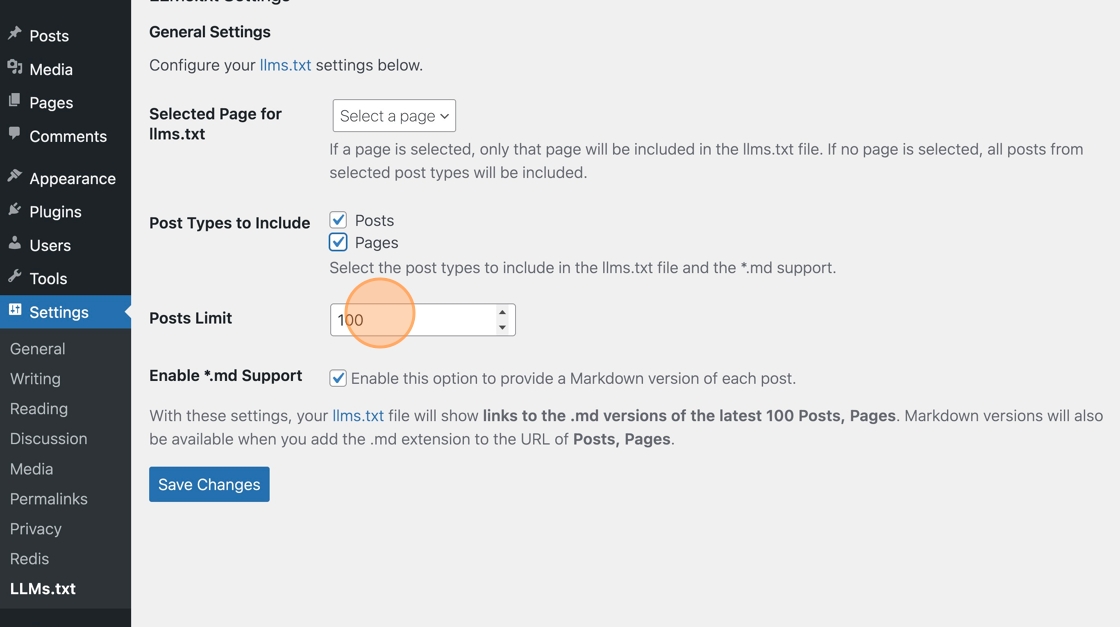
18. Set the maximum number of posts to output to llms.txt (default is 100)
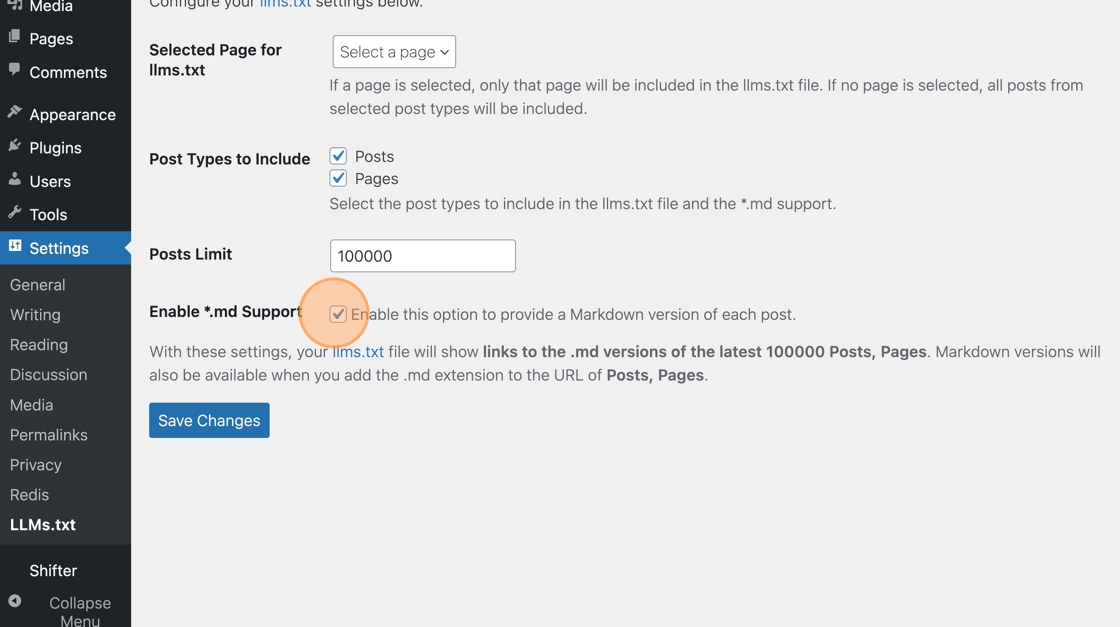
19. Uncheck “Enable this option to provide a Markdown version of each post.”
20. Save the settings
21. Click “llms.txt”
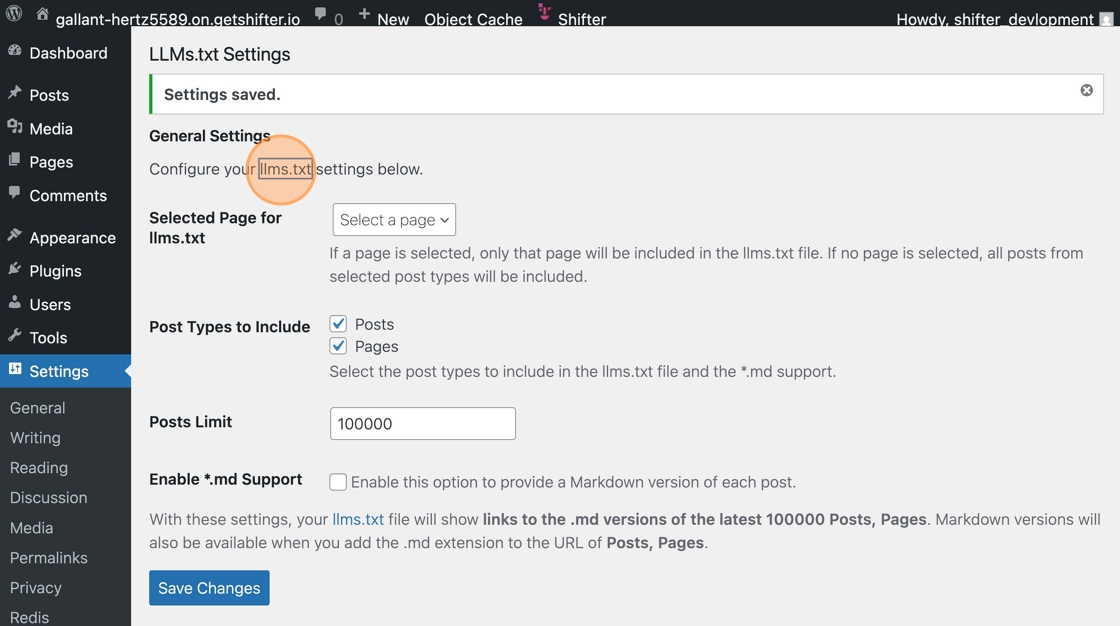
22. Access the URL for llms.txt and verify the content
Deployment and Publication
23. Click “Deploy”
24. Click the URL
25. Access llms.txt and verify the content
Important Note
Even if “Enable this option to provide a Markdown version of each post.” is checked, Markdown files for each post will not be generated due to service specifications.