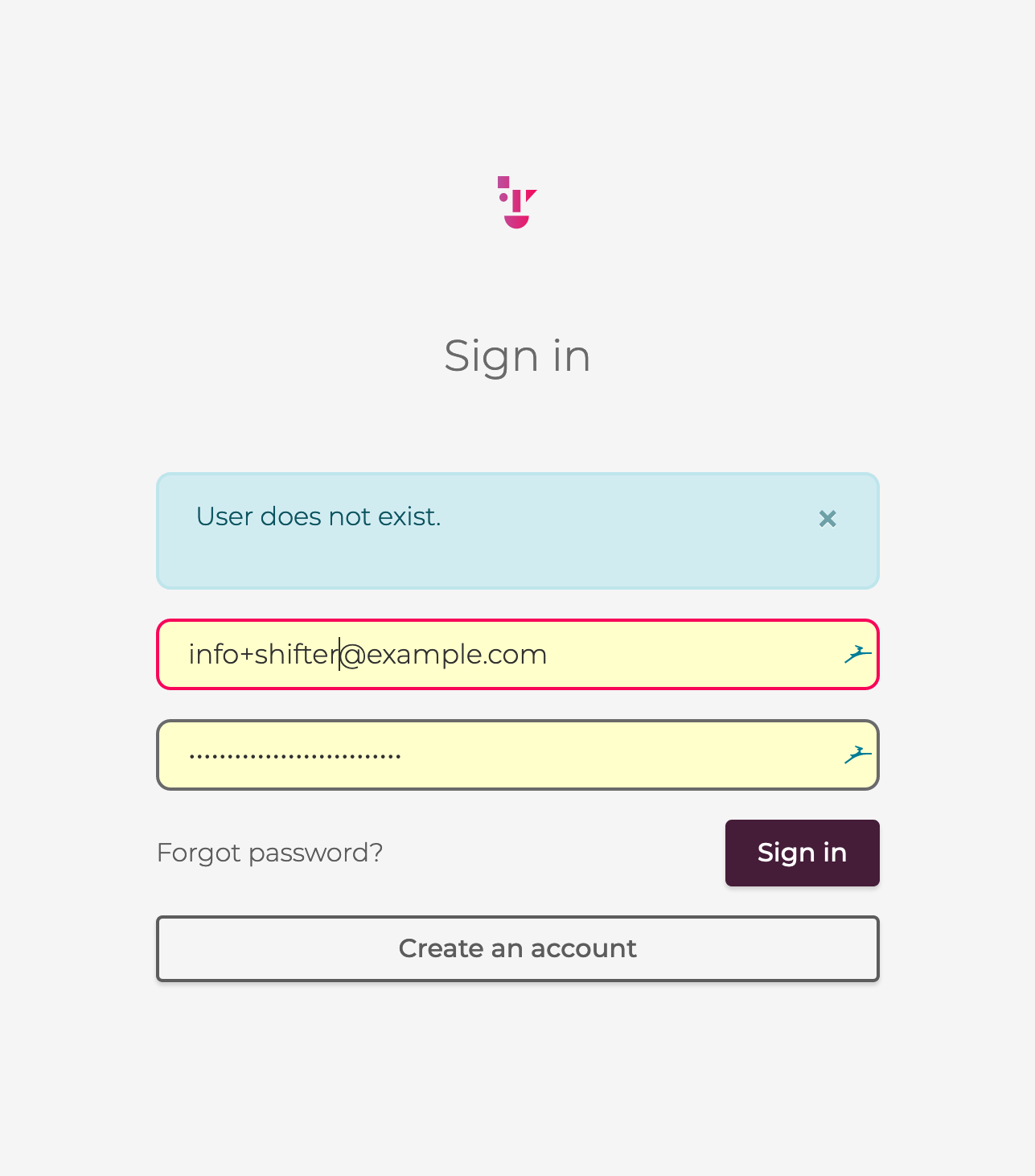
This guide explains what to do if you are unable to log in to the Shifter dashboard using your email address after updating your registered email address.
Error Message
“User does not exist.”
Cause
To complete the email address update, you must click the verification link provided in the “Shifter Verification Email” to verify your new email address.
Solution
Check the “Shifter Verification Email”:
- When you request an email address change, a “Shifter Verification Email” will be sent.
- Please check your spam folder, as the email may have been filtered there.
Click the verification link:
- Click the verification link provided in the “Shifter verification email” to verify your new email address.
If you do not receive the verification email:
- Please feel free to contact our support desk.
Screenshot of the error page