
1. Log in to the Shifter dashboard.
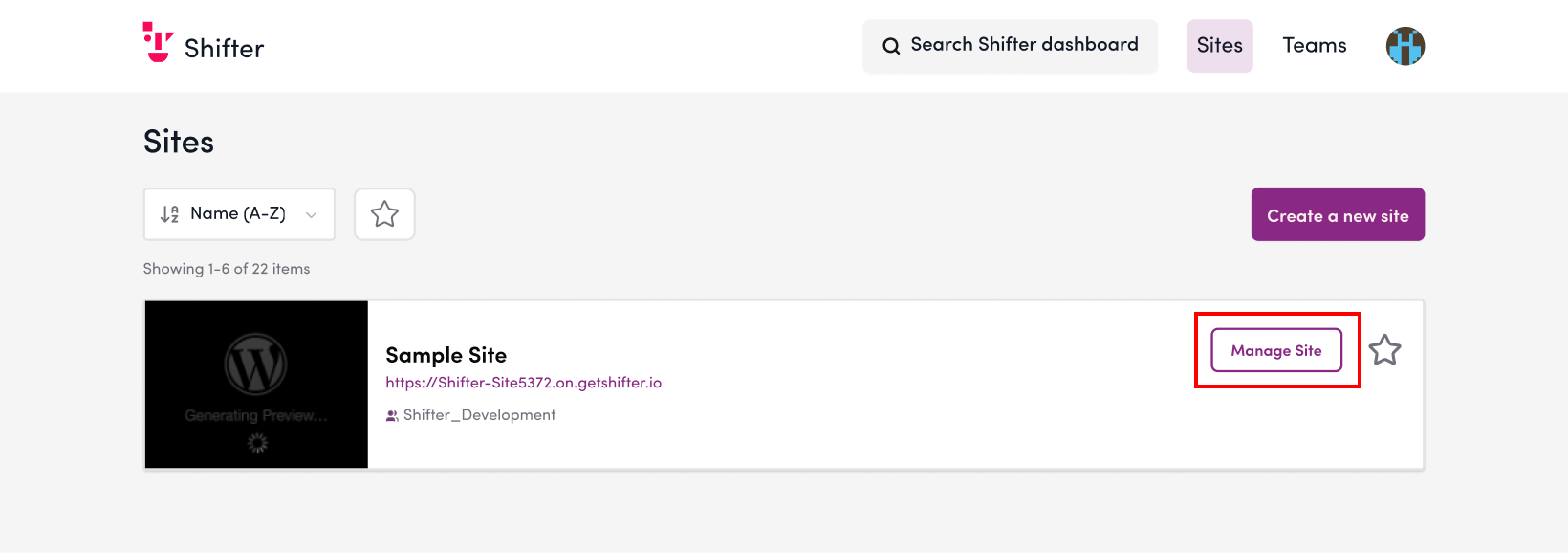
2. From the site list, click “Open Admin Panel” for the site where you want to enable automatic deployment.
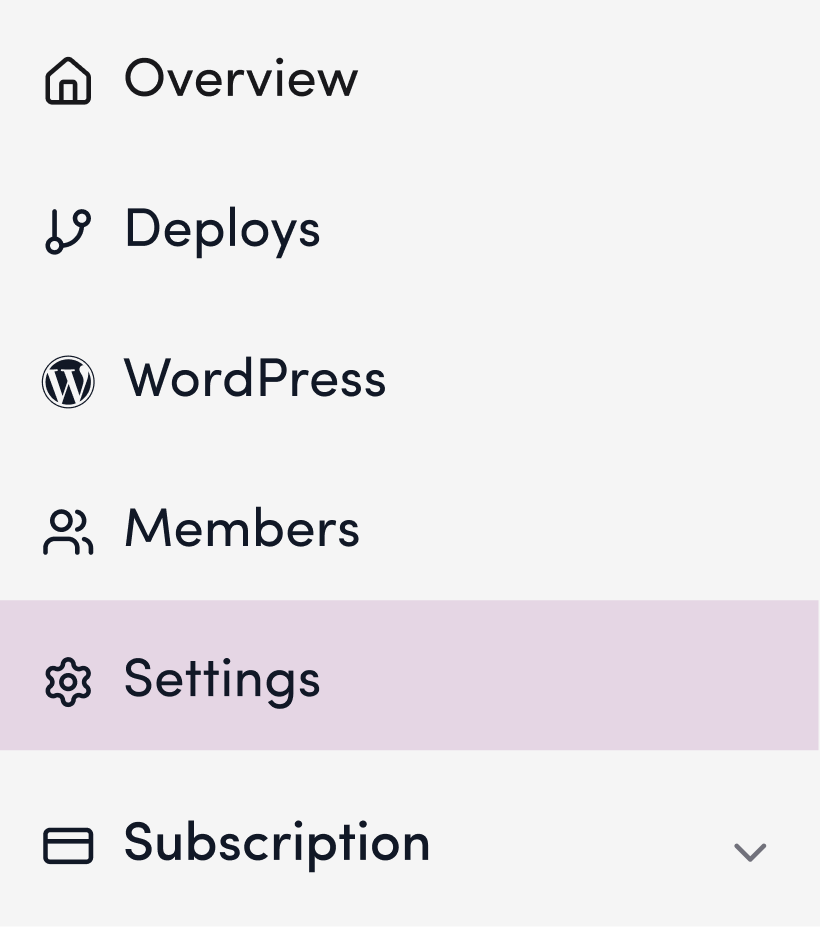
3. Click the “Settings” menu in the left sidebar.
4. Enable automatic deployment.
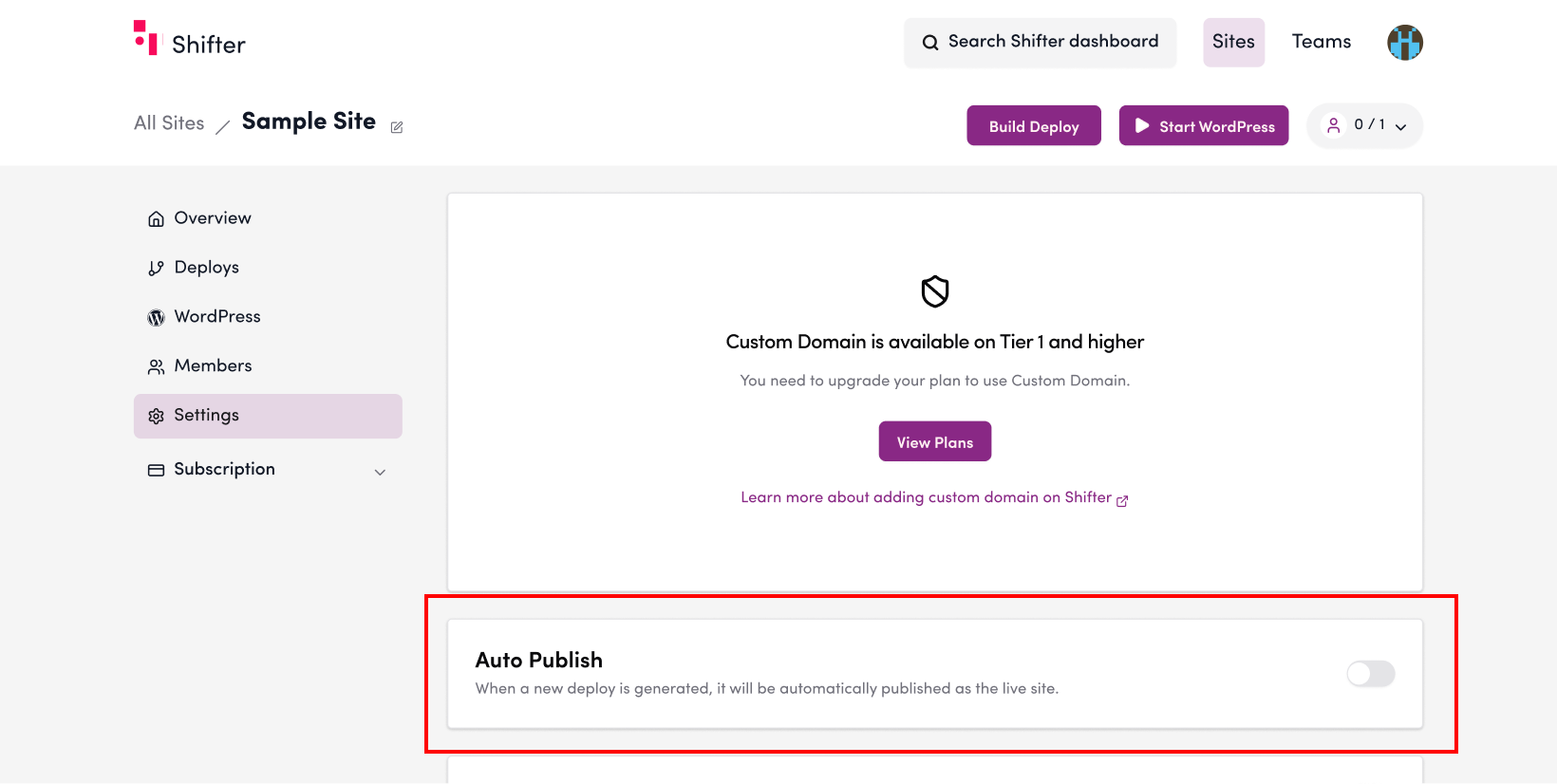

If “Automatic Deployment” is set to “NO,” automatic deployment is disabled.
Click the toggle switch to enable it.
5. Verify that automatic deployment is working properly.
To confirm that automatic deployment is enabled, return to the “Overview” menu in the left sidebar.
6. Click the “Deploy” button to create a new artifact.

7. Verify that the artifact is generated without issues and is automatically published.
Once published, the status will change to “Published” or “Publishing.”
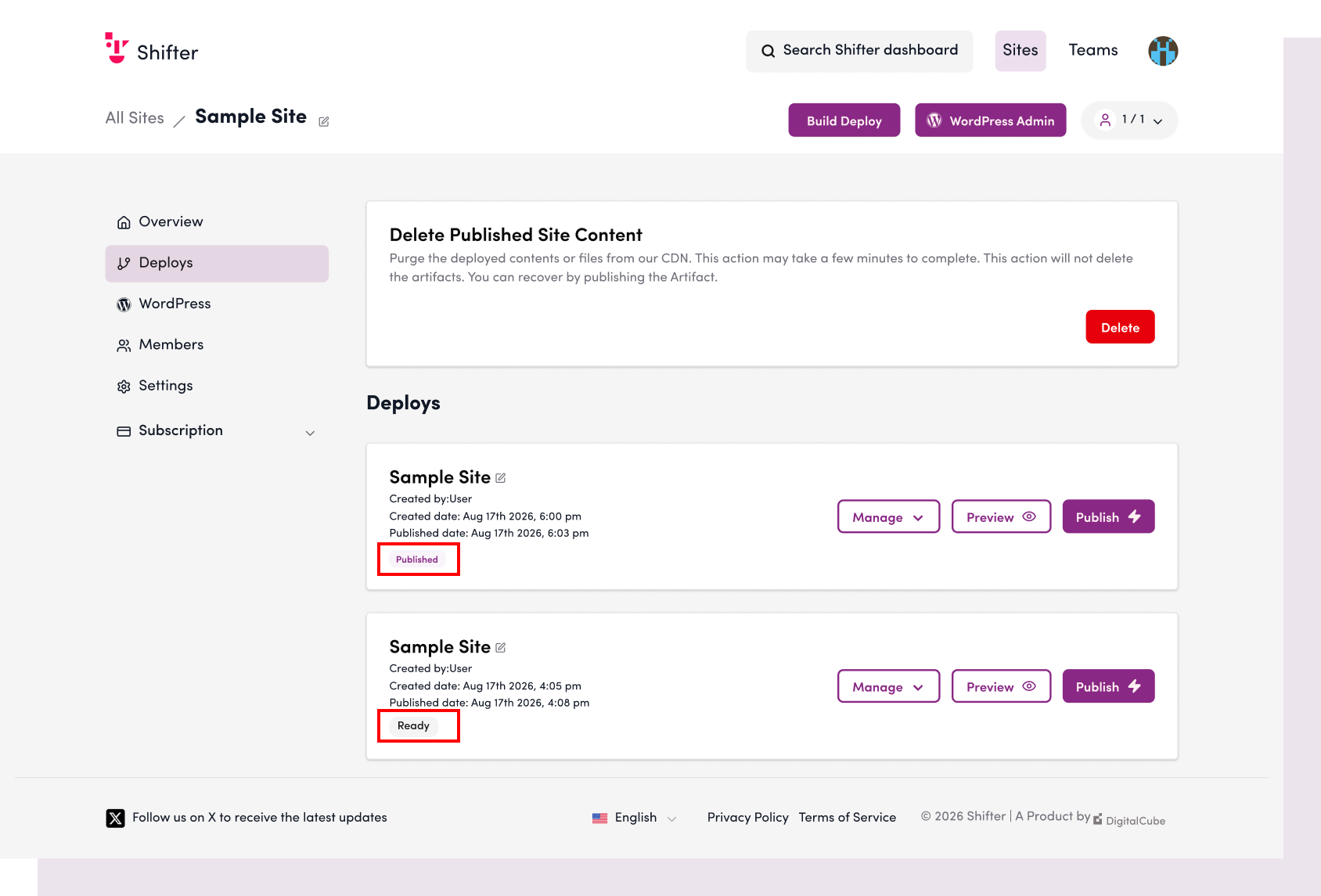
This allows you to automatically complete the publishing process simply by clicking the “Deploy” button.