
1. Log in to the Shifter dashboard
2. Click “Launch WordPress”
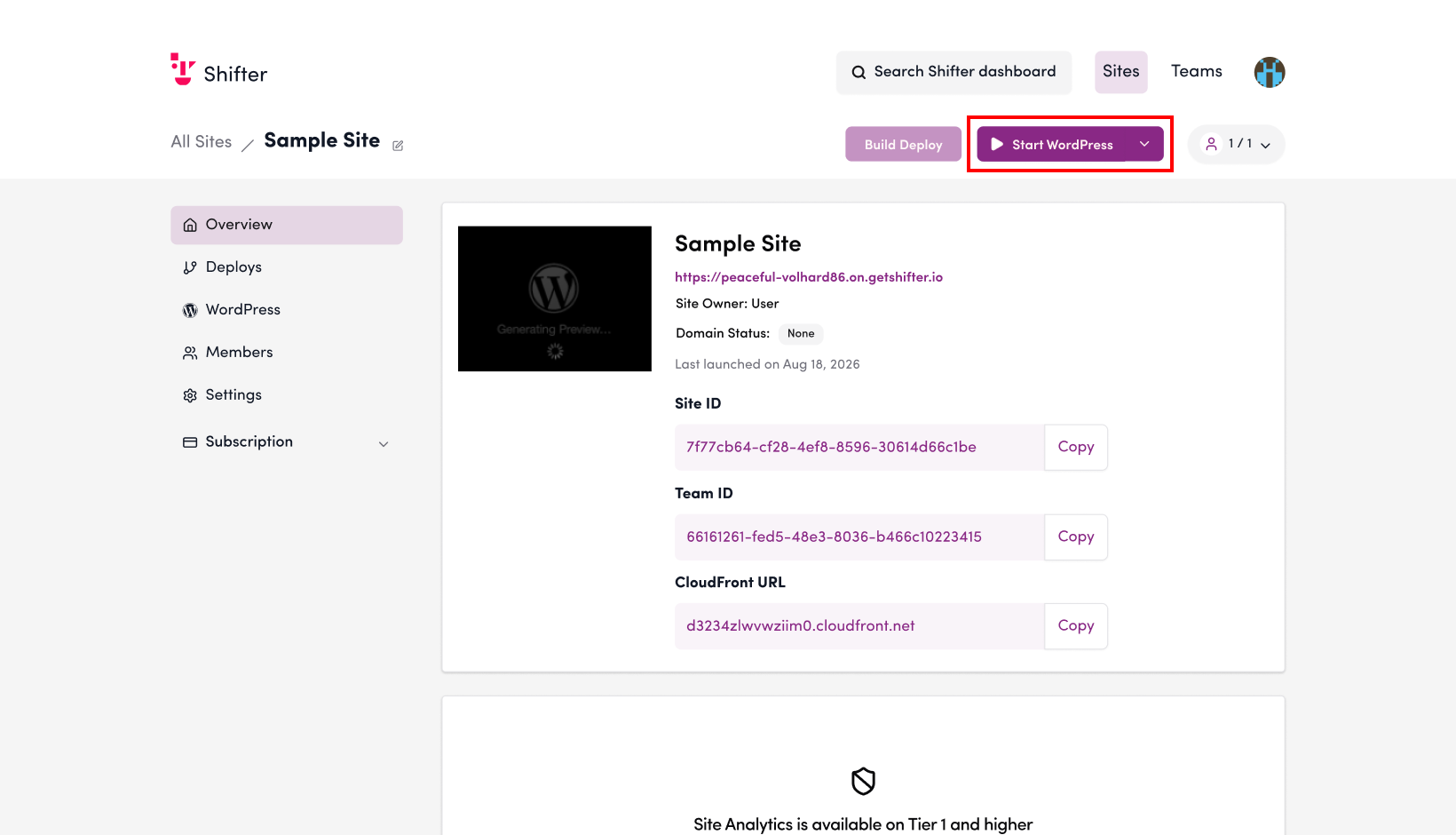
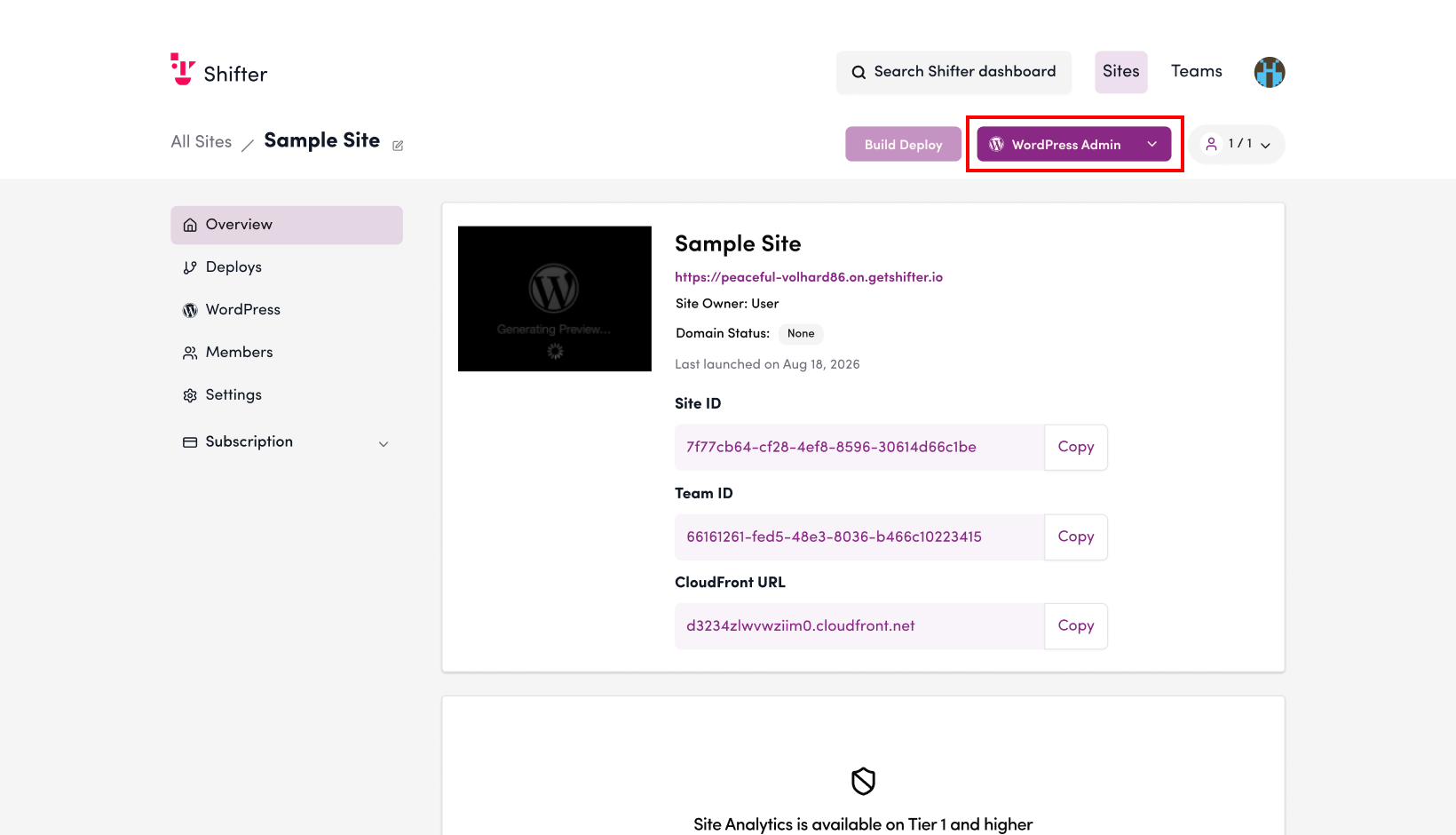
3. Click “WordPress Dashboard”
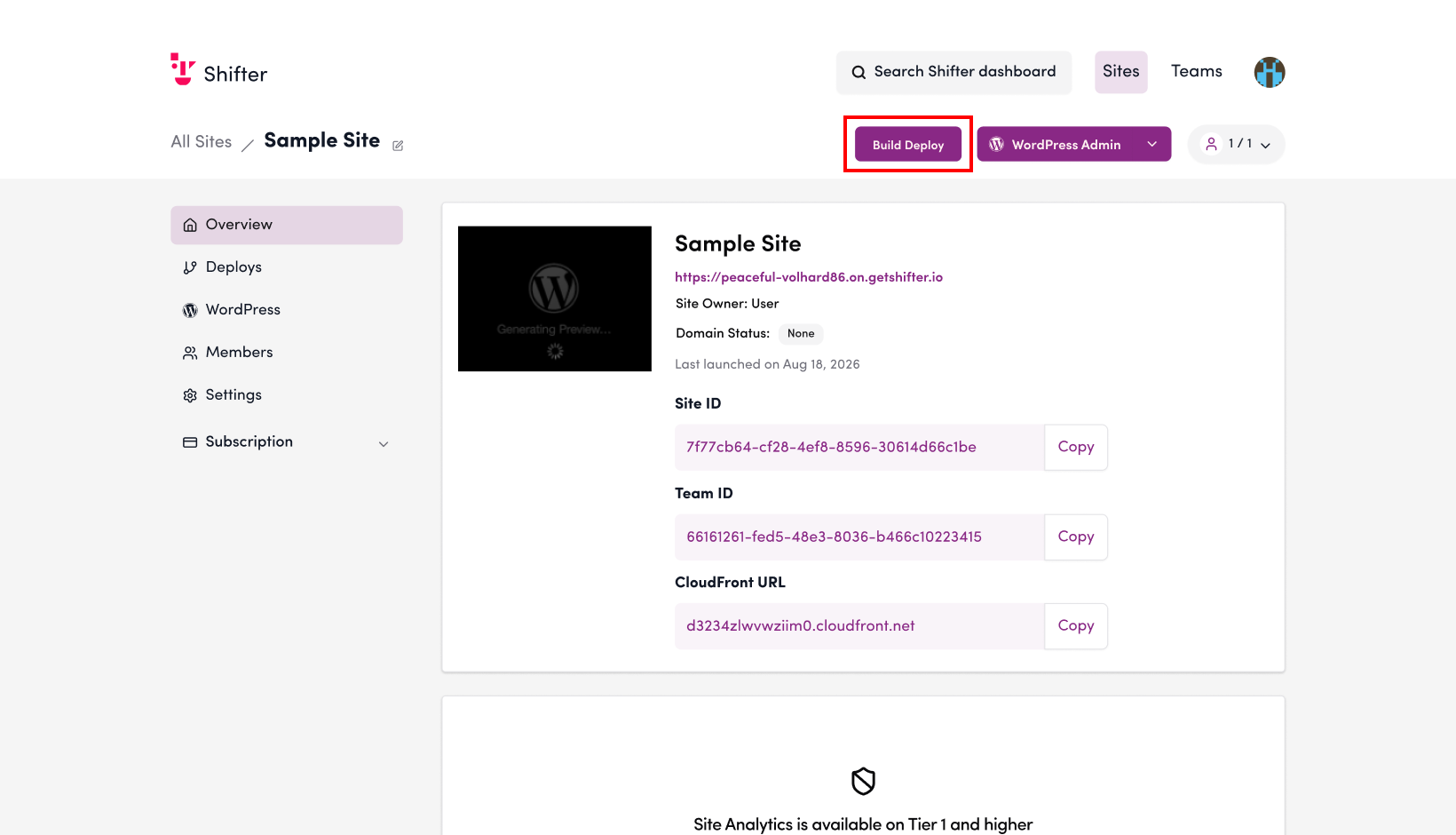
4. Click “Generate”
5. Click the downward-pointing triangle button
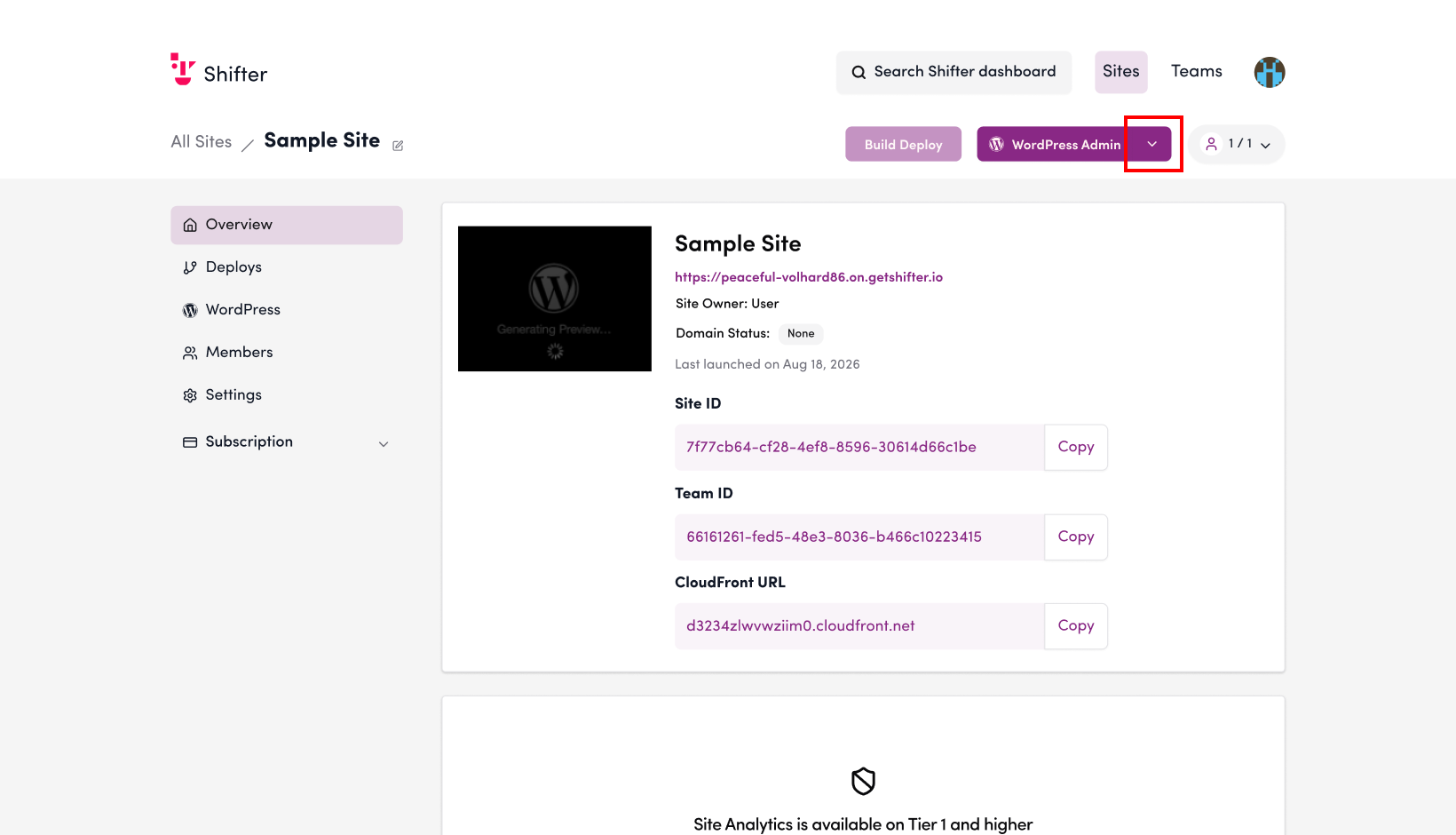
6. Click “Stop WordPress”
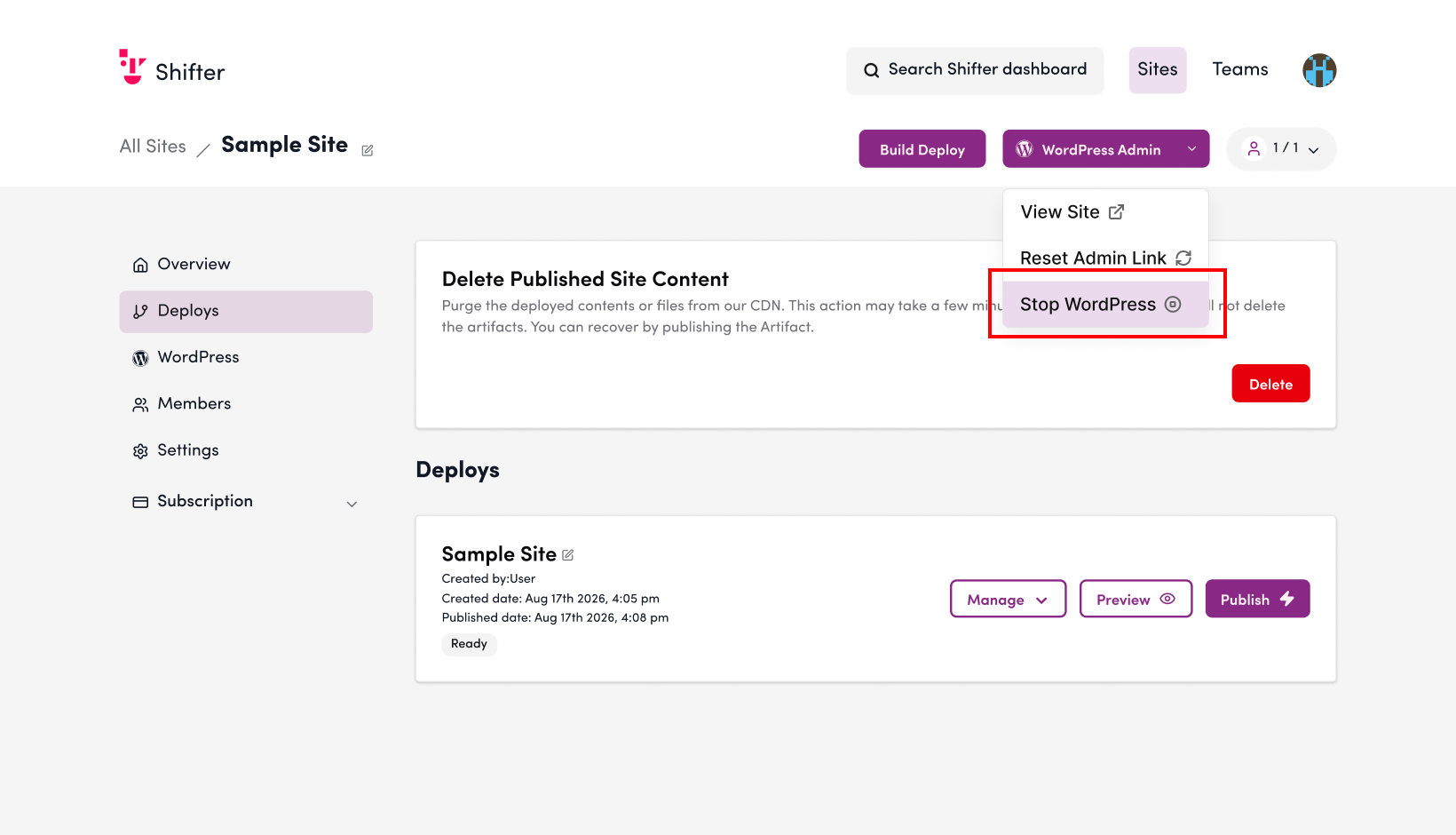
7. “WordPress has been successfully stopped”

8. Click “Generate”

9. A list of the generated artifacts will be displayed
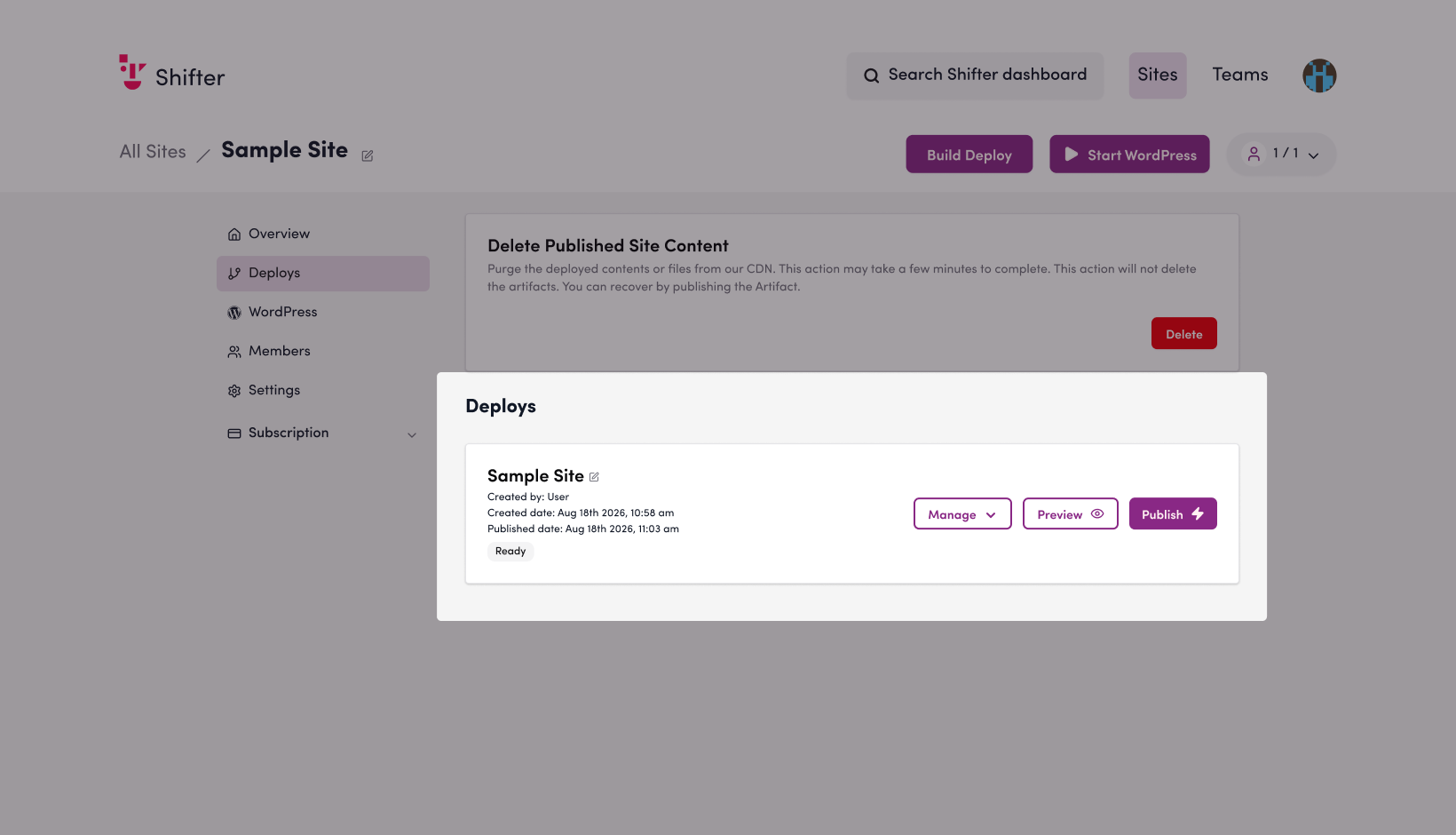
10. Click “Publish”

11. Click the “Publish” button
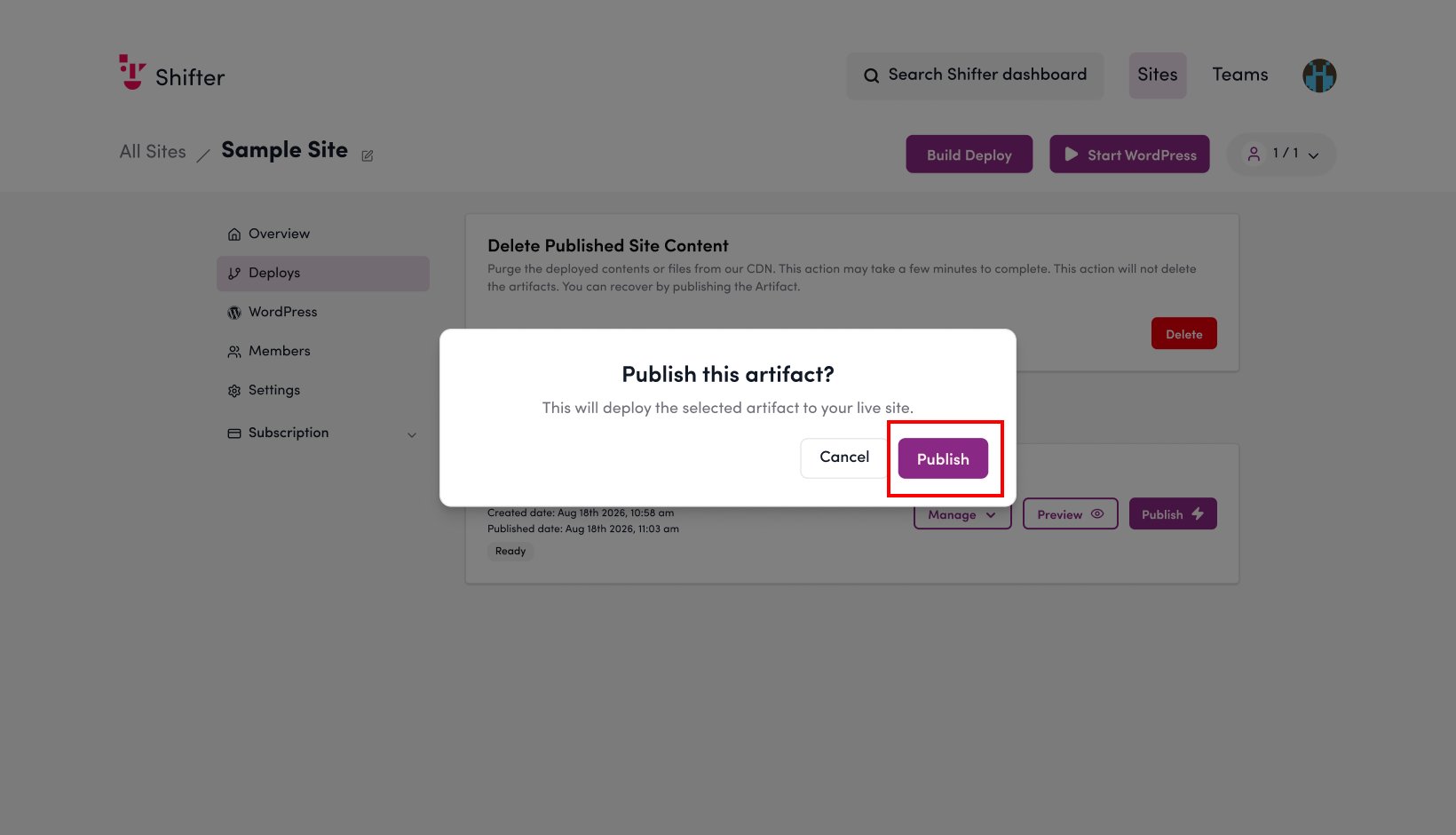
Please verify that the content has been published.