
Important Notes
This option is available only on Tier 2 and Tier 3 plans.
Additionally, only the site owner can perform this action.
How to Disable the Pay-As-You-Go CDN Data Transfer Option
1. Log in to the dashboard.
2. From the list of sites, click “Open Admin Panel” for the relevant site.
3. Check your current data transfer usage.
Click “Usage” in the “Live” menu on the left sidebar and verify that “Data Transfer (GB)” is below the limit for your plan.
4. Verify that “Data Transfer (GB)” is below your plan’s limit.
Tier 2: Less than 100 GB
Tier 3: Less than 1,000 GB
* If you exceed your plan’s limit, you cannot disable this feature.
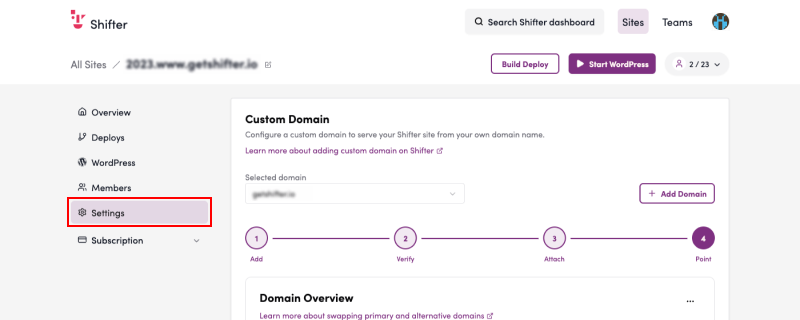
5. Click “CDN Options” in the “Recurring Billing” menu on the left sidebar.
6. Click the “Cancel” button in the CDN Options section.
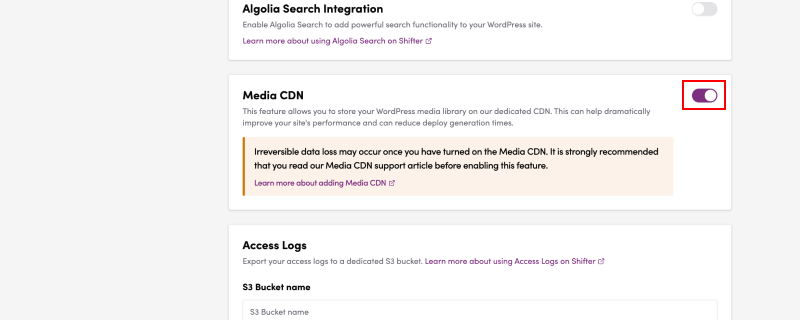
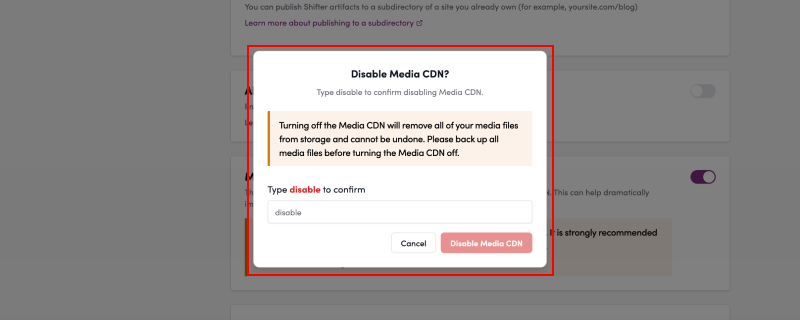
Type “cancel” in the input field and click the “Cancel” button.
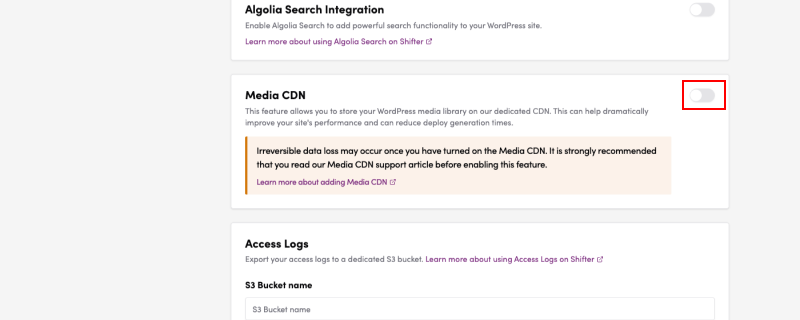
7. Verify that the pay-as-you-go CDN data transfer option is disabled.
If it says “Option is currently off.,” the option is disabled.
That completes the setup.