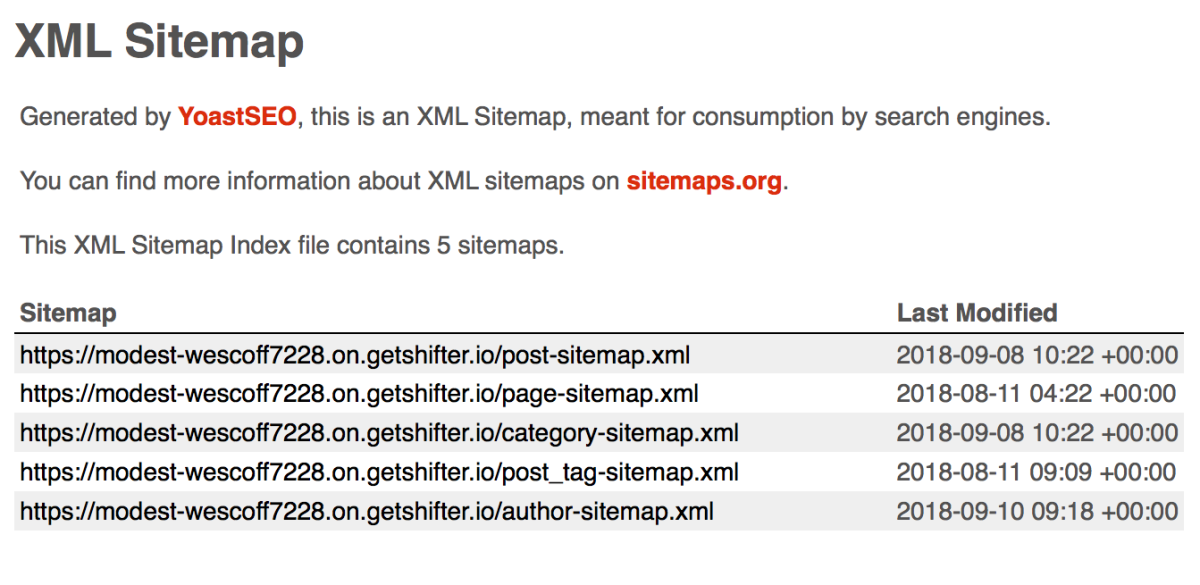
Setting Up an XML Sitemap with Yoast SEO
This guide explains how to set up an XML sitemap on a WordPress site using the Yoast SEO plugin.
Installation and Activation
- Install and activate the Yoast
SEO plugin from the WordPress plugin directory.- Plugin URL: https://wordpress.org/plugins/wordpress-seo/

- Plugin URL: https://wordpress.org/plugins/wordpress-seo/
Enabling the XML Sitemap
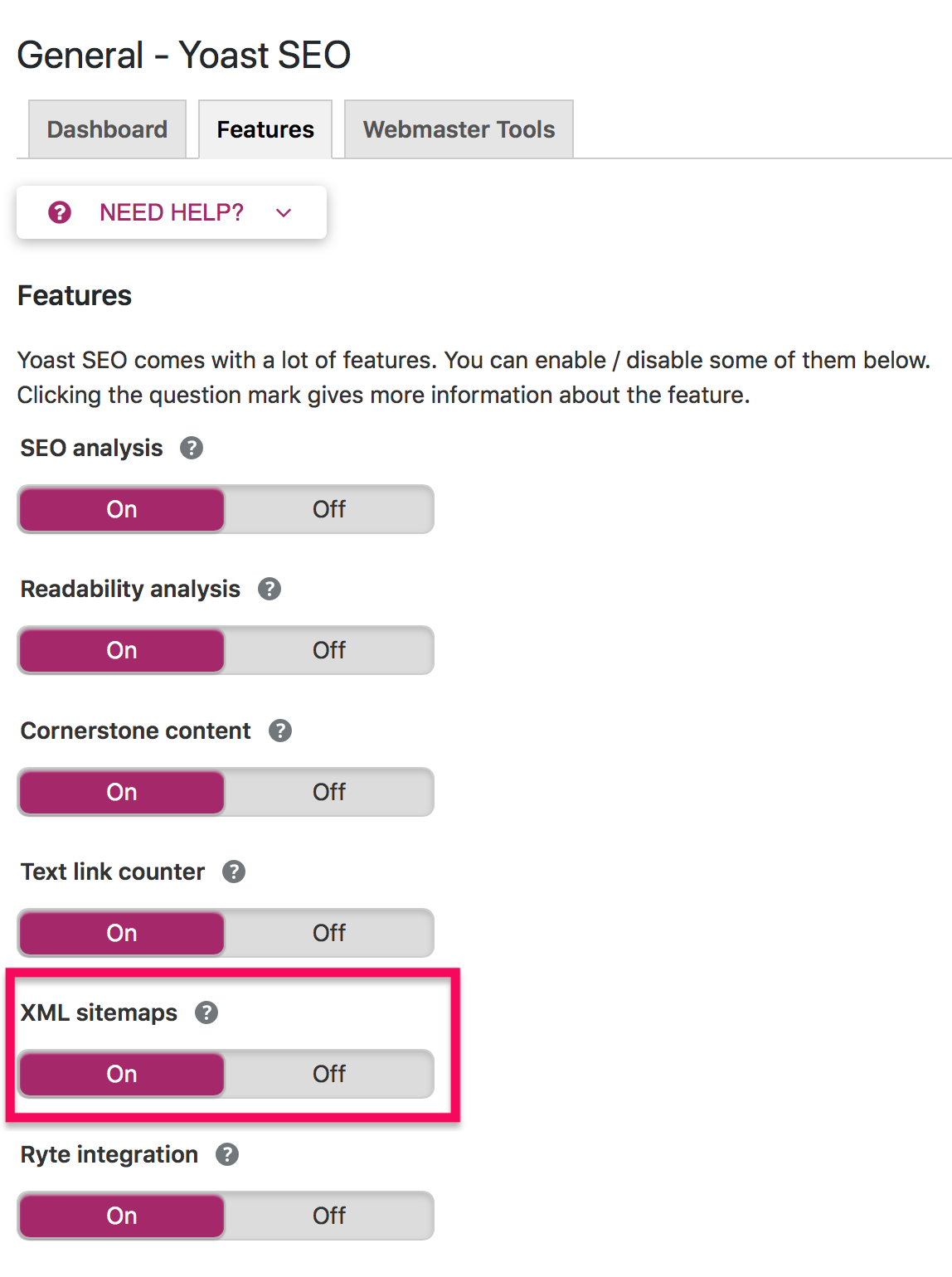
- Go to the [General] menu in Yoast SEO.
- Select the [Features] tab.
- Enable [XML Sitemap].
Verifying the Sitemap File
- Access the sitemap URL listed in robots.txt.
- Example: The URL is
/sitemap_index.xml.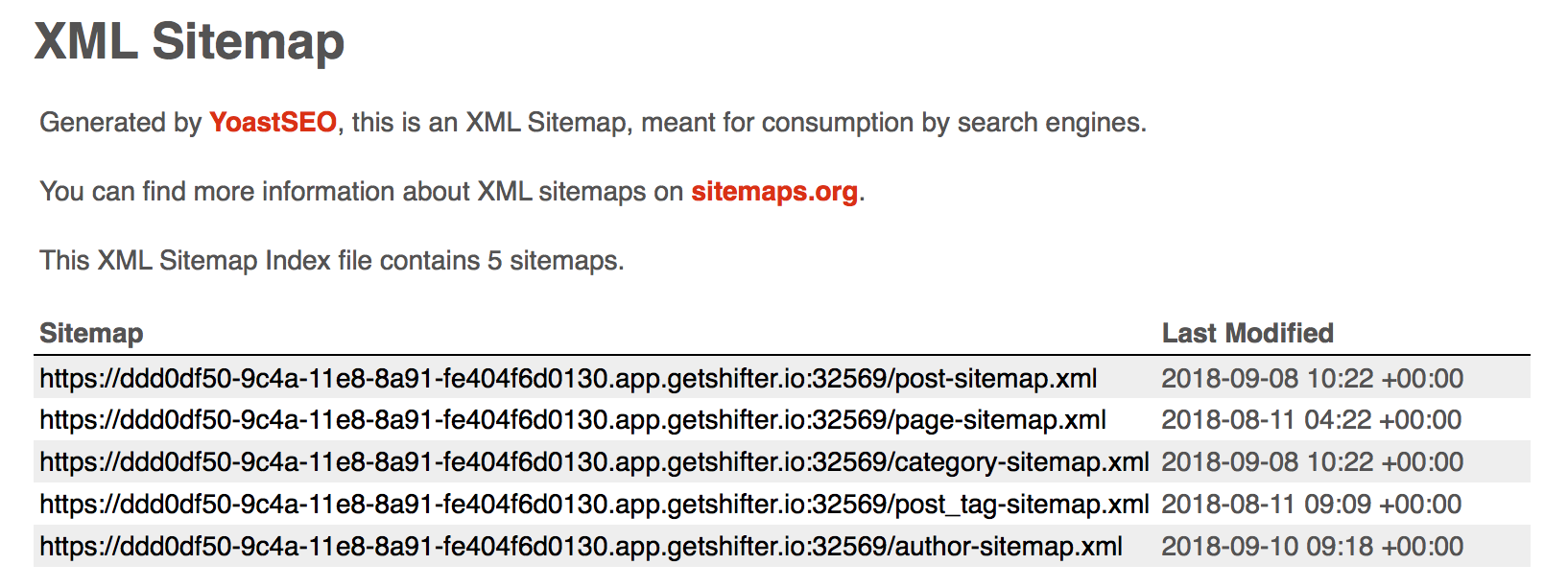
Generation and Publication
- Once you’ve verified the sitemap file, publish it.
- Double-check the robots.txt file and the sitemap.
Verifying robots.txt
- Add
/robots.txtto the end of your Shifter site’s URL and access it. - Example contents of the robots.txt file:
User-agent: *
Disallow: /
Sitemap: http://modest-wescoff7228.on.getshifter.io/sitemap_index.xml