
Before inviting Shifter Support to your team, please contact us first so we can assess the situation. Support will be invited with administrator privileges to investigate the issue in greater depth.
How to invite Shifter Support to your team:
- First, please share the details of the issue.
Please provide the following information:
- Issue details
- Affected domain name
- Site ID
- Team ID
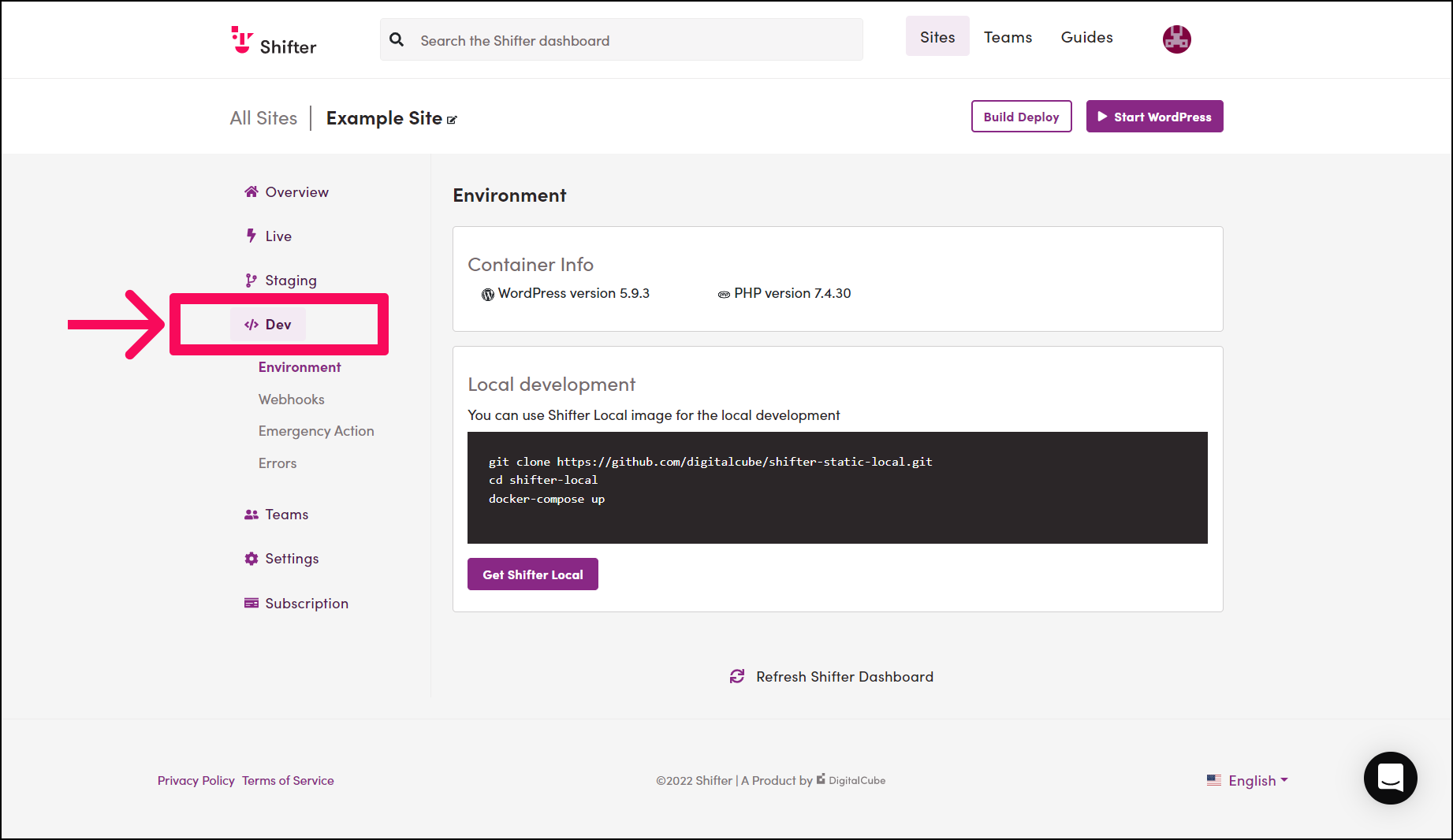
- Go to the [Dev] menu on the site.
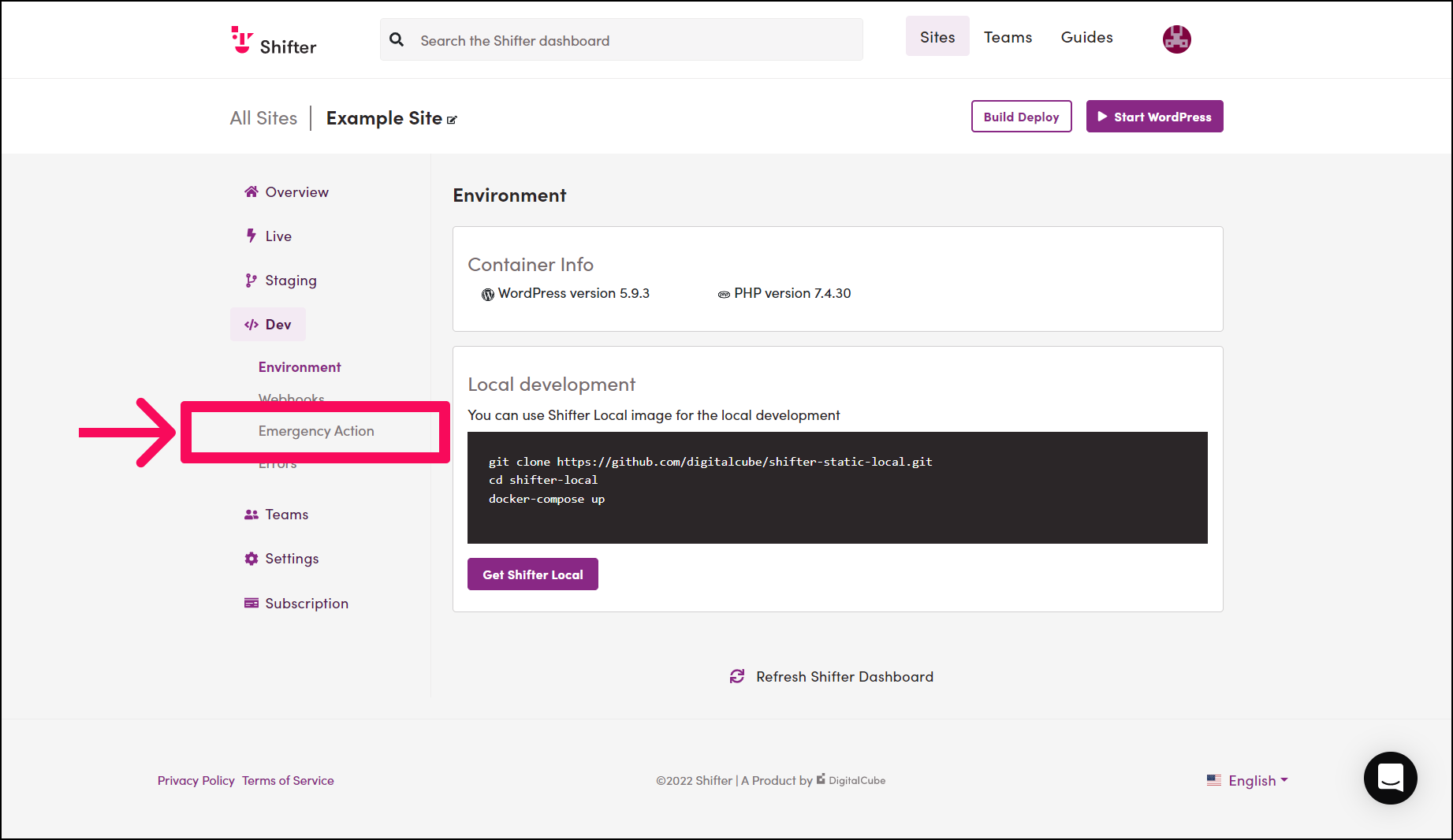
- Go to [Emergency Actions].
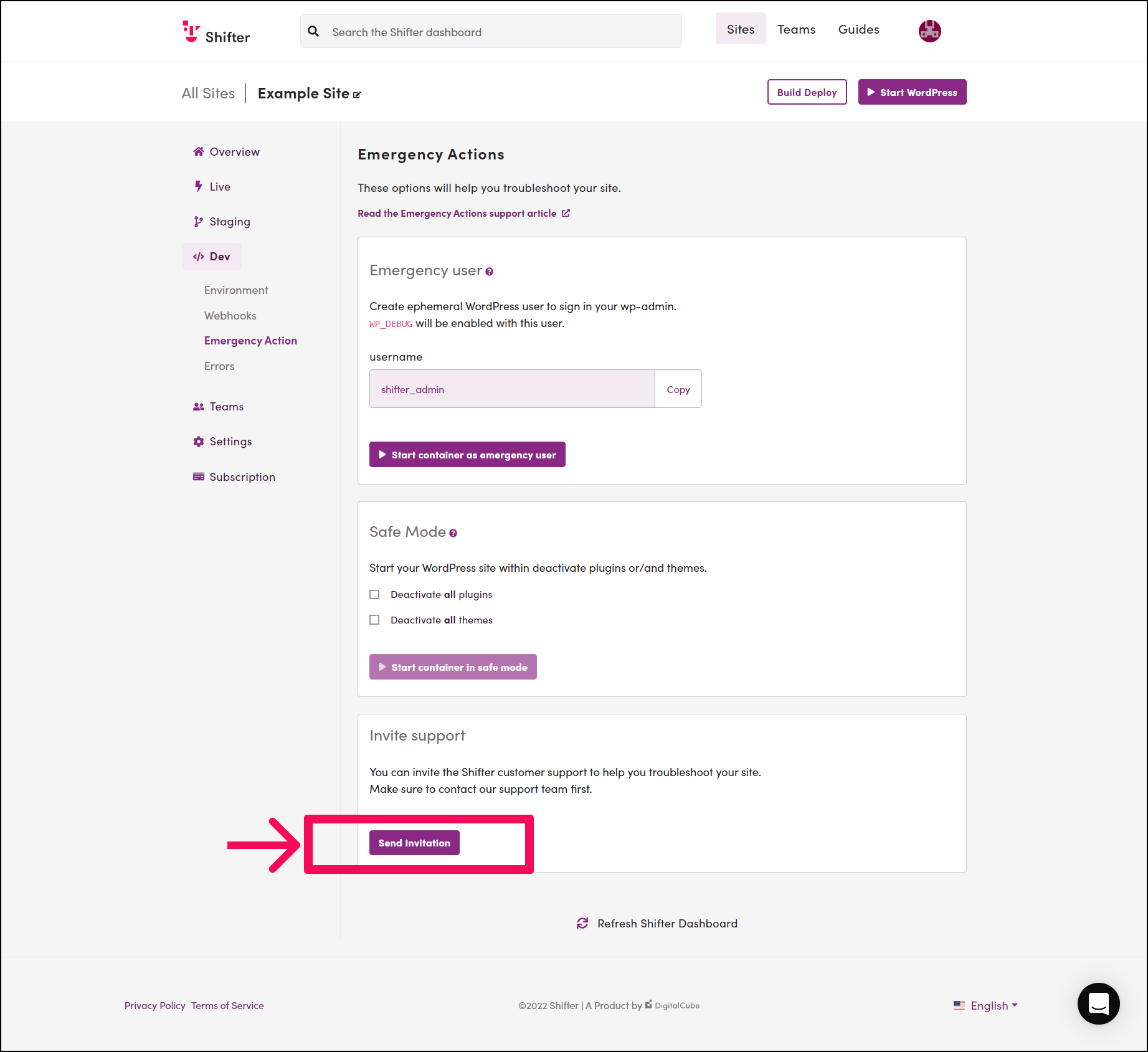
- Scroll to the bottom of the page.
There is an [Invite support] section.
- Invite support.
Click the [Invite support] button to invite support.
- The invitation has been sent.

- Please wait a moment.
Shifter Support will access your site shortly. The average response time for support tickets is one business day.