
Shifter supports the “AMP for WordPress” plugin, developed by WordPress.com VIP, XWP, Google, and contributors.
Important Note:
- Shifter does not support other AMP-generating plugins (such as AMP for WP – Accelerated Mobile Pages or Better AMP).
- If you enable an unsupported AMP plugin and generate your site, AMP pages will not be generated.
- Please use the “AMP for WordPress” plugin instead of alternative plugins.
AMP Settings
Select Template Mode: Reader
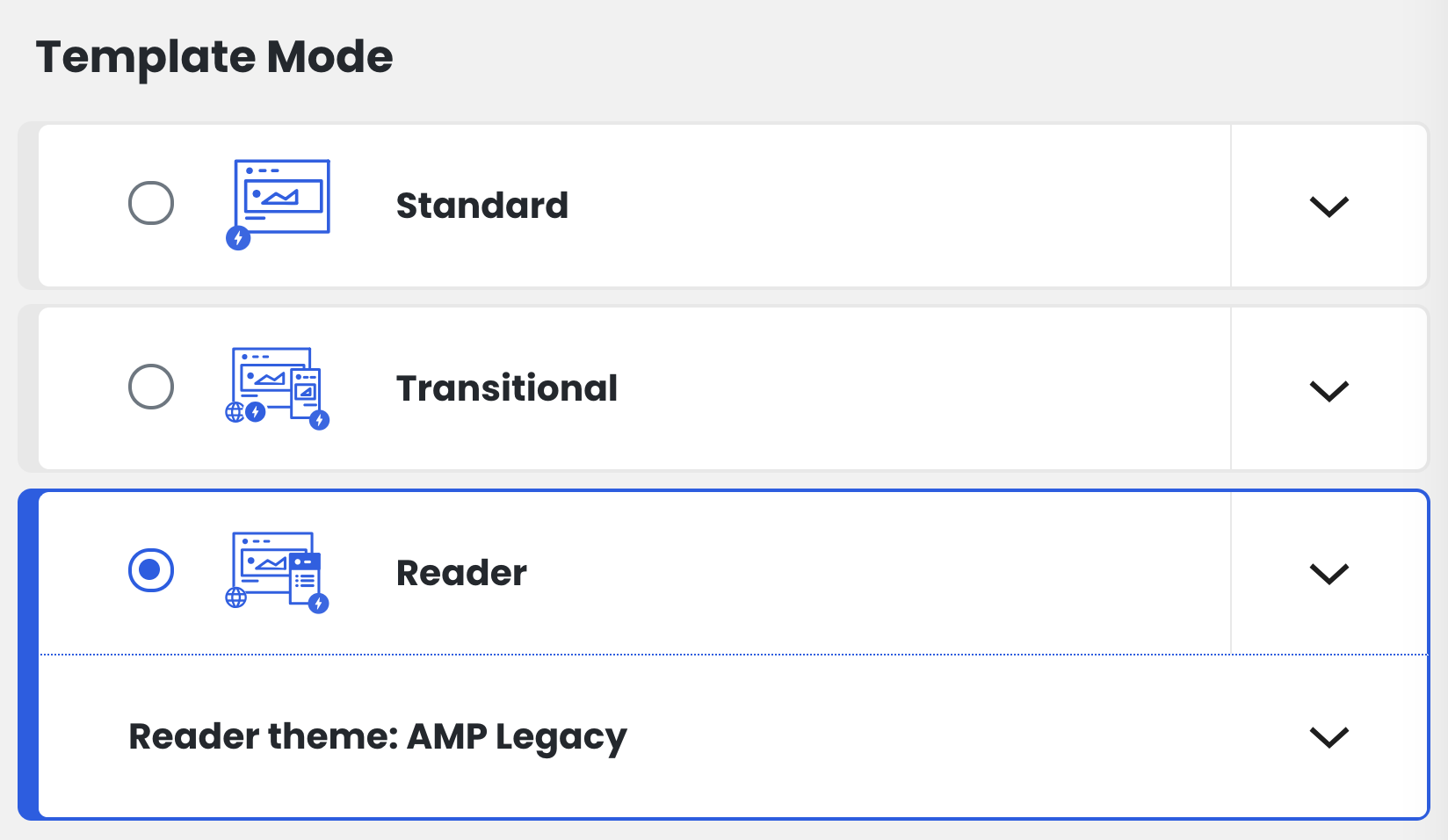
The latest version of the AMP plugin supports three modes: Standard, Transitional, and Reader. If your theme supports AMP, we recommend selecting Reader.
Select Reader Theme: AMP Legacy
[IMAGE_PLACE_PLACEHOLDER_1]
Supported templates
Check the boxes for Posts, Pages, and Media as needed.
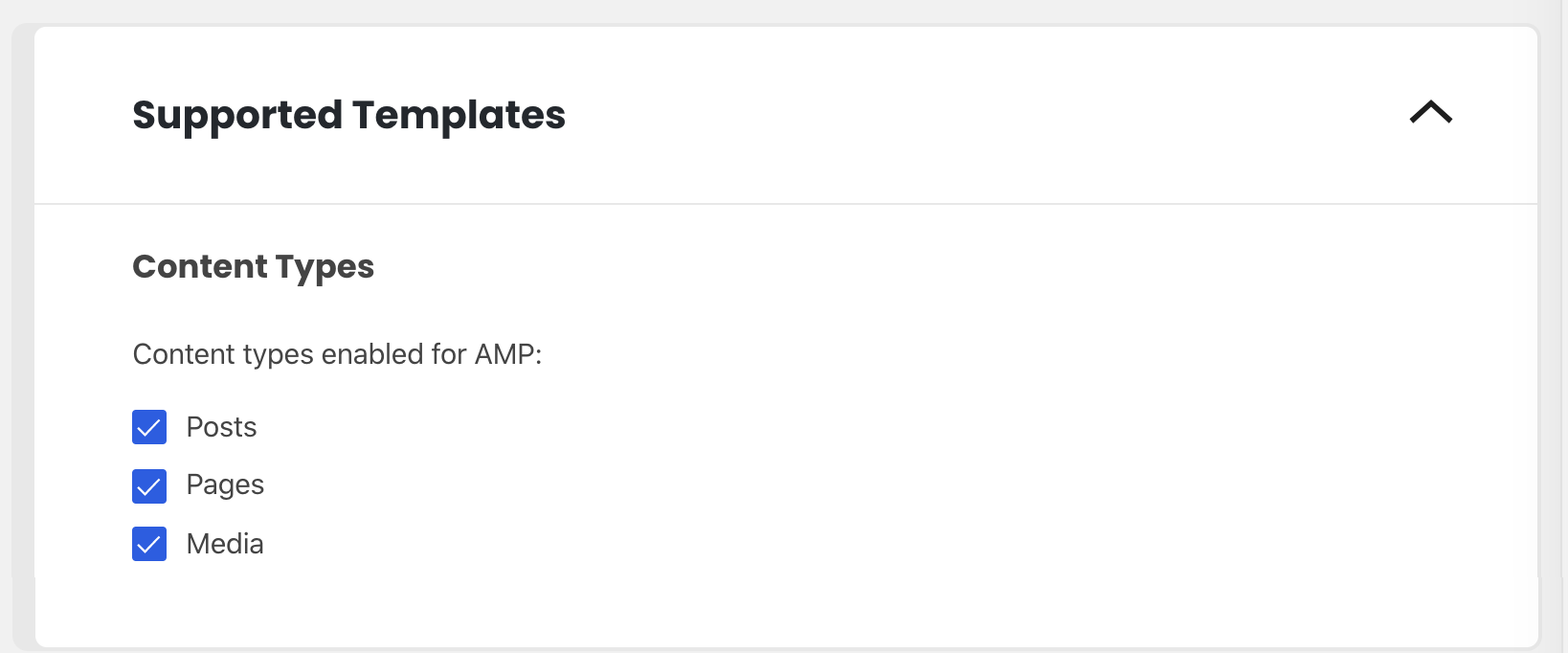
Shifter currently supports only the following content types:
- Posts
- Pages
- Media
Advanced Settings: Redirect Mobile Visitors to AMP
Please turn this feature off. Shifter does not currently support this feature.

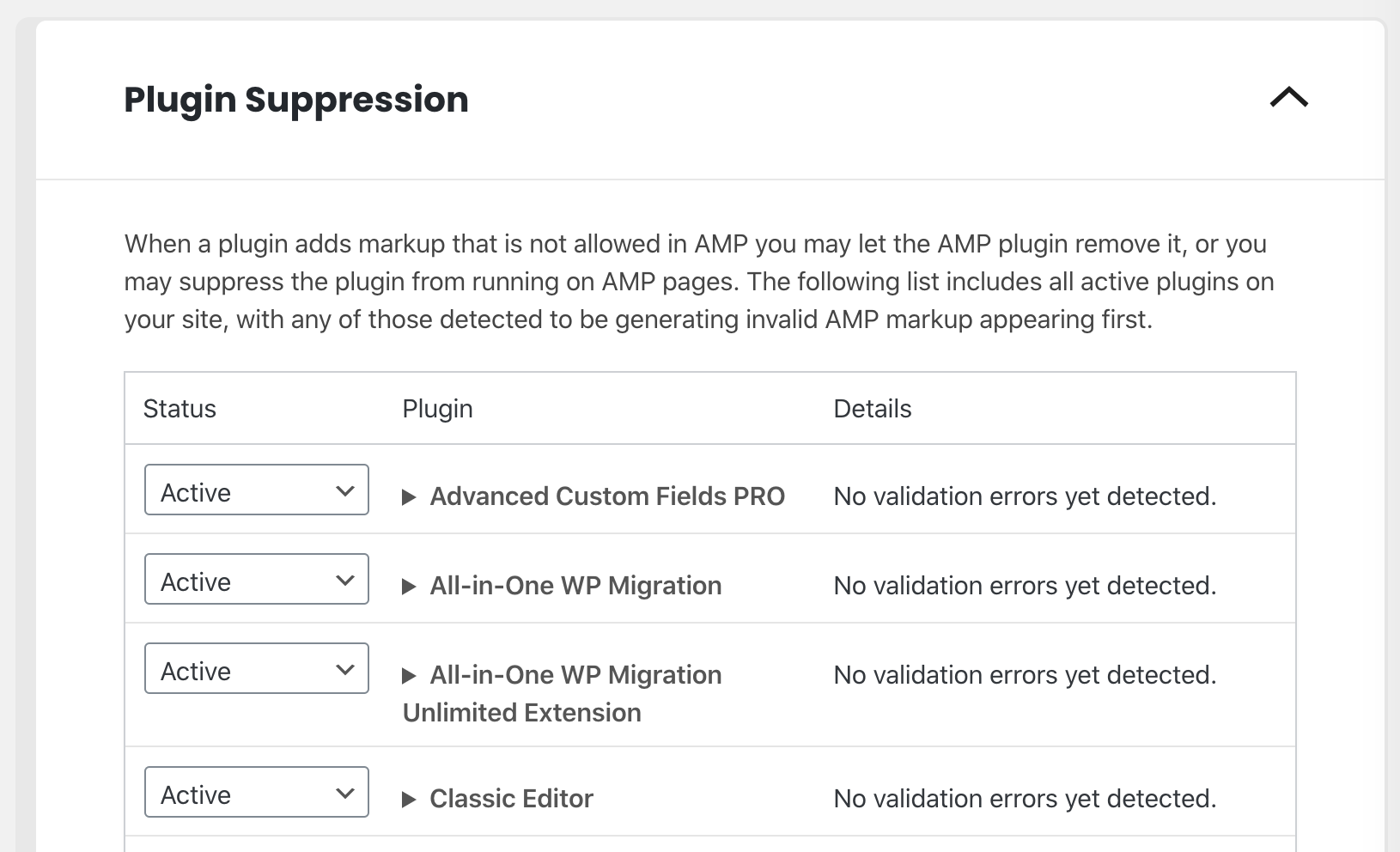
Plugin Suppression
Configure as needed.
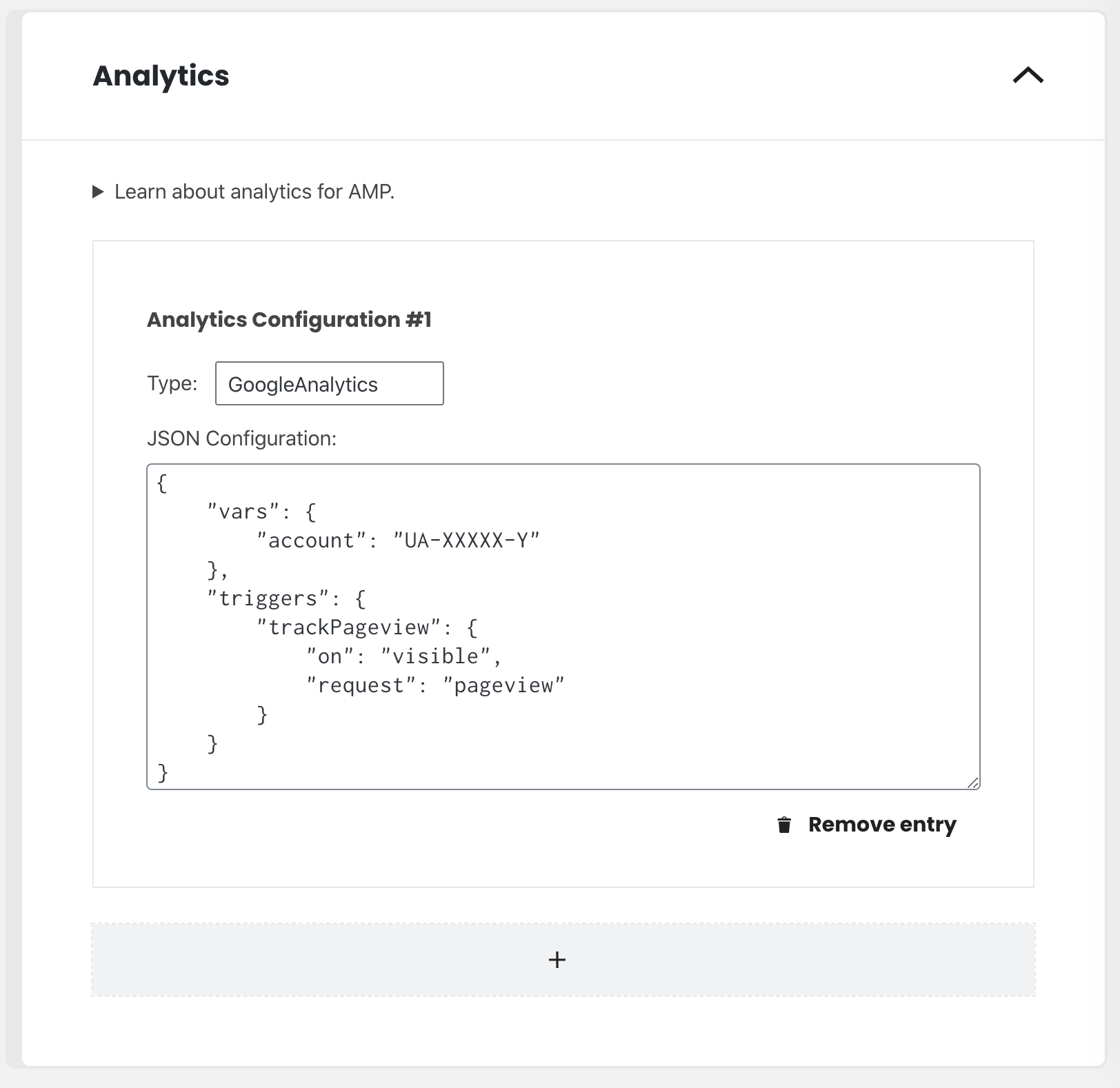
Analytics (Optional)
You can configure analytics code, such as Google Universal Analytics. Please refer to the official documentation “ Analytics Vendors” to verify that your vendor is supported.
The analytics code must be in JSON format. For more details, see amp-analytics and the Analytics documentation.
Example of JSON format:
{
  "requests": {
    "pageview": "${pageview}"
  },
  "triggers": {
    "trackPageview": {
      "on": "visible",
      "request": "pageview"
    }
  }
}
Note:
AMP pages on Shifter must end with /amp/. Example:
Example:
- Regular posts/pages:
https://example.com/this-is-test/ - AMP posts/pages:
https://example.com/this-is-test/amp/