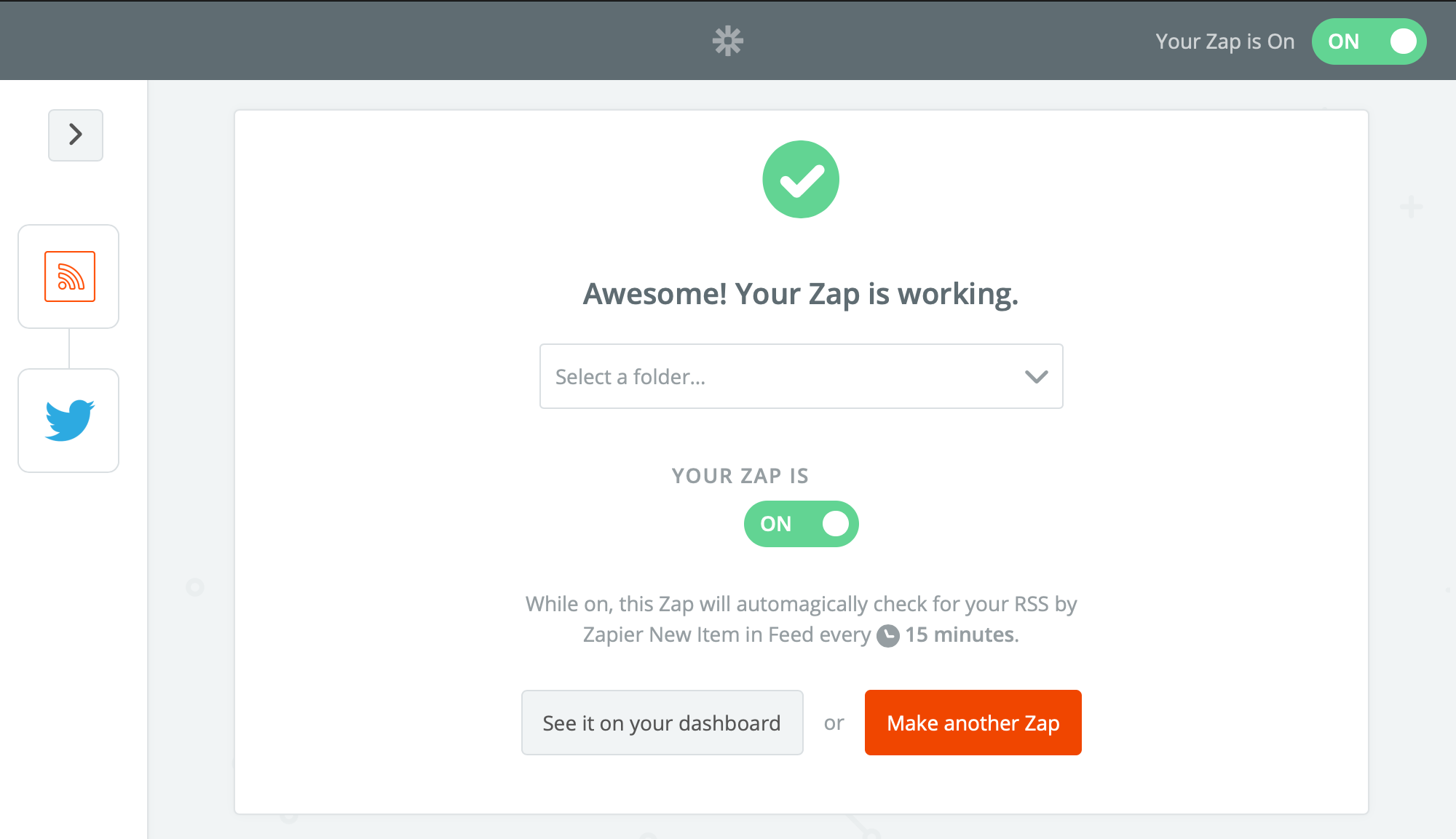
This document explains how to set up a Zap in Zapier to post to Twitter.
Building a Twitter Posting Applet
Building a Twitter Posting Zap
Follow the steps below to build a Twitter posting Zap.
Step 1: Log in to zapier.com.

Step 2: Select Twitter under [Connect this app…], and enter your Zapier RSS feed under [with this one!].
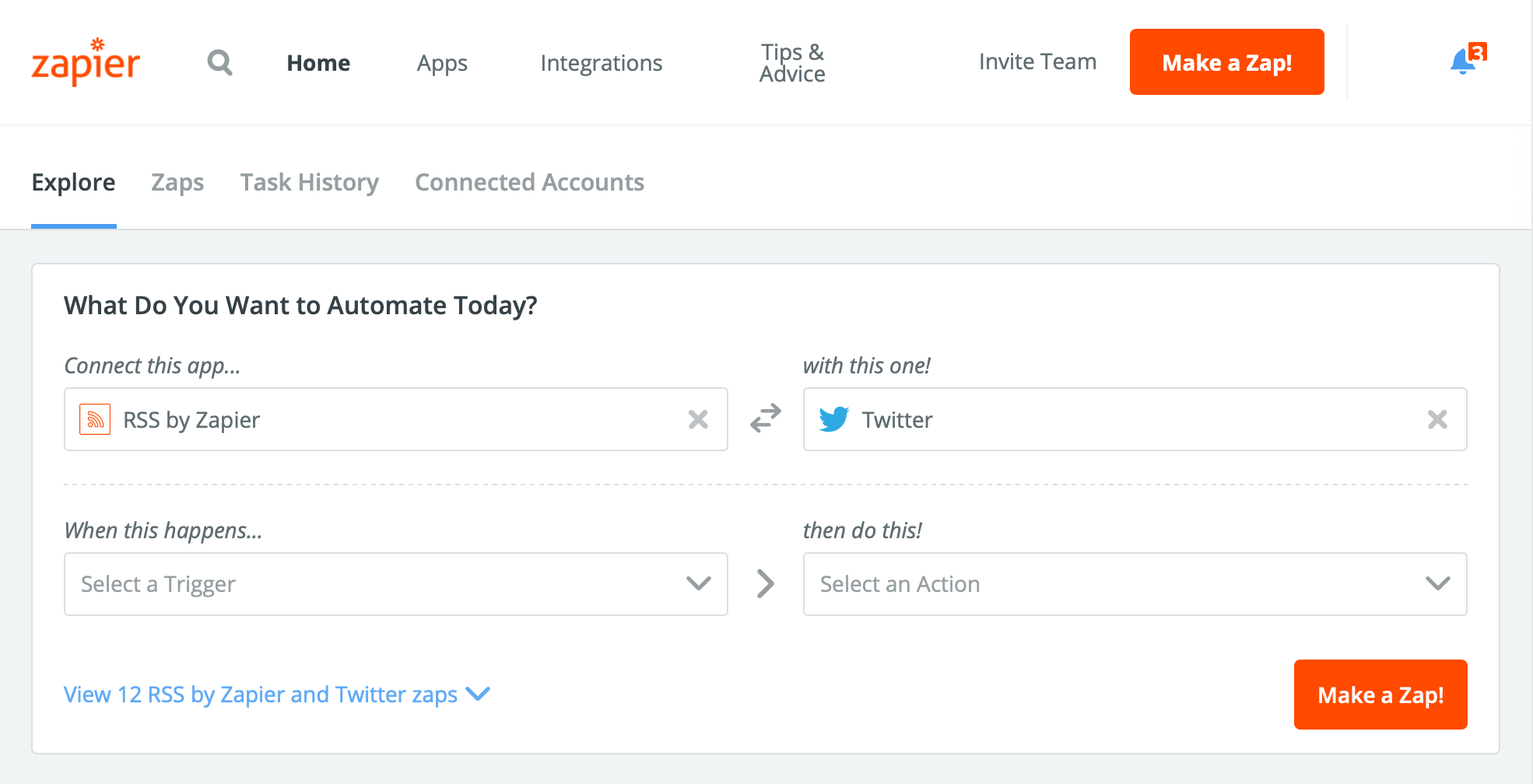
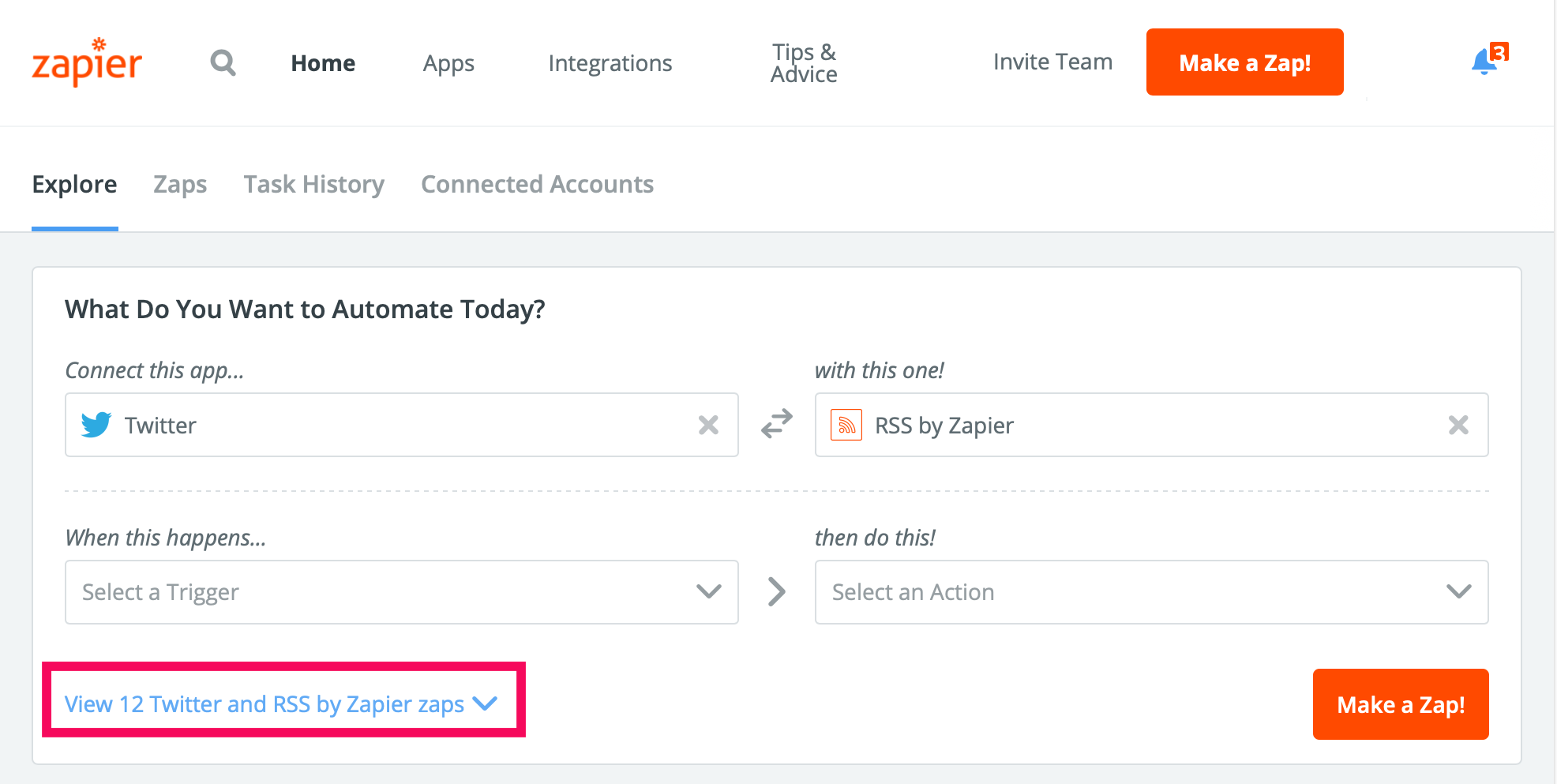
Step 3: Click the [View 12 Twitter and RSS by Zapier zaps Make a Zap!] link.
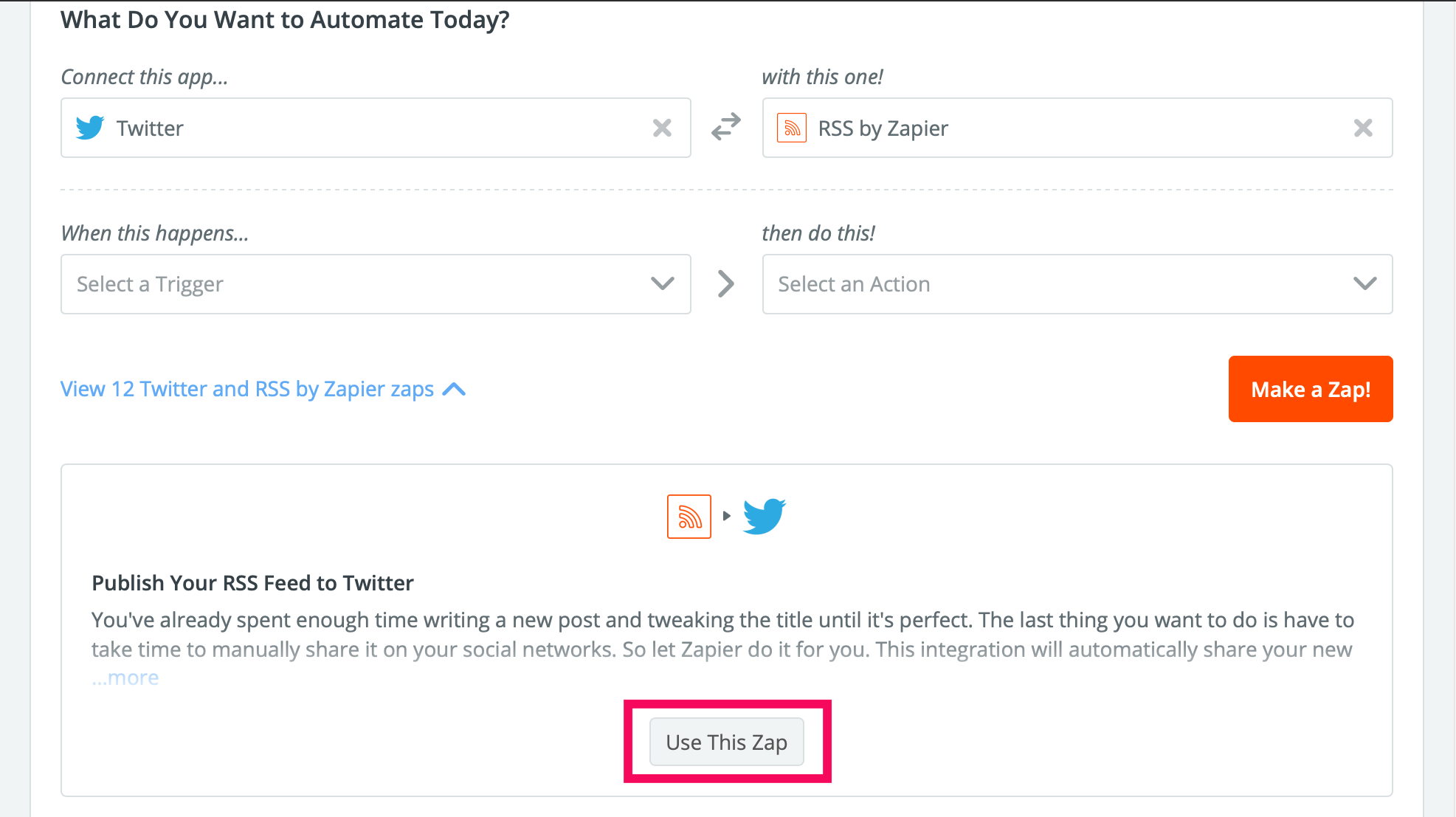
Step 4: Click [Use this Zap] under [Publish Your RSS Feed to Twitter].
Step 5: Click [Continue].
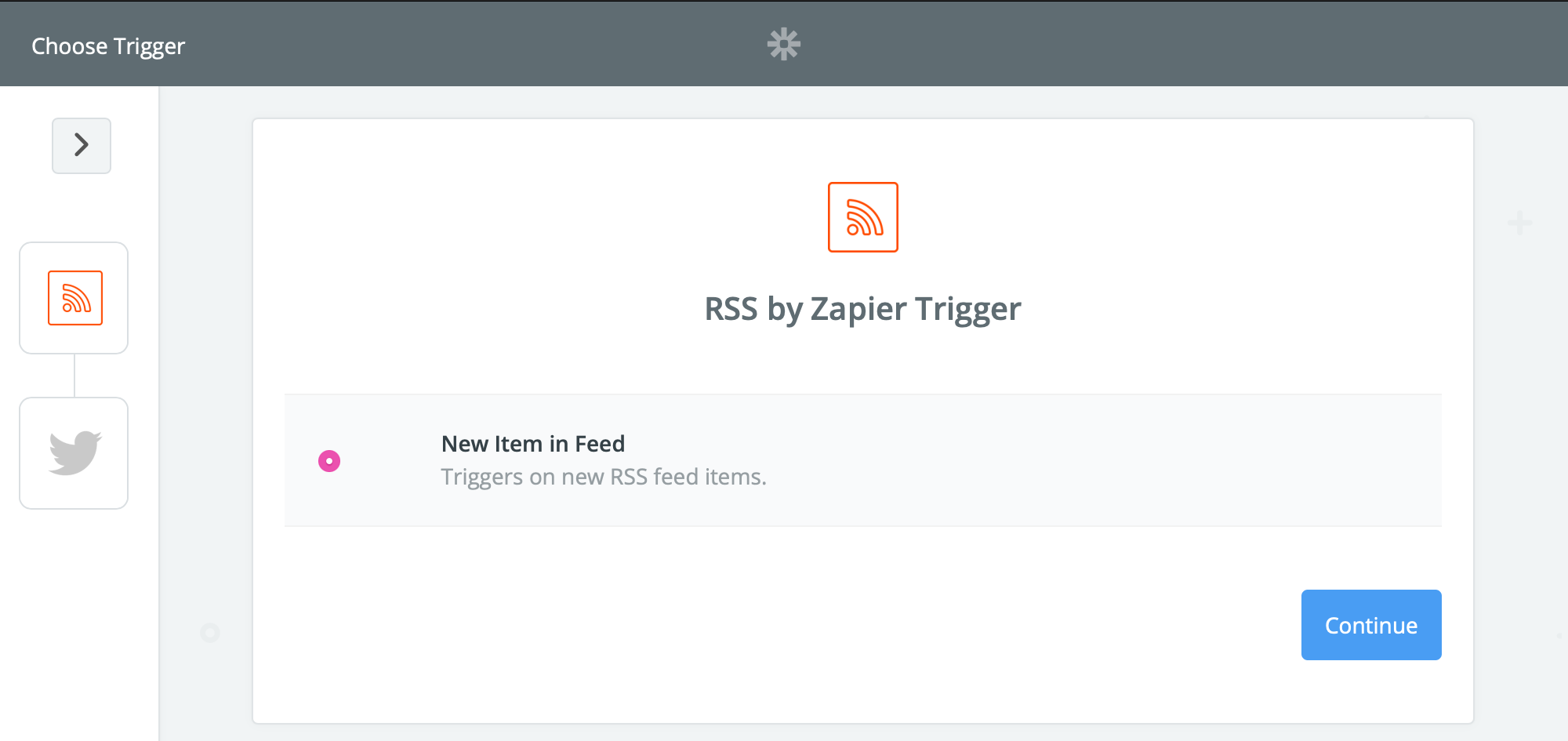
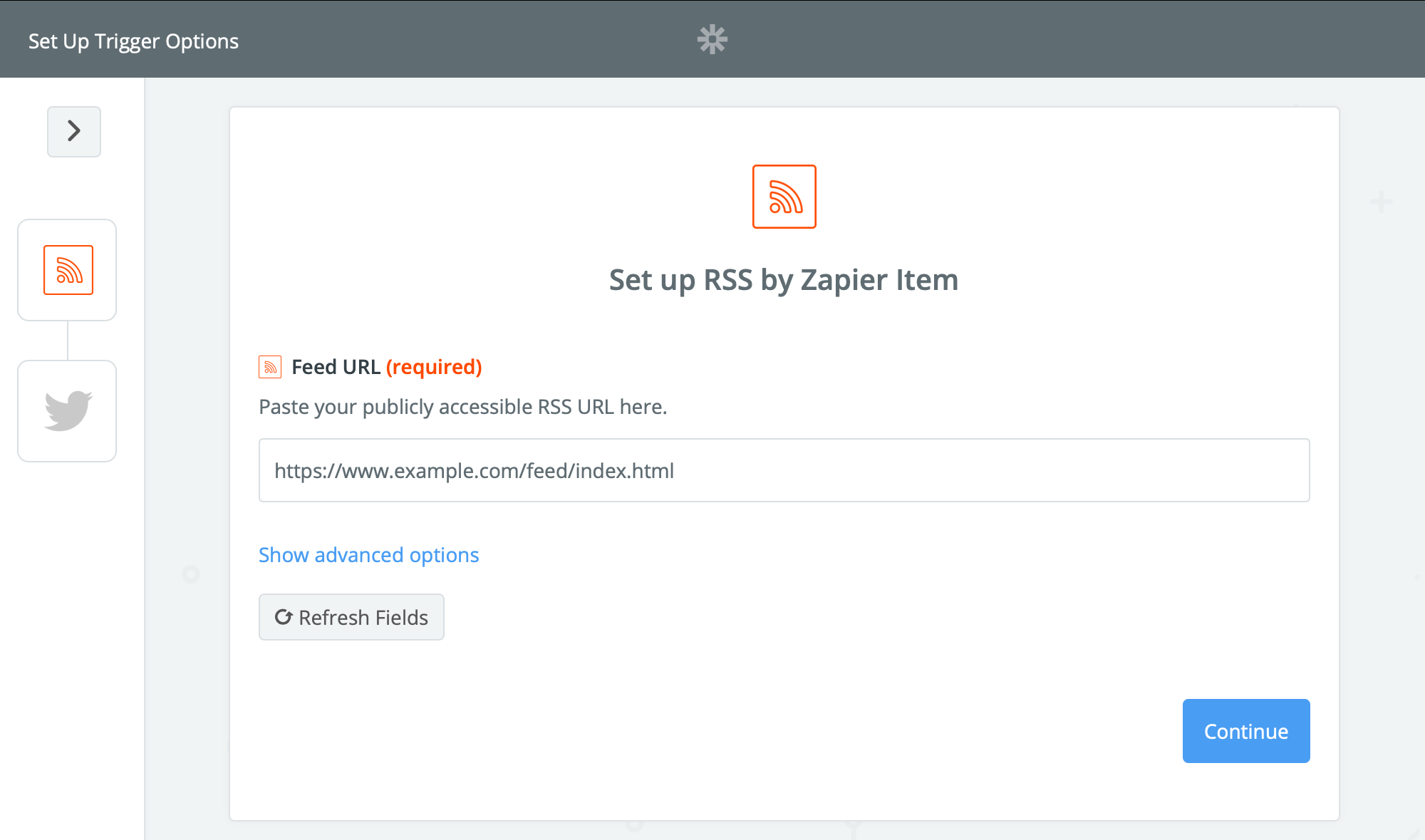
Step 6: Enter the URL of your RSS feed, then click [Continue].
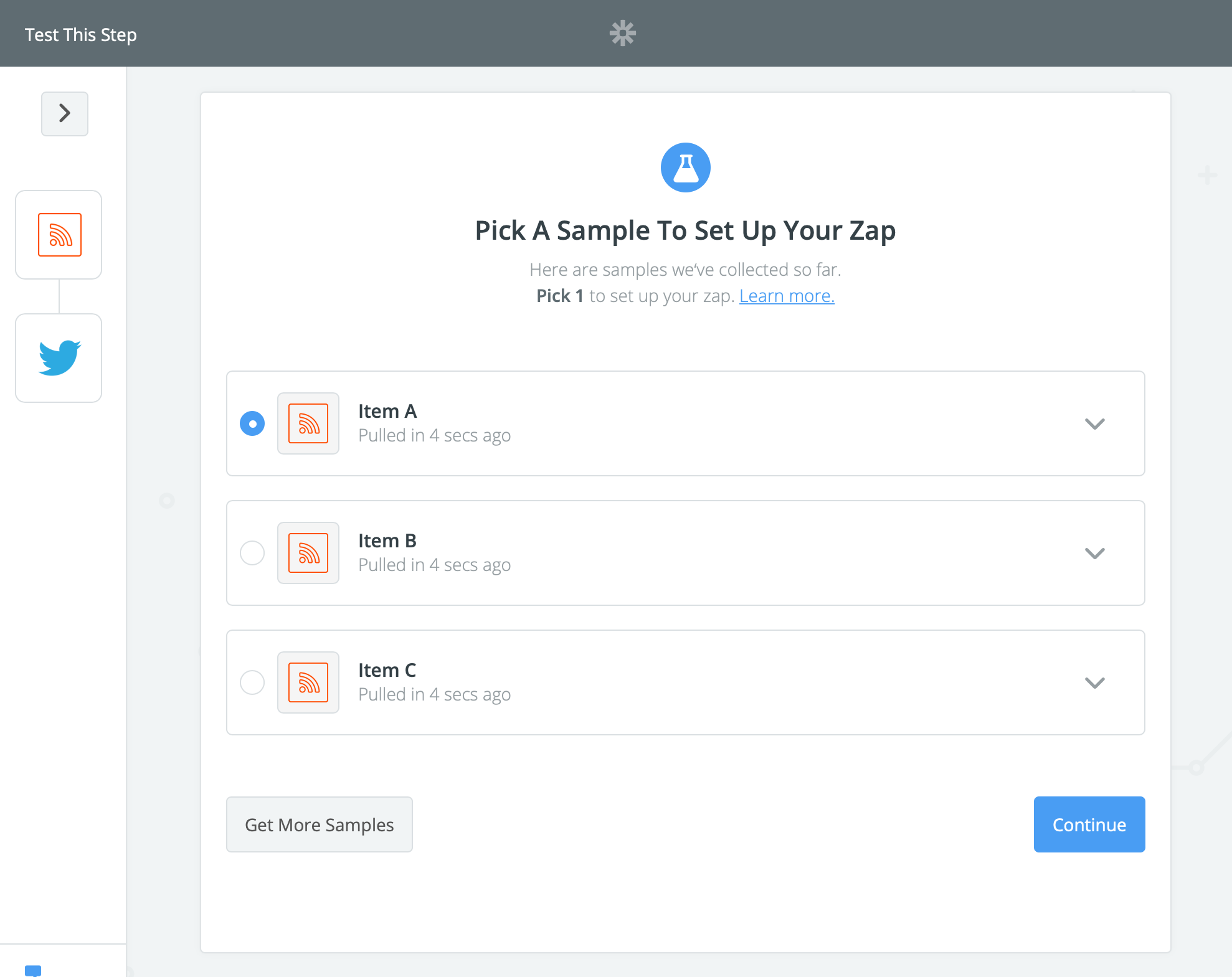
Step 7: Select a sample post, then click [Continue].
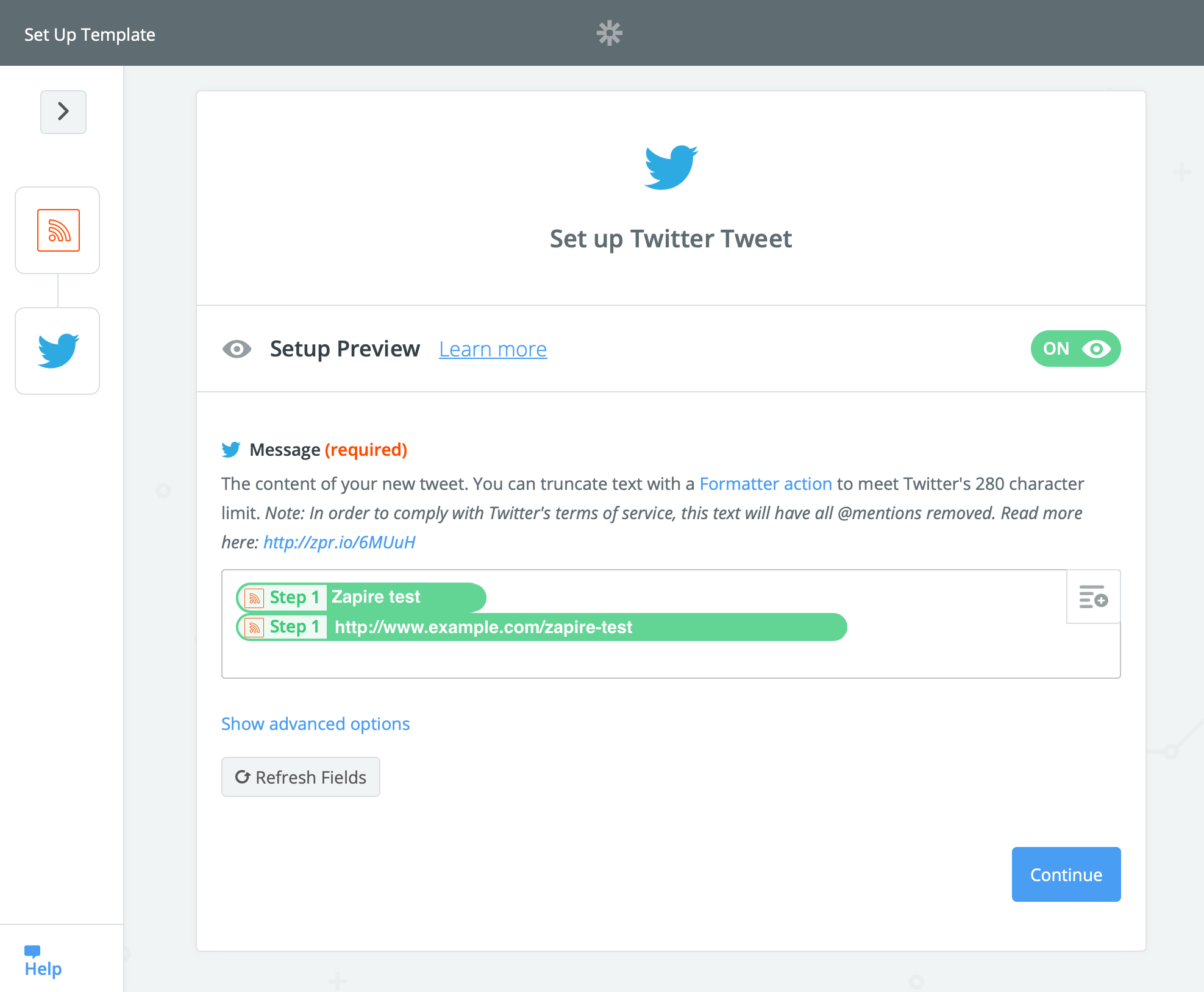
Step 8: Configure the tweet, then click [Continue].
Step 9: Select [Create Tweet], then click [Continue].
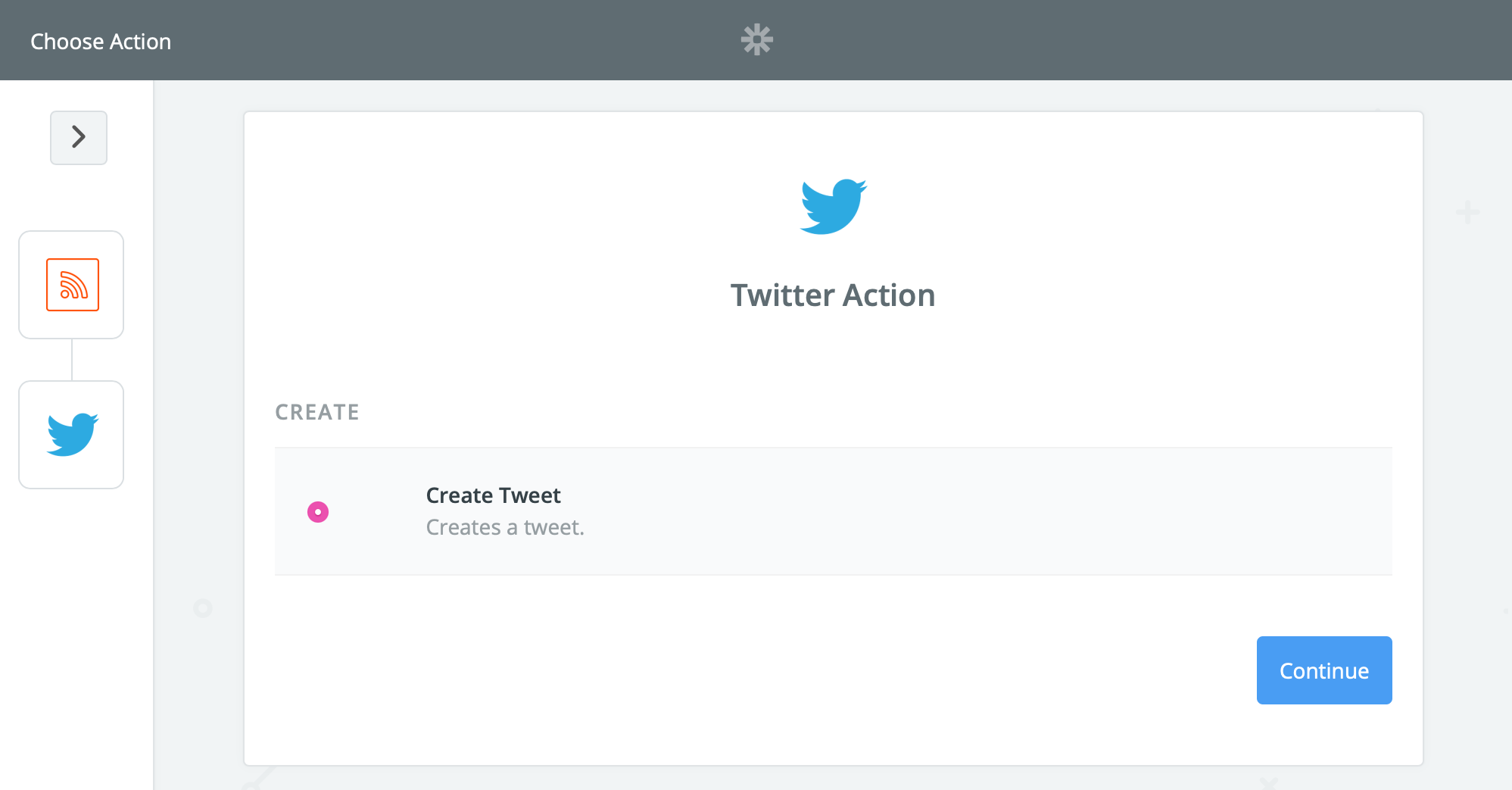
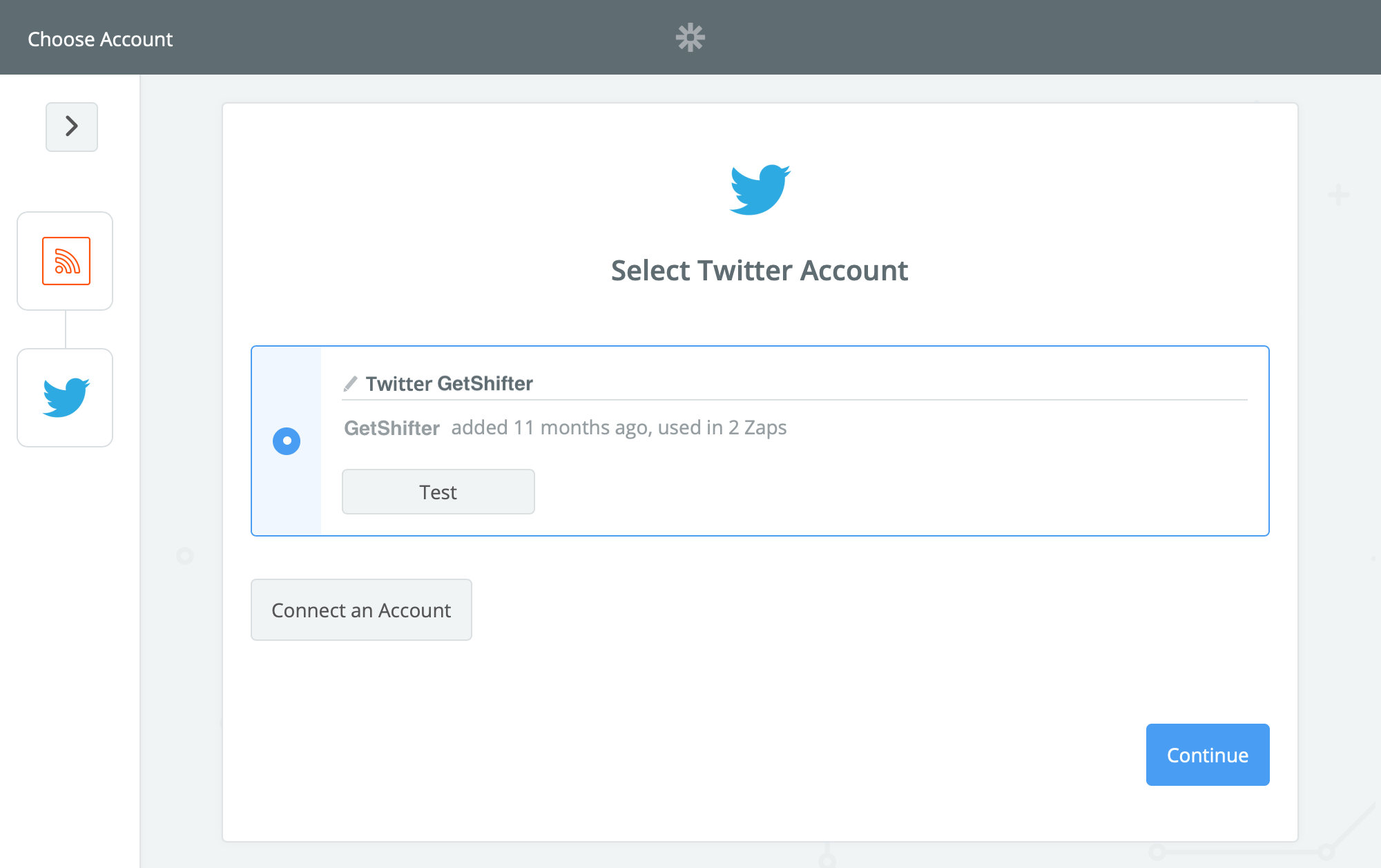
Step 10: Select your Twitter account.
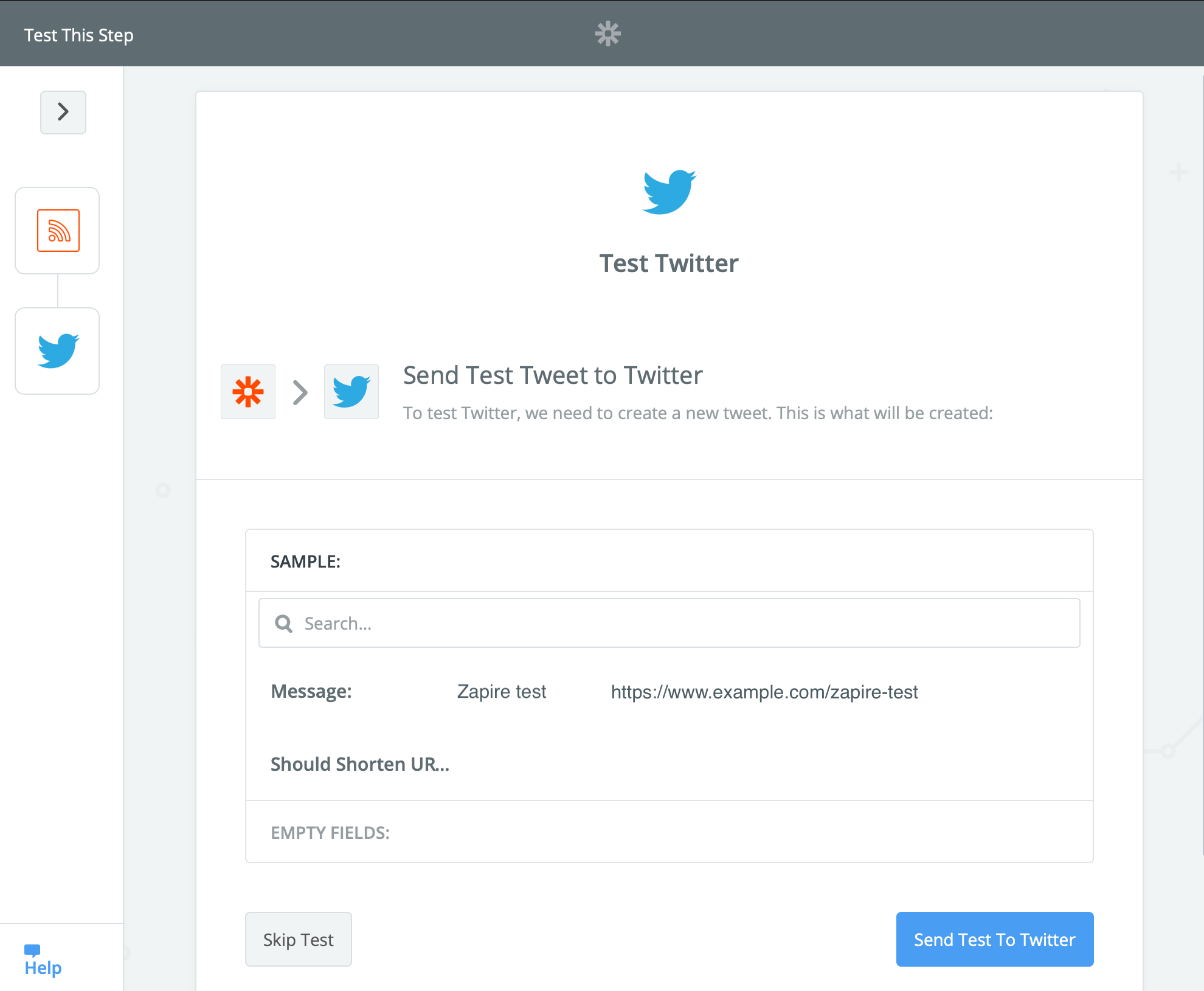
Step 11: Send a test tweet.
Step 12: That’s it! Click [Set it on your dashboard] to save this Zap.