Login to Shifter dashboard
Accessing Team Management
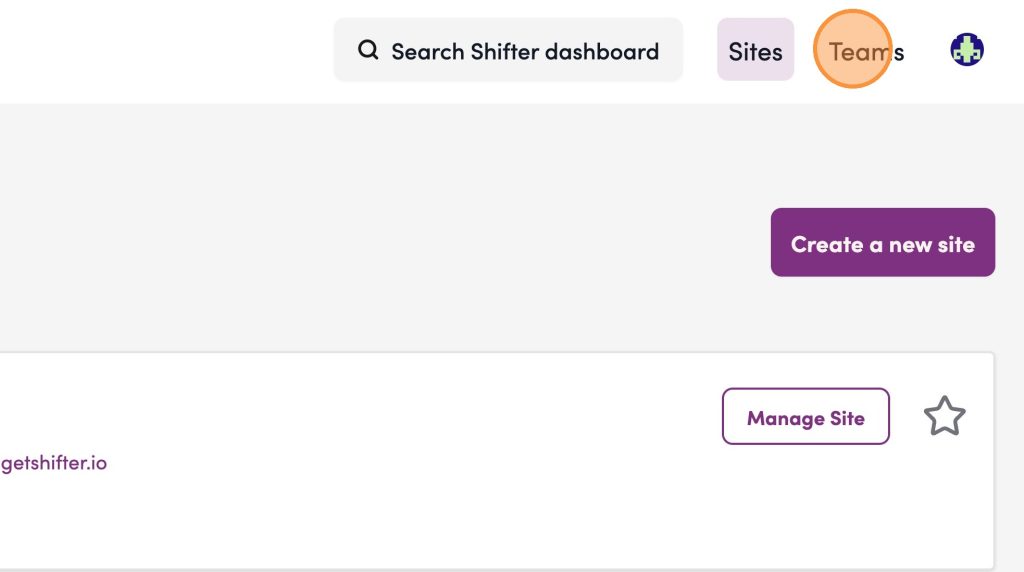
1. Select Teams from the top navigation menu.
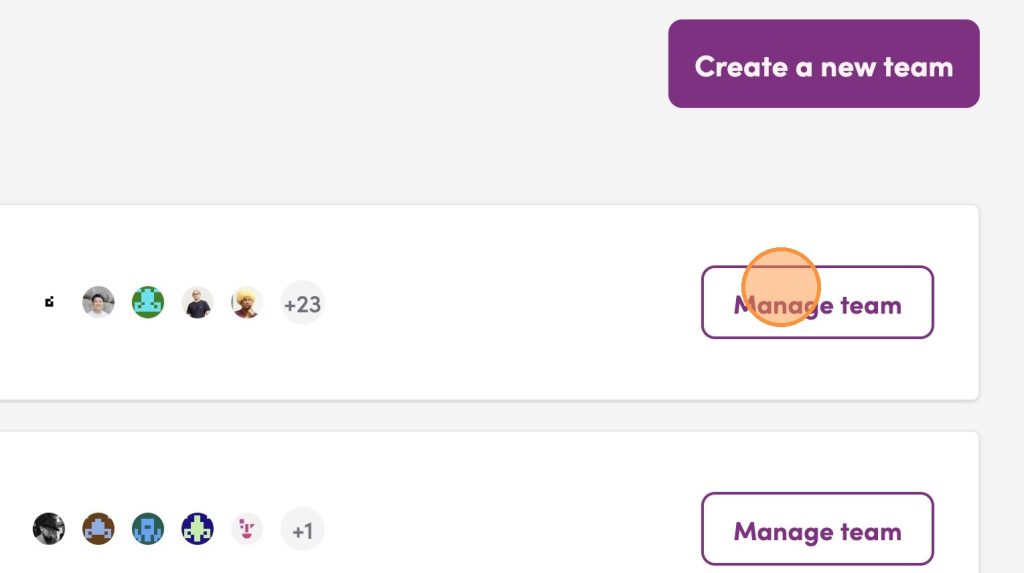
2. Click Manage team for the desired team.
Sending Member Invitations
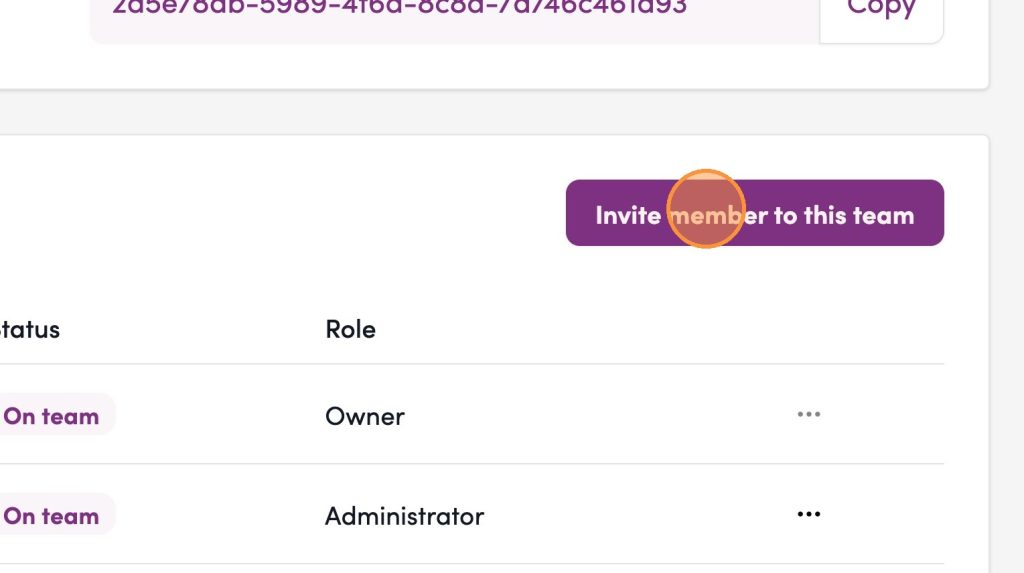
3. Click “Invite member to this team”
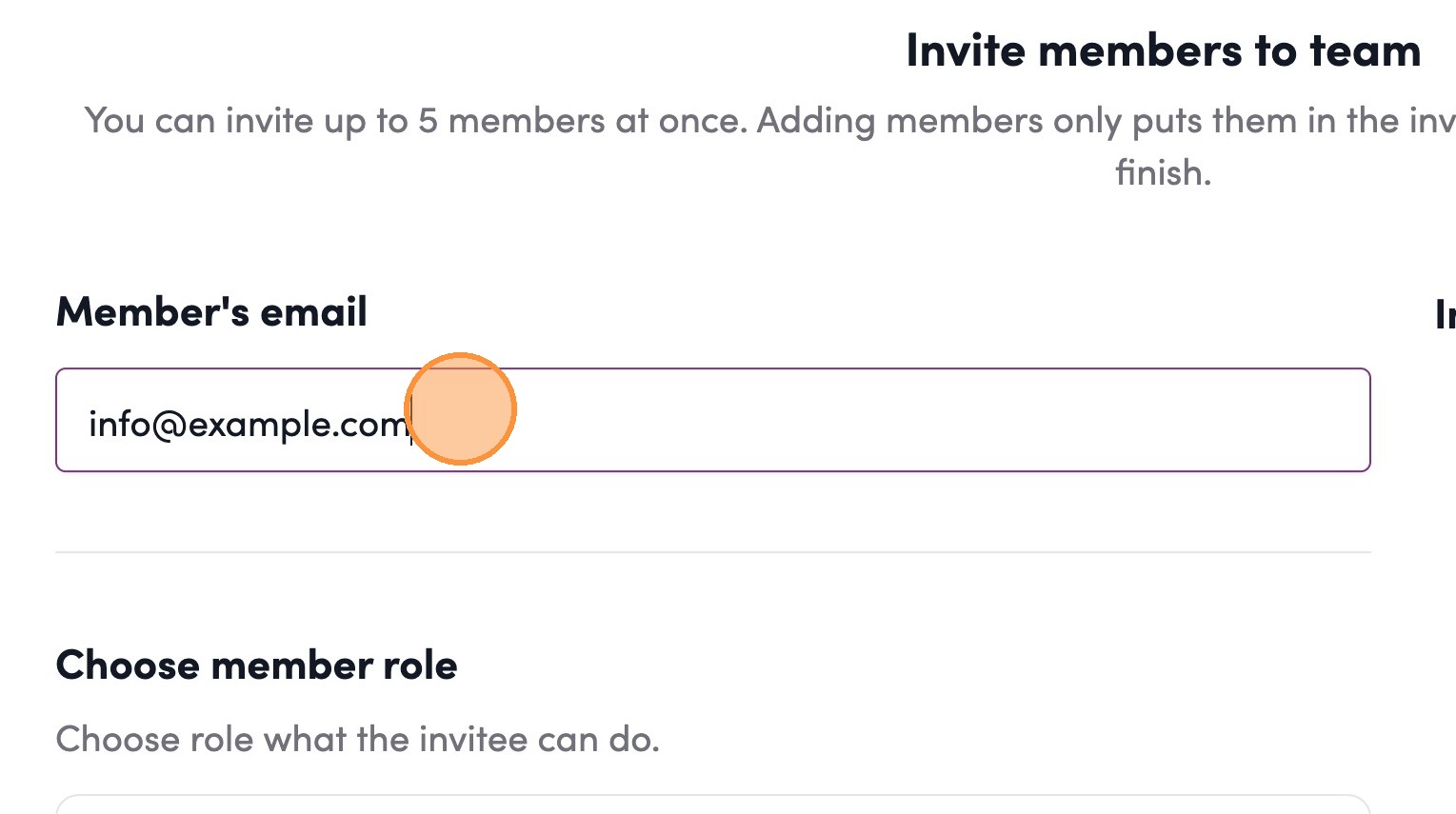
4. Click the “Member’s email” field.
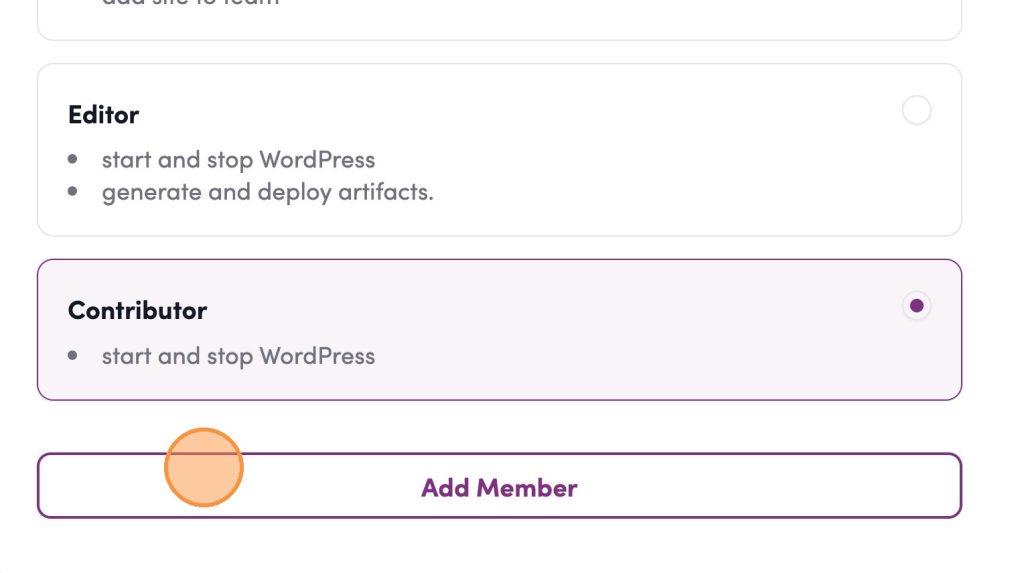
5. Click “Add Member”
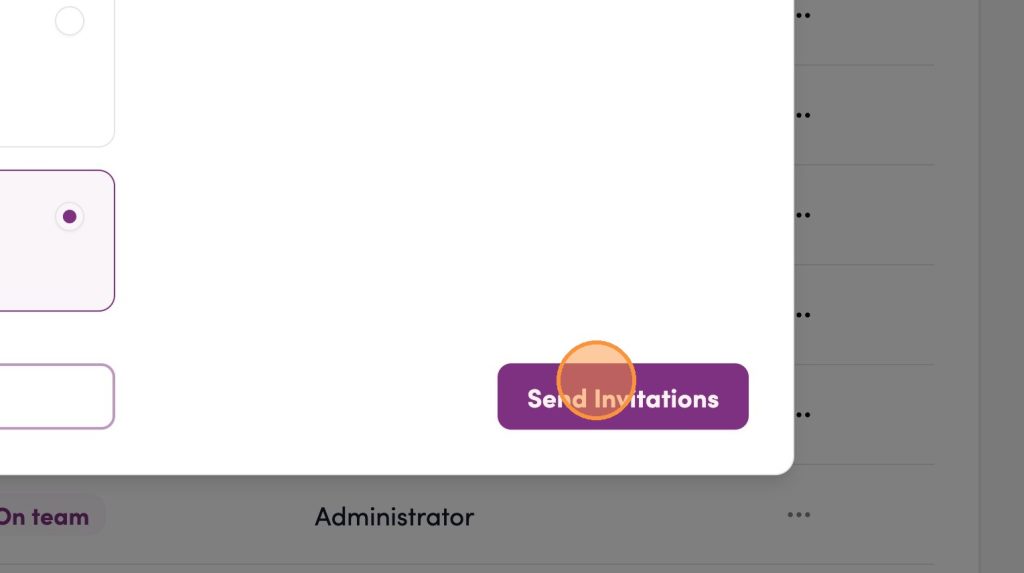
6. Click “Send Invitations”
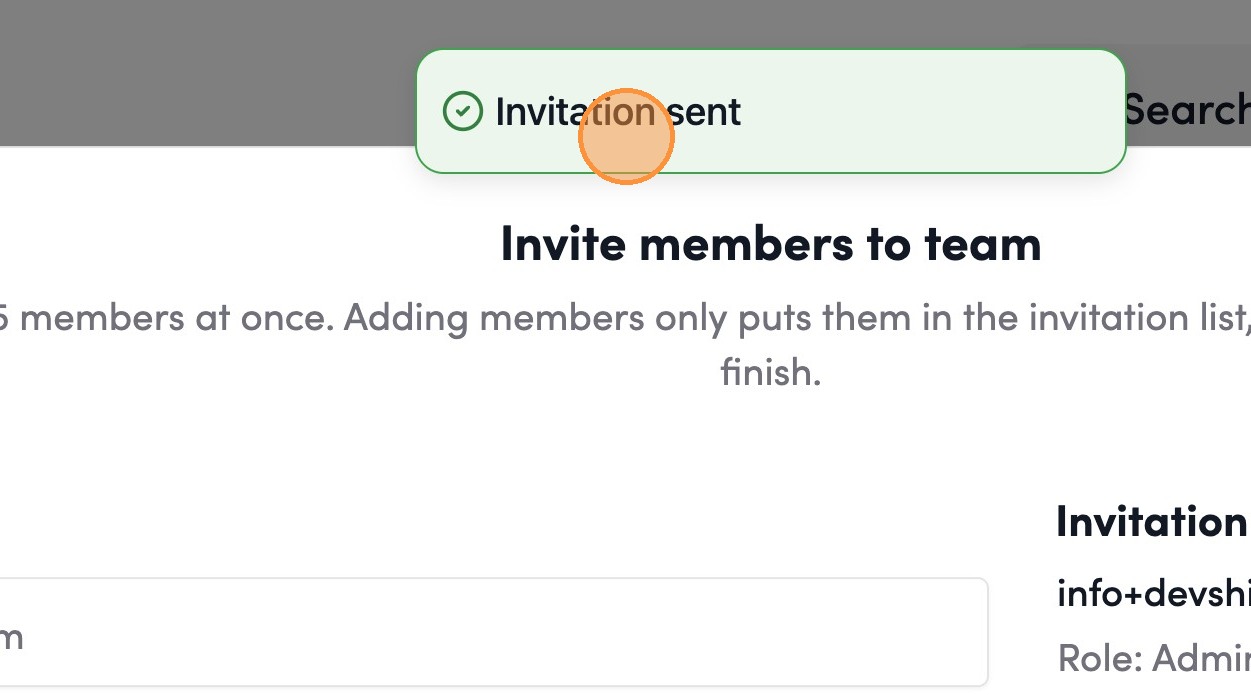
7. Click here.
Accepting Team Invitations
8. Navigate to the Pending Invitations section.
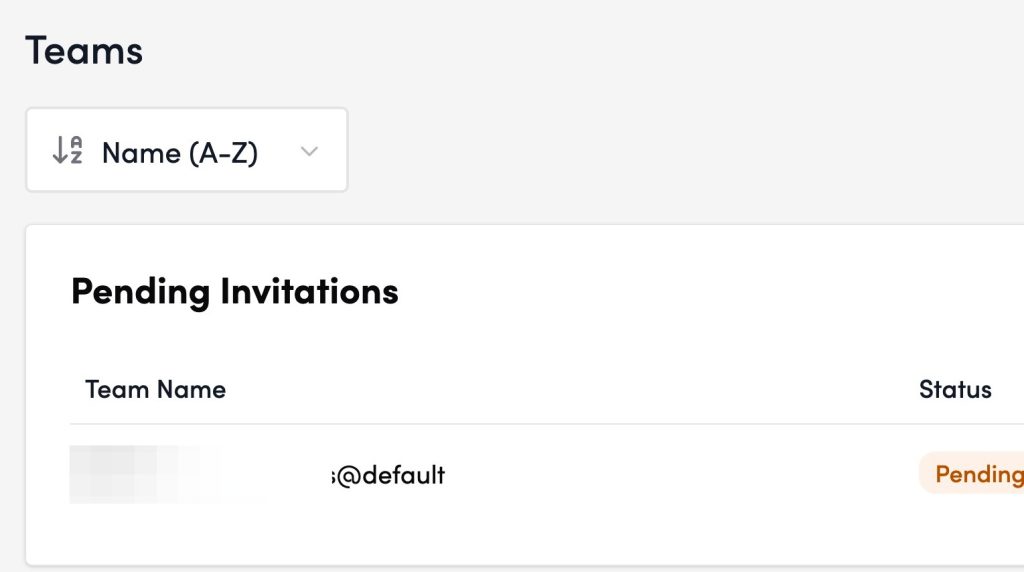
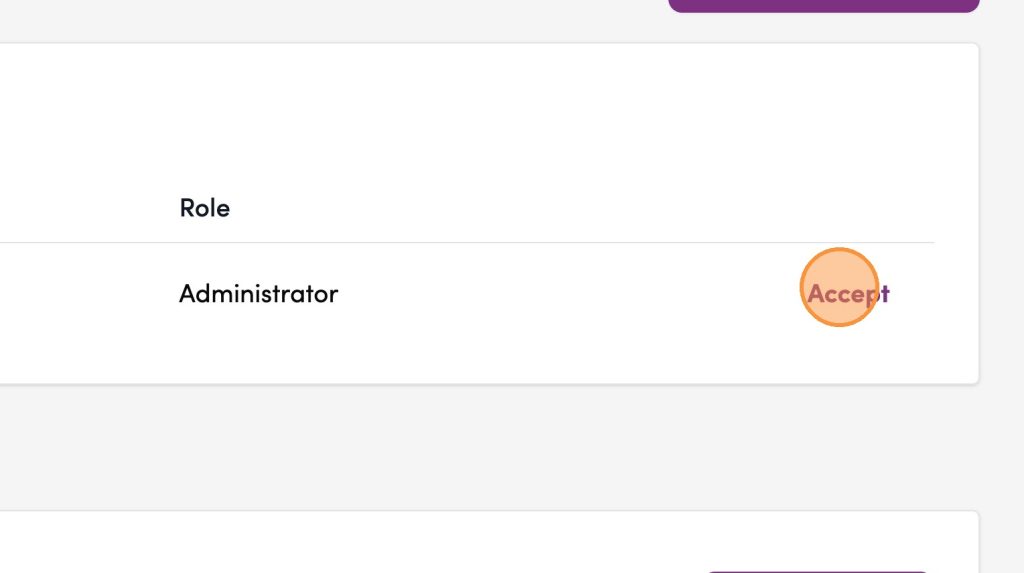
9. Click Accept to join the team.
Status, error and warning
Error
User not found. Check for typos or if the invited user has an account.
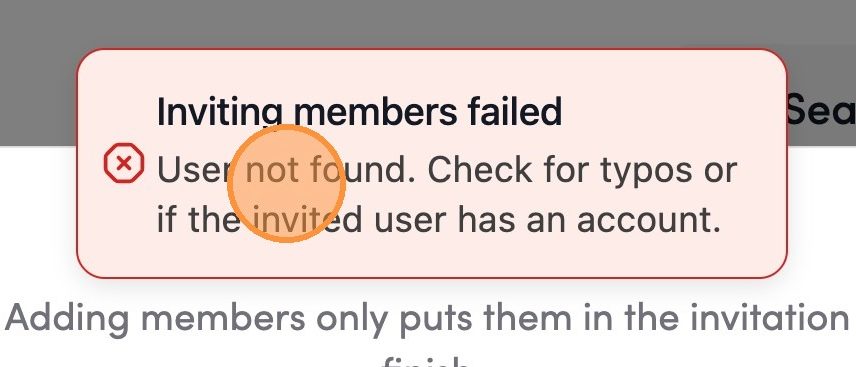
Please check whether a Shifter account has been created in advance using the destination email address, and whether the destination email address is correct.
Status of invited members
- Pending: Invitation completed. Waiting for invitation approval.
- Approved: Invitation has been approved. The member has been approved and has joined your team.