If you no longer need a site, or you wish to move your site away from Shifter, you may wish to delete your site. Before doing so, there are a couple of things to note:
This process will fully delete your site and all of its associated data. This cannot be reversed.
Your site will be deleted, but your Shifter account will remain active. If you wish to delete all of your sites and close your account, please see the article How to close your account.
1. Navigate to https://go.getshifter.io
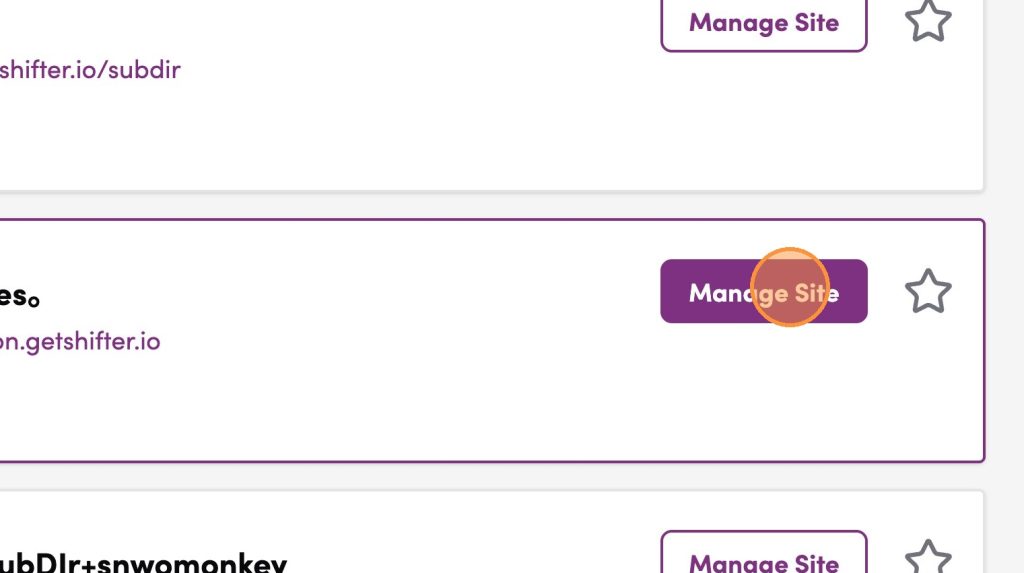
2. Click “Manage Site”
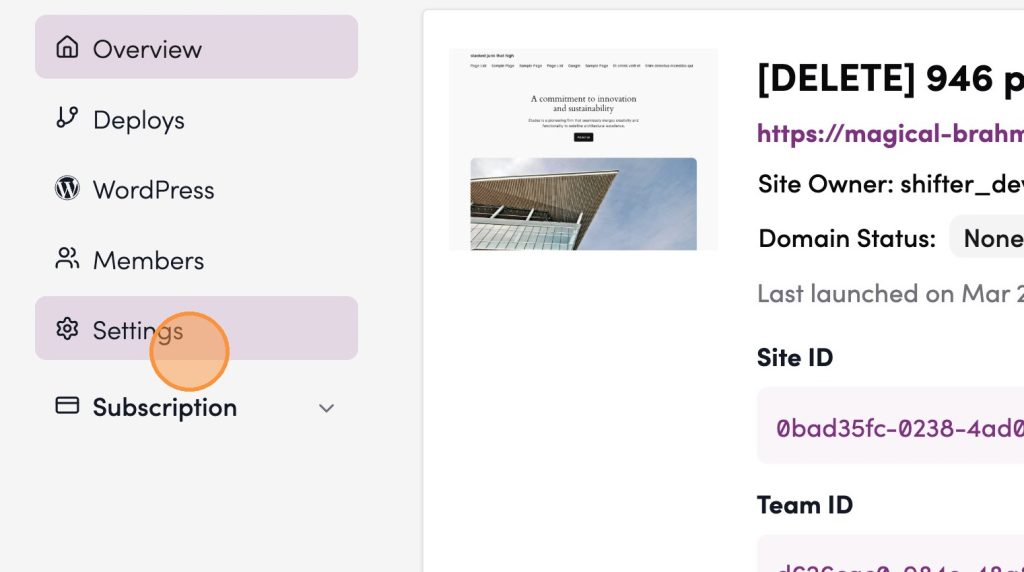
3. Click “Settings”
4. Remove any associated custom domains
Click “Domain” from your site menu, then click the [Detach domain] button

5. Disable “Delete Protection” if it’s enabled
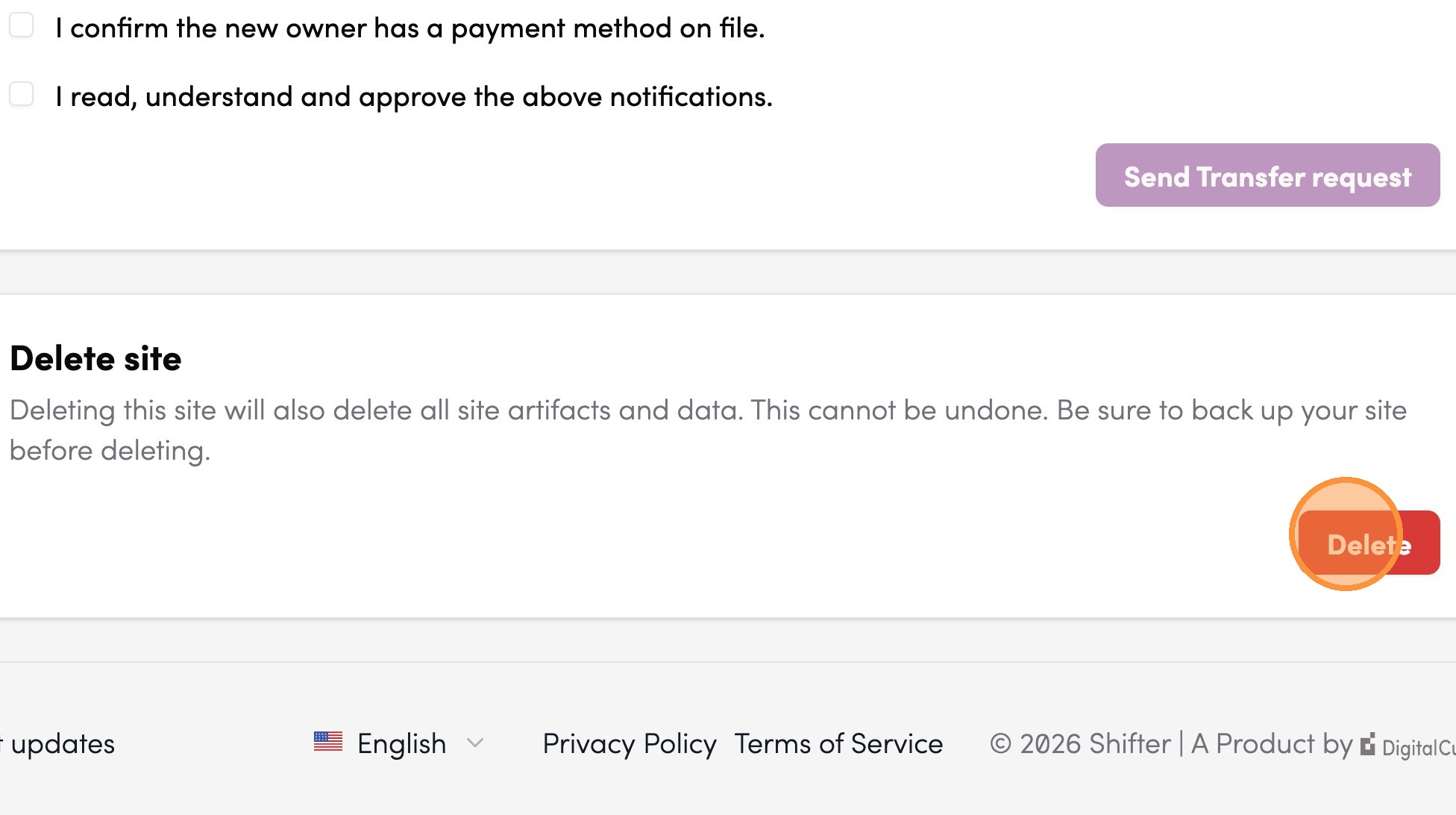
6. Click “Delete”
7. Type delete to confirm
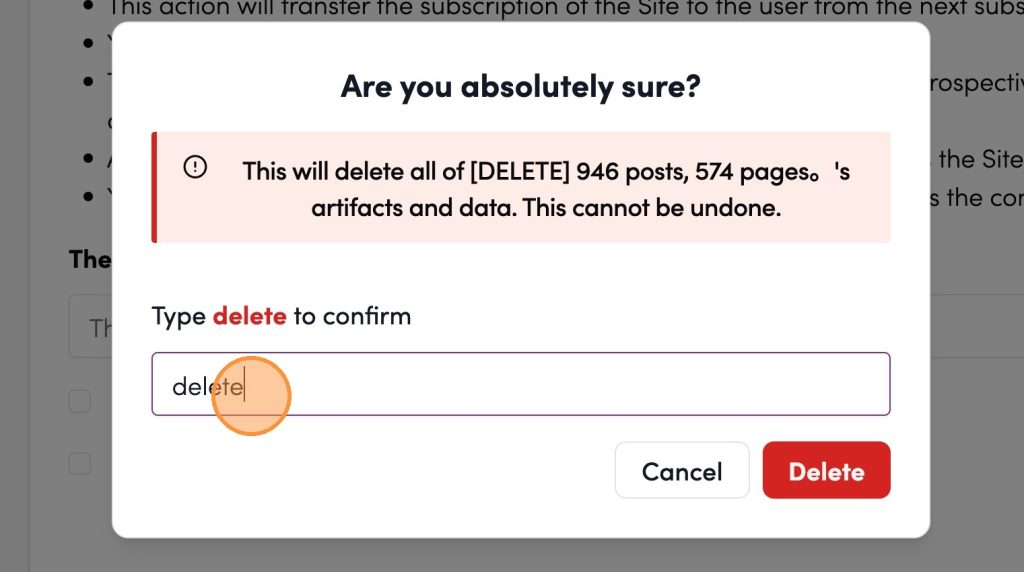
8. Click “Delete”
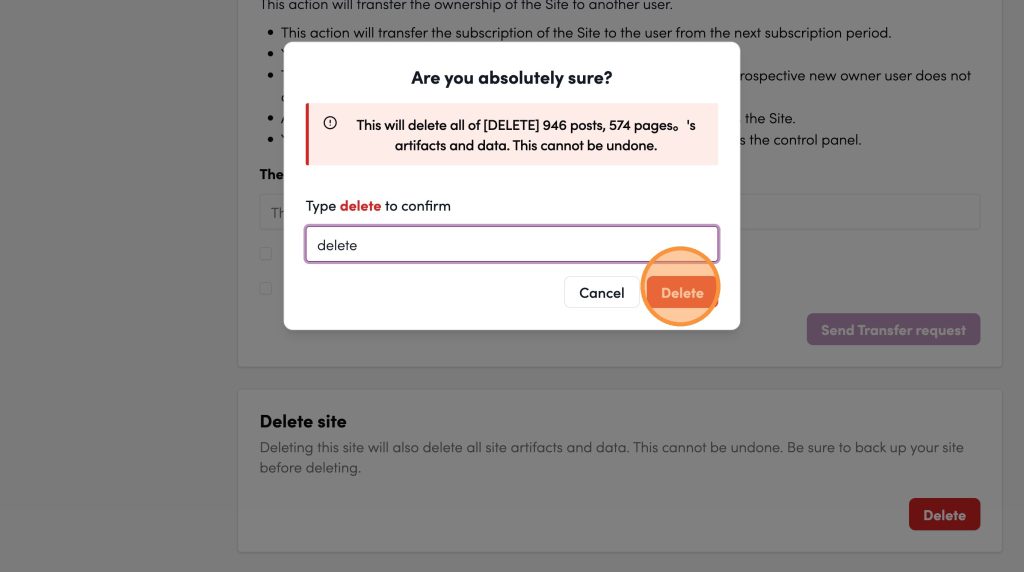
9. Delete the site successfully

note
If an error message appears, “Failed to delete the site”, please check Step 2: “Remove any associated custom domains” section.